26. February 2024 © Copyright 2024, PROCEQ SA 66
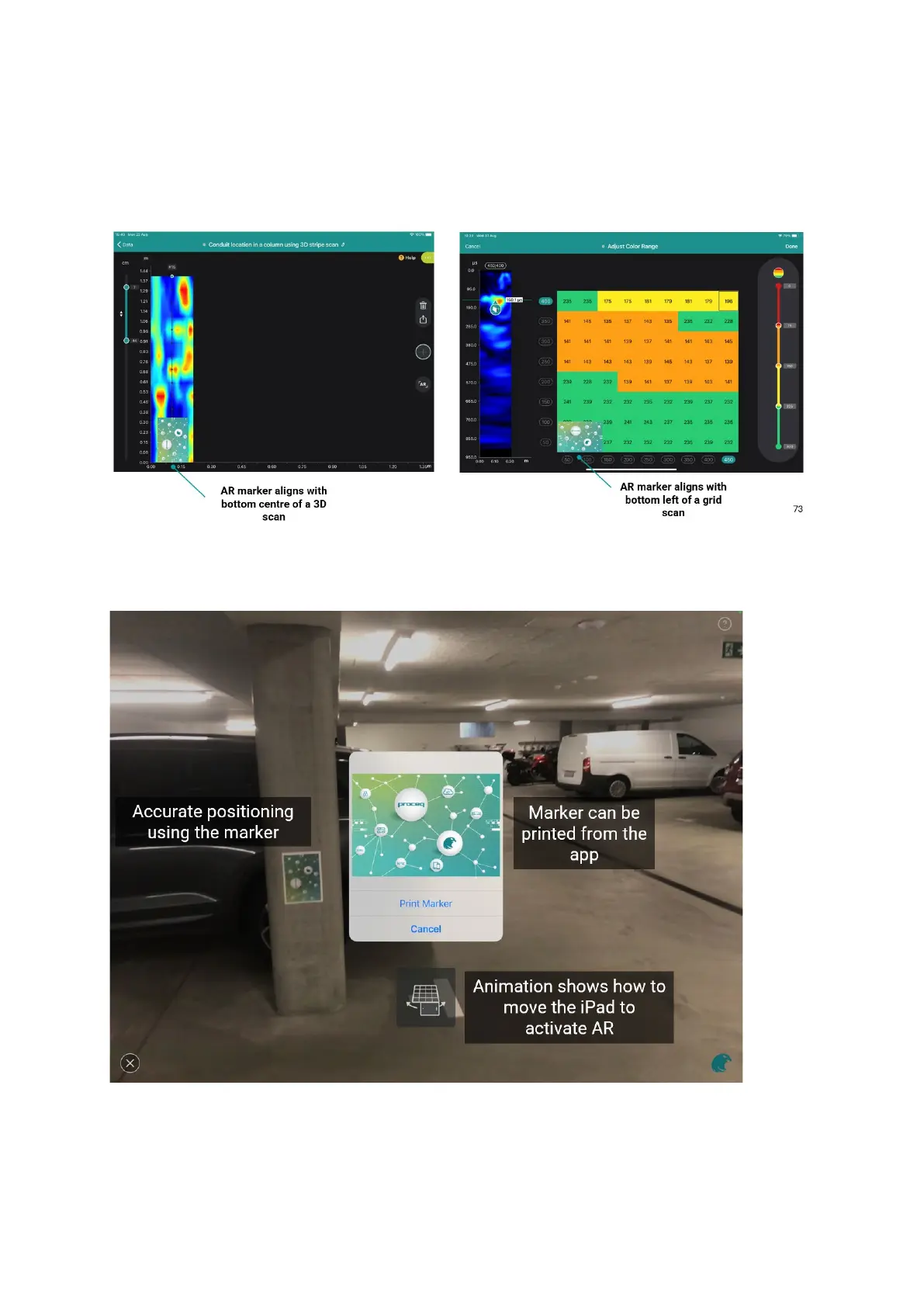
Then, you need to place the printed AR marker onto the surface at the right location. Please
be careful to position this marker as indicated in the images below.
The marker is available in the PD8050 kit, but it can also be downloaded from the PD8050
website or directly from the app.
Figure 82: AR marker.
Figure 83: AR marker.
The time slice view will be projected onto the concrete surface in the correct position.



 To Next Page