EasyManua.ls Logo

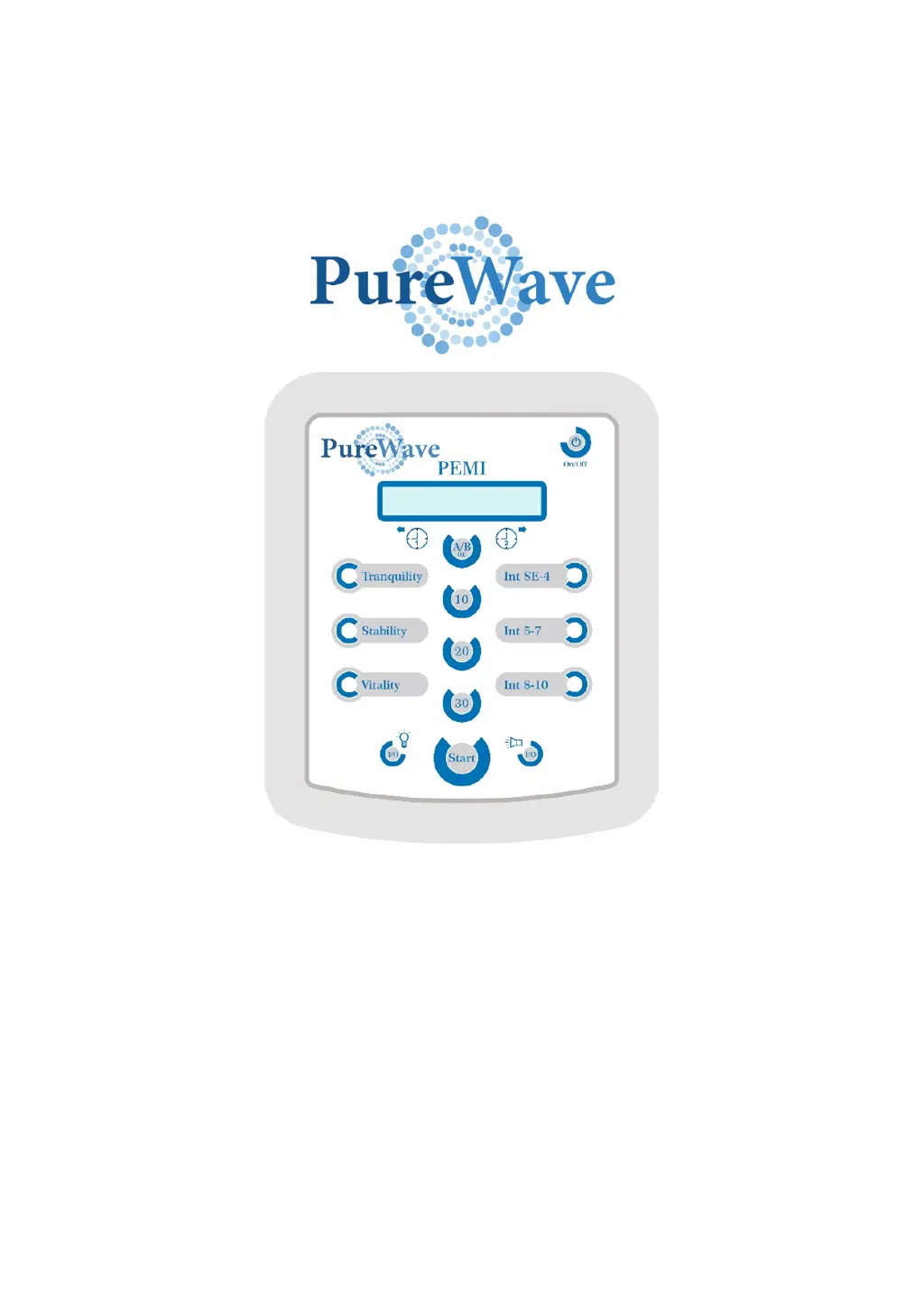
PUREWAVE PEMI - User Manual

PUREWAVE PEMI
28 pages
Print Icon
To Next Page IconTo Next Page
Loading...
USER MANUAL
Purewave | 1014 Gateway Blvd | Boynton Beach | Florida 33426
phone: 561-342-1999 | email: info@purewavenlife.com | web: purewavelife.com
PureWave has taken care in preparation of this manual, but makes no expressed
or implied warranty of any kind and assumes no responsibility for errors or
omissions.
All rights reserved. No part of this manual may be reproduced, in any form or by
any means (electronic, mechanical, or otherwise) without the prior written
permission of PureWave.

Questions and Answers

  • S
    suemccarthyAug 7, 2025
    What to do if my PUREWAVE Medical Equipment device won't turn on?
    • T
      Tamara MillerAug 7, 2025
      If your PUREWAVE Medical Equipment device cannot be turned on and the display remains dark, first ensure the socket and AC cord are properly conducting line voltage. If they are, inspect the AC fuse. If the issue continues, it may require assistance from a service partner.
  • G
    Gabrielle JohnsonAug 14, 2025
    Why does the time setting menu appear every time I turn on my PUREWAVE Medical Equipment?
    • R
      Ryan VargasAug 14, 2025
      If the menu to set the time appears every time your PUREWAVE Medical Equipment device is turned on, it means the control unit’s clock battery is empty and needs replacing. This battery typically lasts over 5 years. Please contact your service partner for assistance.
  • M
    martinezmichelleAug 19, 2025
    Why is there a permanent alarm after connecting PUREWAVE Medical Equipment to the power supply?
    • C
      Cindy SmithAug 19, 2025
      If a permanent alarm signal sounds after connecting your PUREWAVE Medical Equipment device to the AC power supply, it indicates that the control unit’s program memory has the wrong content. Please contact your service partner.
  • C
    christopherlongAug 26, 2025
    What to do if PUREWAVE PEMI applicator does not conduct current?
    • J
      justin85Aug 26, 2025
      If your PUREWAVE Medical Equipment applicator does not conduct current, ensure the applicator is correctly connected and tightened. If possible, test another applicator on the device connection. If there's visible mechanical damage, contact your service partner or distributor, as the applicator or its connection cable may be defective due to rough handling.
  • S
    Sherri LarsonAug 31, 2025
    What to do if therapy could not be started on PUREWAVE Medical Equipment due to communication problem?
    • J
      jenniferfrancisAug 31, 2025
      If the PUREWAVE Medical Equipment therapy could not be started due to a communication error within the device, please contact your service partner.

Summary

1. Introduction to PureWave PEMI

1.1 Intended Use and Benefits

Describes the purpose and benefits of the PureWave PEMI System.

1.2 Device Buttons and Display Overview

Explains the function of each button and the information shown on the device's LCD screen.

2. Getting Started with PureWave PEMI

2.1 Setup and Power Connection

Instructions for moving, assembling, and connecting the device to power.

2.2 Connecting Applicators and Powering On

Guidance on connecting therapy applicators and powering on the system.

3. Functional Characteristics

3.1 Basic Device Functions

Overview of fundamental operational features like applicator selection.

3.1.1 Display Light and Speaker Settings

Instructions for controlling the screen backlight and sound notifications.

3.1.2 Time, Date, and Language Configuration

Step-by-step guide to configuring the device's clock, date, and user interface language.

3.1.3 Restoring Factory Default Settings

How to reset the device to its factory default configuration.

3.2 Therapy Functions

Performing a PEMI Therapy Session

Details the steps for selecting program, intensity, and duration for a therapy session.

3.2.1 Fine-Tuning Intensity and Duration

How to adjust intensity and duration settings precisely.

3.3 Timer Mode Operation

Programming Automatic Therapy Timers

Steps for activating and setting the automatic timers for therapy sessions.

4. Applicators and Magnetic Field Properties

4.1 Applicator Types, Usage, and Guidelines

Details on the Target Pad/Pillow, dosage guidelines, and online resources.

5. PEMI Magnetic Field Therapy Explained

Understanding the Three PEMI Program Modes

Details the Stability, Tranquility, and Vitality programs and their applications.

6. Troubleshooting and Error Handling

6.1 Interpreting Display Error Messages

Explains common error messages and their causes.

6.2 Timer Therapy Error Codes

Lists and explains error codes specific to timer-based therapy.

6.3 Addressing Further Error Situations

Covers other error symptoms and their potential causes/remedies.

7. Maintenance and Safety Checks

Device Safety Controls and Periodic Checks

Outlines requirements, regulations, and recommendations for device safety.

8. Safety Precautions and Contraindications

8.1 Security, Children, and Reactions

Safety info on magnetic field range, use on children, and potential reactions.

9. Technical Data and Symbols Explained

Device Specifications and Environmental Data

Details technical specifications and operating environmental requirements.

PUREWAVE PEMI Specifications

General IconGeneral
BrandPUREWAVE
ModelPEMI
CategoryMedical Equipment
LanguageEnglish