PureWave PEMI User Manual | 06-23 V1.0 Page 8 from 28
PureWave PEMI User Manual
Please contact an authorized service partner in case of doubt after a failed/blown fuse or
after multiple failures of a blown fuse have occurred.
2.3. Connecting the applicator
Please connect 1x or 2x of the applicator(s) (pillow, mat, pen, goggle, headphones) to the 15-pole jack(s) on the
back of control housing (submin-D).
The applicator’s 15-pole jacks are provided with 2 thumb screws for attachment. It’s
best to plug in applicators without tightening screws. Never apply tools to the attachments.
2.4. Turning on the device
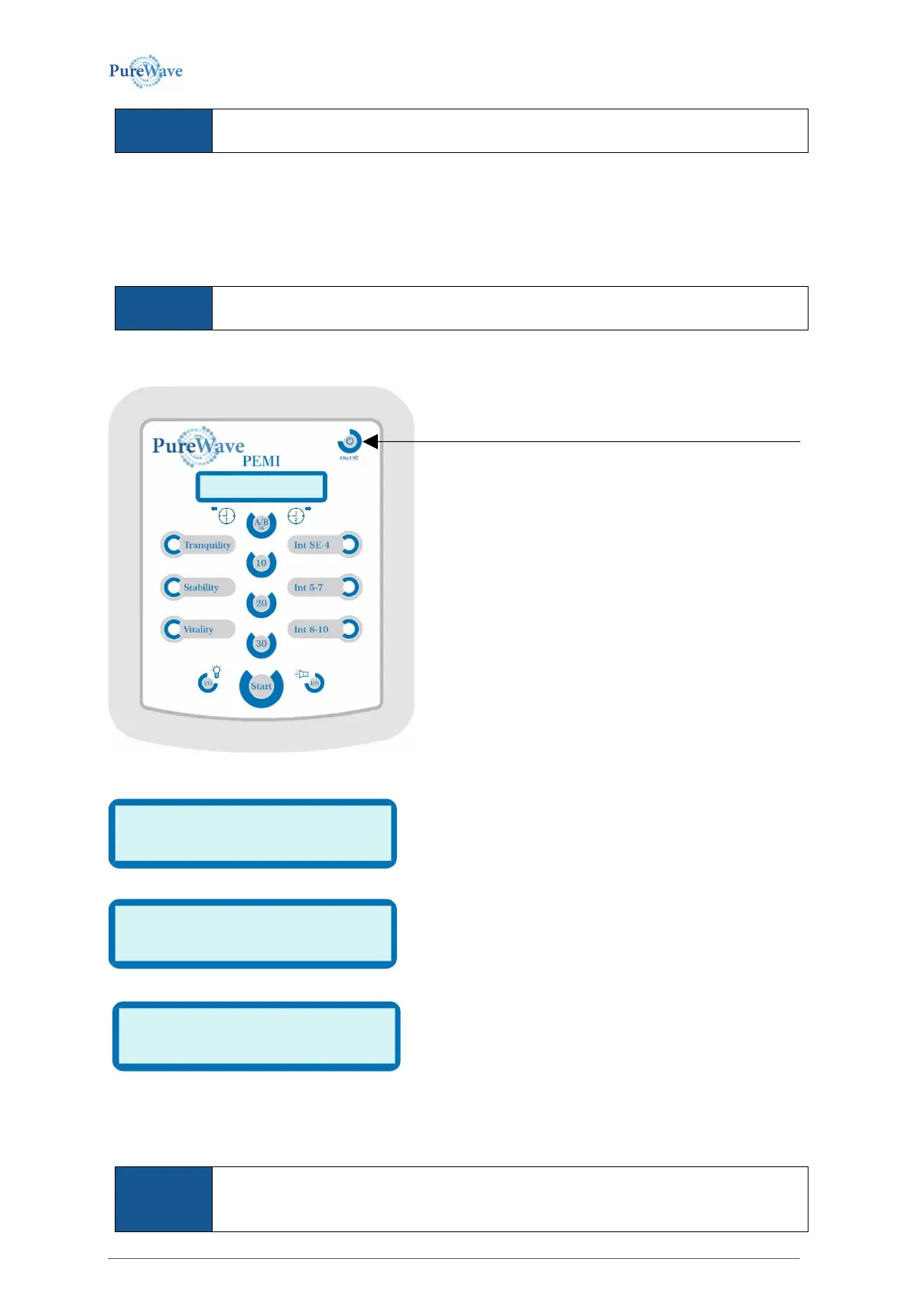
The display shows the following text
V1.5 is the current software version’s label and may change
during the device’s development cycle.
The device now performs an automatic function test.
In case of grave errors the display shows an error code (see
chapter 6, Troubleshooting).
If everything works properly, the display will show
If required please adapt application-specific settings
(see chapter 3.1).
The device is now ready for operation, it displays the last operating state/settings, and waits for your input
(select new settings or just press START to run previous run settings).
Purewave PEMI comes with a time-out, turning the device off 8 minutes after not having
been used (8 minutes after the end of therapy or 8 minutes after the last button-click). After
this shutdown, the device has to be restarted as described above.
To switch on the device please press the On/Off button.


 To Next Page