PureWave PEMI User Manual | 06-23 V1.0 Page 10 from 28
PureWave PEMI User Manual
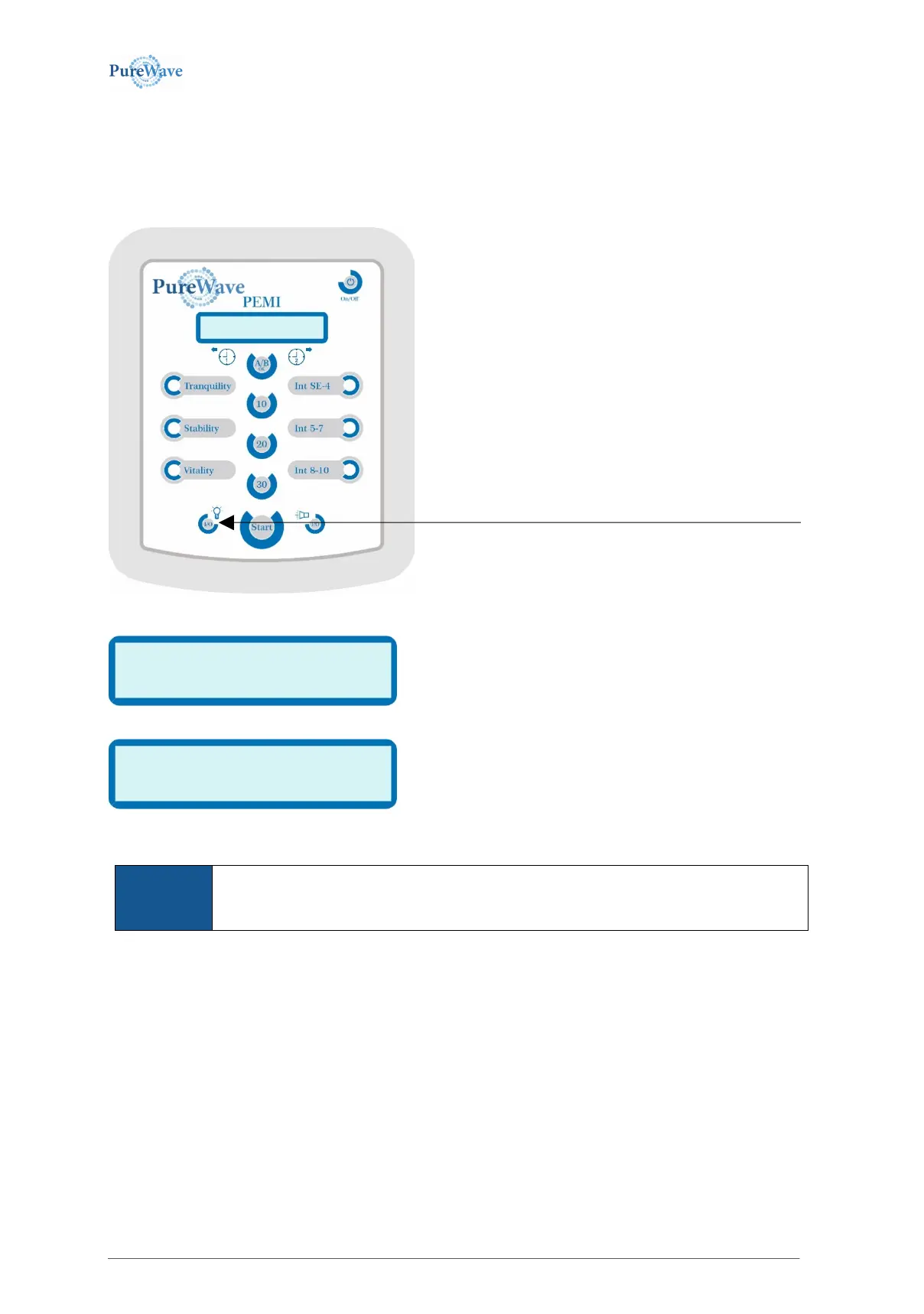
3.1.2 Turning the display light on/off
The display’s backlight may be turned on or off. If it is turned on, it stays active during the whole operation. If it is
turned off, the display will light up for every button push operation, but shuts off independently after one
minute.
Depending on its status one of the following displays will appear:
or
These are always visible for 1.5 seconds before returning to the previous status. If the I/O-
button is being pressed while the display shown above is visible, the display light’s status will
be changed, i.e. the switched on display light will be turned off and vice versa.
The backlight status may be checked by simply pressing the I/O-button.


 To Next Page