Enforcer Programming Manual
Page: 30
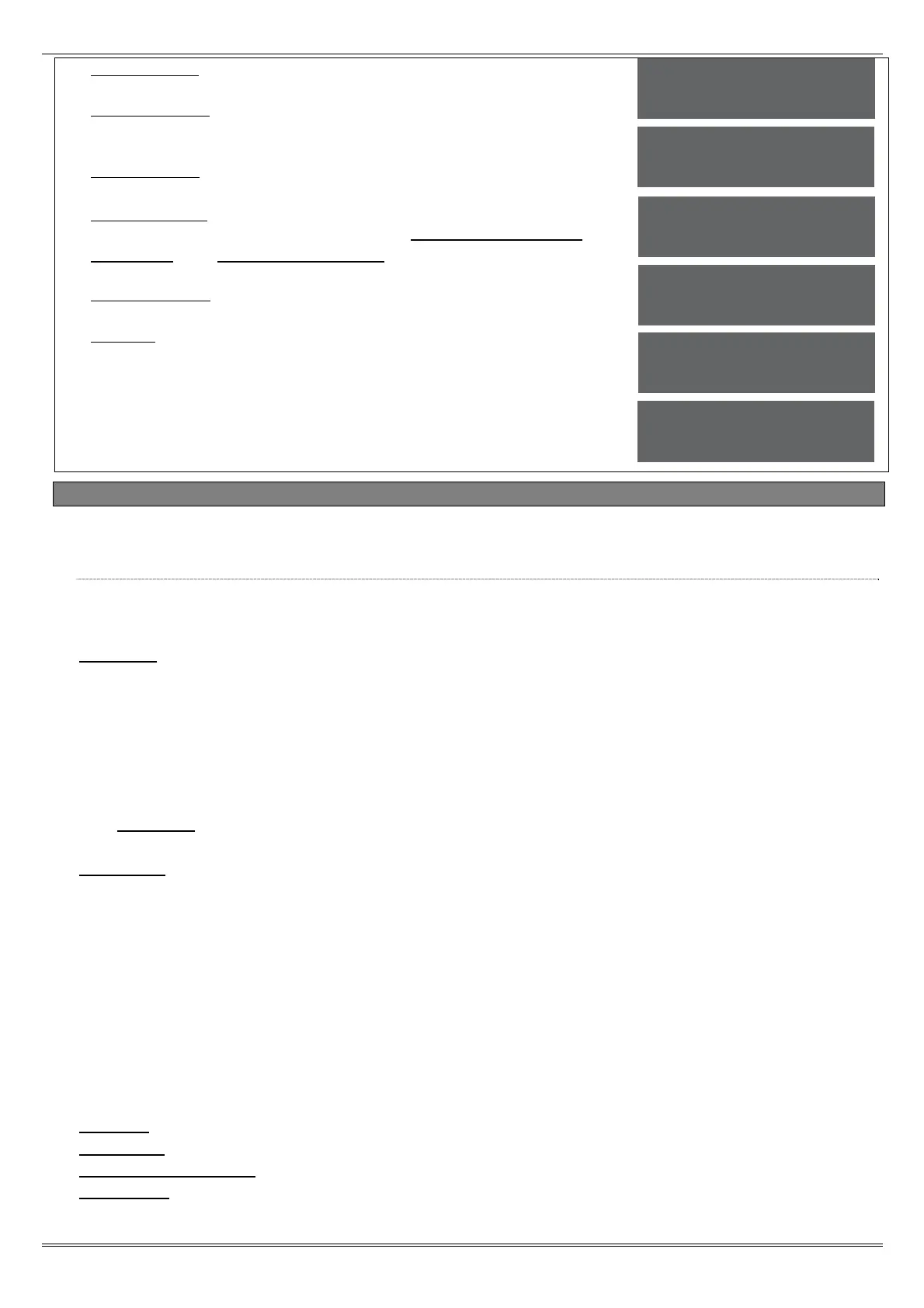
8. 'Prefix Tel No' will be displayed. Enter any prefix number if
required and press .
9. 'ARMPC Tel No' will be displayed. If 'Automatic Remote
Maintenance' is being used, enter the PC modem number here and
press .
10. 'Program PCs' will be displayed. Select the PC number and press
. Enter the modem number and press .
11. 'Signal Alarms' will be displayed. Use [ or ] to enable or
disable the signalling events. Repeat for 'Signal Faults', 'Signal
Set/Unset' and 'Signal Access Control'. Press to exit the
'Program PCs' sub-menu.
12. 'UDL Password' will be displayed. Enter the software password if
required. press .
13. 'Redials' will be displayed. Enter the number of redials and press
, the Engineer menu will be displayed.
4.22 Program ARC / SMS?
A PSTN modem (Digi 1200) or GSM modem (Digi-GSM) can be connected to the Enforcer 32-WE. The
PSTN will signal Fast Format or SMS, and the GSM will signal SMS only.
4.22.1 Program ARC/SMS Calls
Enabling the ARC/SMS will trigger the Enforcer 32-WE to look for a modem. Up to 4 Alarm
Receiving Centre (ARC) Numbers can be programmed and each number may be active or
inactive.
Formats:
[000] Fast Format 4.8.1. [001] Fast Format 6.8.1. [002] Fast Format 4.16.1.
[003] Fast Format 6.16.1. [004] RS232 Tx. [128] SIA Level 1. [129] SIA 3.
[130] Contact ID. [133] SMS Message. [134] SMS-UBS.
A maximum of 4 ARCs may be programmed to signal Fast Format. 2 telephone numbers can be
programmed for each of the ARCs.
1 mobile number can be programmed for SMS.
NOTE: There is a "ARC/SMS" number that is defaulted to the Vodafone Bureau number
and must not be deleted.
If signalling to an ARC, an account code will need to be entered.
Channels:
If signalling to an ARC, the Digi Channels will need to be selected (1-8). These can be
programmed in the 'Programming Digi Channels' function.
If signalling using SMS, the event types must be programmed. Refer to Appendix E, page 54 for
a full list of the event types. Most common event type scenarios are as follows:
Basic SMS: Content types: 6 and 28 for Area A only.
Basic SMS with special unsets: Content types: 3, 6 and 28 for Area A only.
Full SMS: Content types: 1,6,12,27, and 28 for Area A only.
Basic CID or SIA: Content types: 6,7,8,13,28 and 30 for all used areas.
Full CID or SIA: Content types: 1,12,6,7,8,13,28 and 30 for all used areas.
Extended CID or SIA: Content types: 1,12,5,7,8,13,,25, 28 and 30 for all used areas.
NOTE: Do not use content type 10 when using SMS.
Redials: Select the number of redials that are required [0]-[15].
Time Out: Select the time that the Enforcer 32-WE will wait for a reply.
Low Battery Report: Enables or disables low battery reporting.
Test Calls: If 'Time of Day' is selected, then the time will need to be entered when a test call is
required.
Number of rings
to prime [01]
Prefix Tel No
_
ARMPC Tel No
_
Program PCs
[1]
Signal Alarms
No [0]
UDL Password
_


 To Next Page
 Loading...