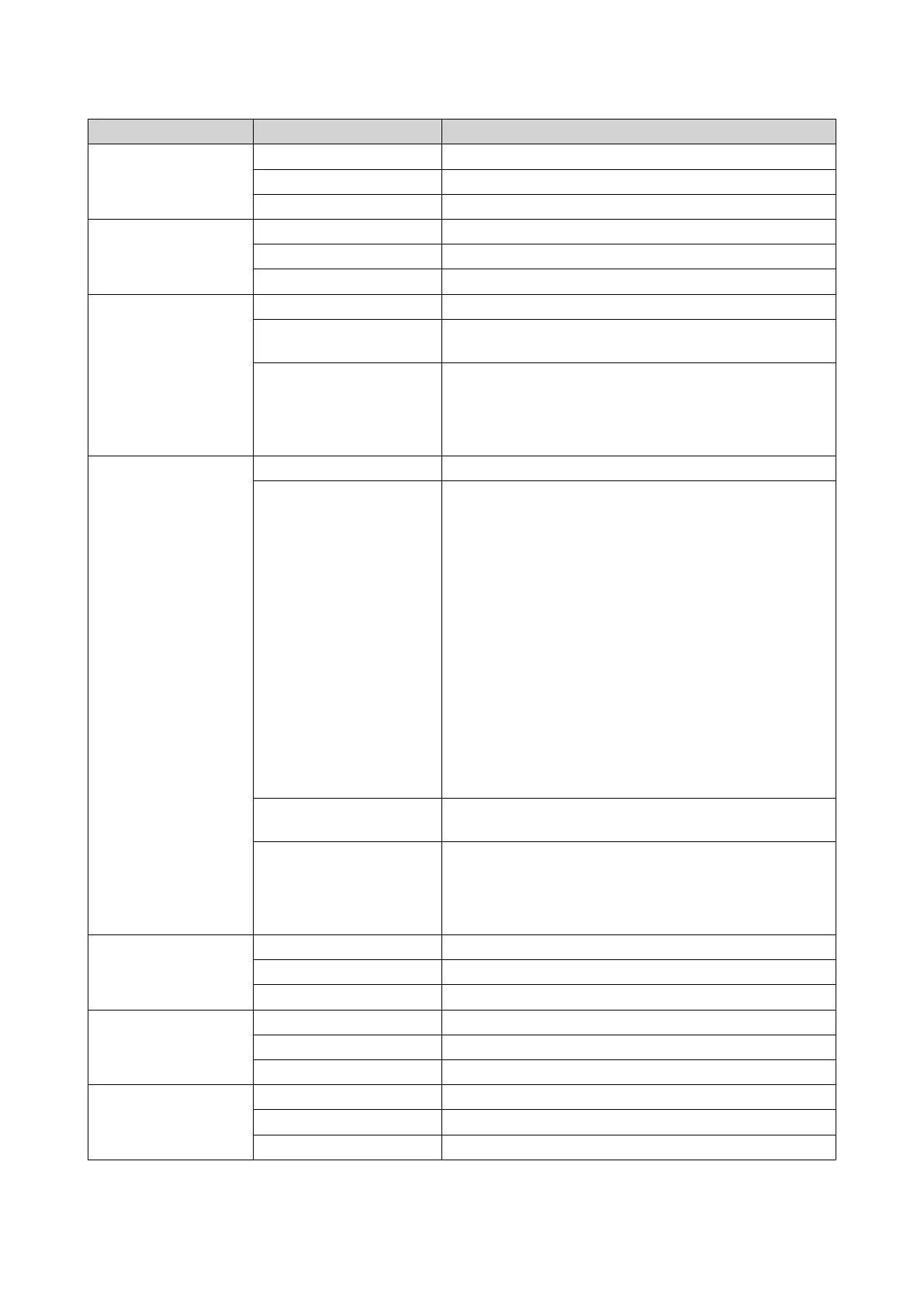
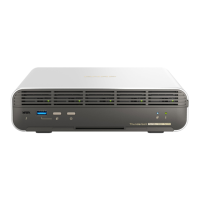
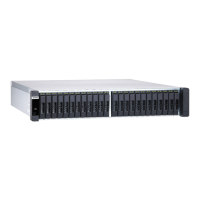
LED Status Description
Status Green The system is operating normally.
Flashing green The system is booting.
Off The system is powered off.
Fan Green The fan is functioning normally.
Orange A fan malfunction occurred.
Off The fans are not detected.
Battery backup unit
status
Green The battery backup unit status is functioning normally.
Orange A write buffer for Copy-to-Flash occurred.
For details, see Battery Backup Unit.
Off One or more of the following conditions occurred:
• The storage controller is powered off.
• The system cannot detect the battery backup unit.
High availability Green High availability is currently active.
Flashing orange One of the following situations occurred:
• Performing takeover: The dual active-active
controller system enables a controller to take over
the pool disk resources and access the data upon
the failure of the other controller. Takeovers can be
initiated manually or set up with the automatic
system failover protection. For more details, see the
QES User Guide.
• Undergoing giveback: One of the storage
controllers has taken over the system. The other
storage controller has resumed operations and is
ready to resume data service. Giveback can be
initiated manually or set up with automatic failback
after system recovers. For more details, see the
QES User Guide.
Orange The storage controller has taken over the other storage
controller.
Off One or more of the following conditions has occurred:
• The storage controller has failed.
• The storage controller is powered off.
10 Gigabit Ethernet
port speed
Green The network connection is operating at 10GbE.
Orange The network connection is operating at 1GbE
Off The network connection is operating at 100 Mbps.
10 Gigabit Ethernet
port activity
Green The network link is active.
Flashing green The network link is active.
Off There is no network link.
1 Gigabit Ethernet
port activity
Green The network link has been established.
Flashing green The network link is active.
Off There is no network link.
ES2486dc User Guide
Product Overview 16


 To Next Page