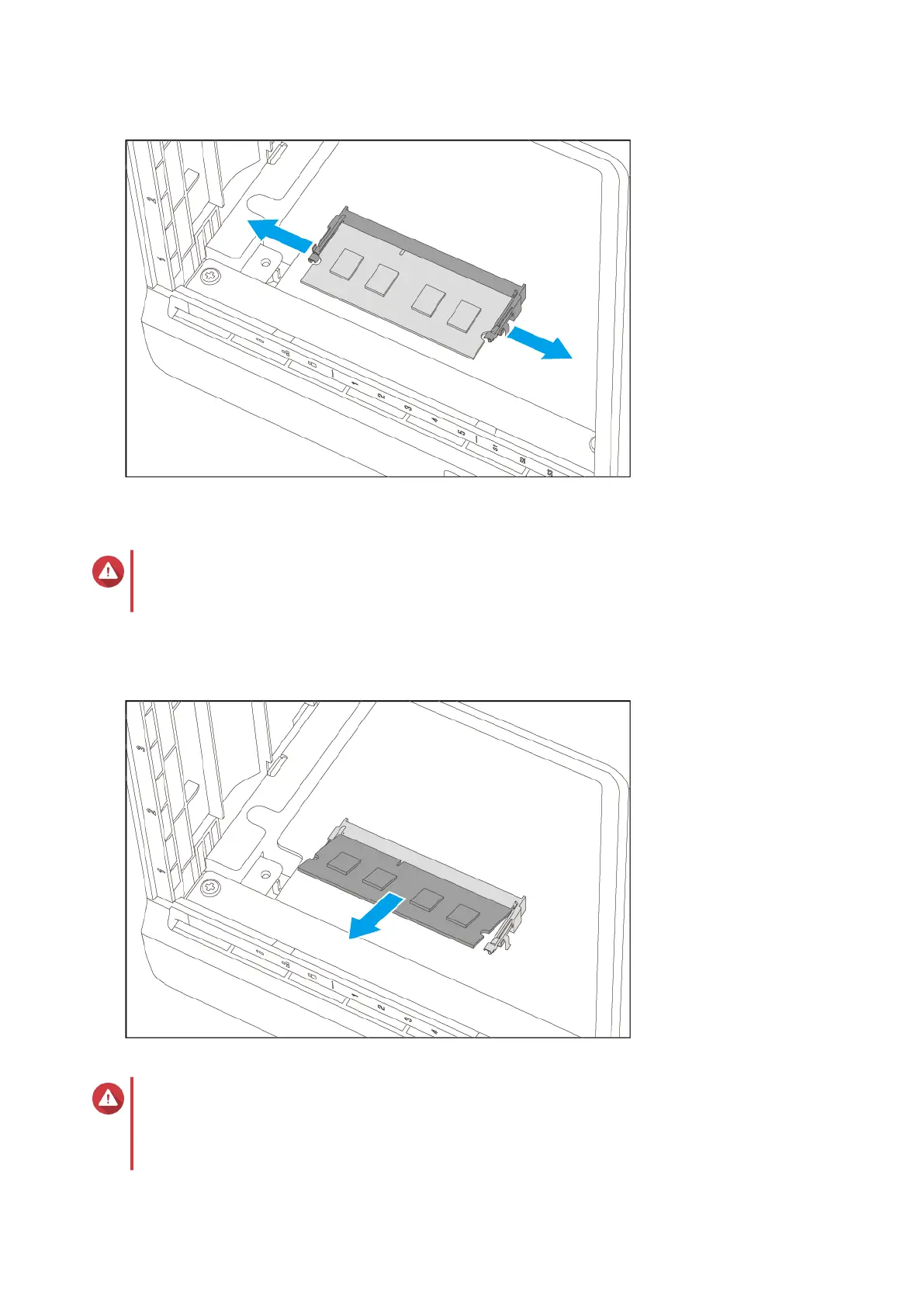
b. Verify that the module has tilted upward and is completely released from the slot.
Warning
Attempting to remove a module that is not completely released may damage the module and
the motherboard.
c. Hold the module by the edges.
d. Carefully slide the module out of the slot.
Warning
• Do not touch the internal components, particularly the metal connectors.
• Do not bend the module.
TS-h973AX User Guide
Installation and Configuration 25


 To Next Page
 Loading...