EasyManua.ls Logo

QOLSYS Panel 2+ - POWERING THE PANEL

QOLSYS Panel 2+
173 pages
Print Icon
To Next Page IconTo Next Page
To Previous Page IconTo Previous Page
Loading...
INSTALLING THE PANEL
QOLSYS CONFIDENTIAL AND PROPRIETARY
PAGE OF 12 173
Press and hold the power button on
the right side of the panel for 3
seconds to power up.
POWERING THE PANEL
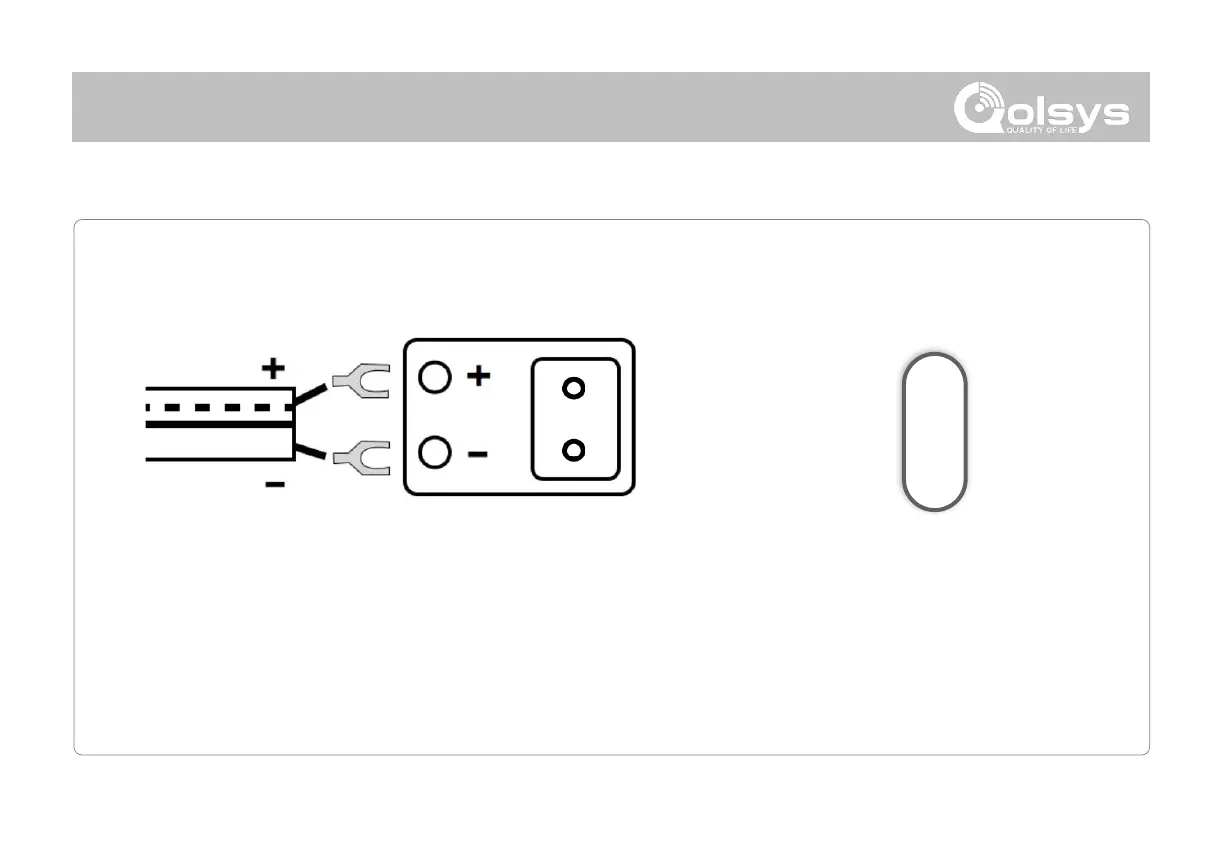
Connect power supply.
WARNING! Use 7vDC Power Supply ONLY
If using the provided cable, the “striped” wire is (+)
This unit must be powered by a 24-hour, 230vAC, 50Hz circuit that
cannot be turned off by a switch, dimmer, or Residual Current Device.
Failure to provide this circuit may prevent it from providing constant
protection.


Related product manuals