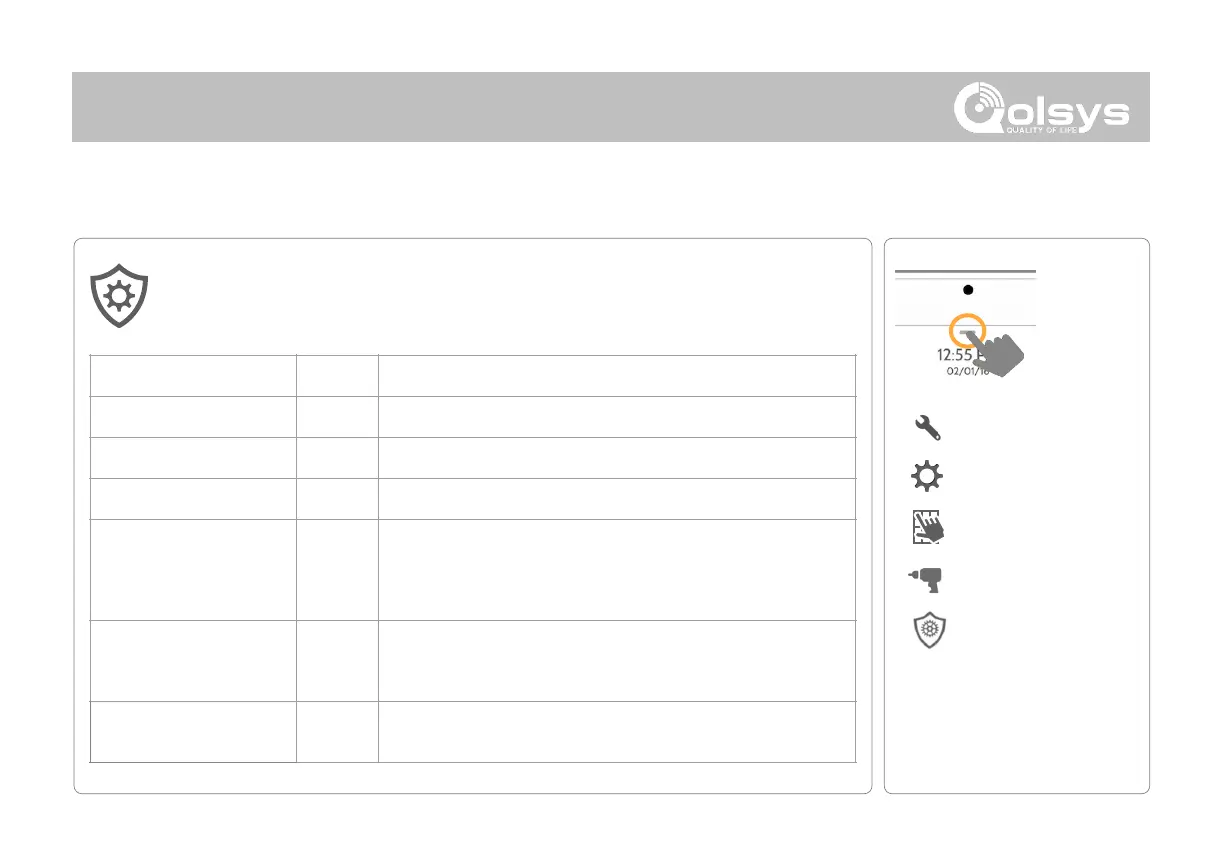
INSTALLER/DEALER SETTINGS
* Additional options available
only through the Dealer Code.
INSTALLER/DEALER
SETTINGS
Security provider account number (up to 10 characters)
An energy-saving function when running on battery power only
Turn on or off sensor hold for 60 seconds during power restore
Loss of Supervisory Signals
for Emergency Sensors
Select the length in hours (4, 12, 24) before reporting a loss of
supervision on life safety devices.
Loss of Supervisory Signals
for PowerG Emergency
Sensors
Select the length of time (20, 30 min, 1, 2, 4, 12, 18 hours) before
reporting a loss of supervision on PowerG life safety devices.
Loss of Supervisory Signals
for Z-Wave
Select the length in hours (4, 24) before reporting a loss of
supervision on Z-Wave Sirens.
Installer/Dealer Settings
Change panel settings like supervisory times, power and cell loss timeout and
SIA settings.



 To Next Page