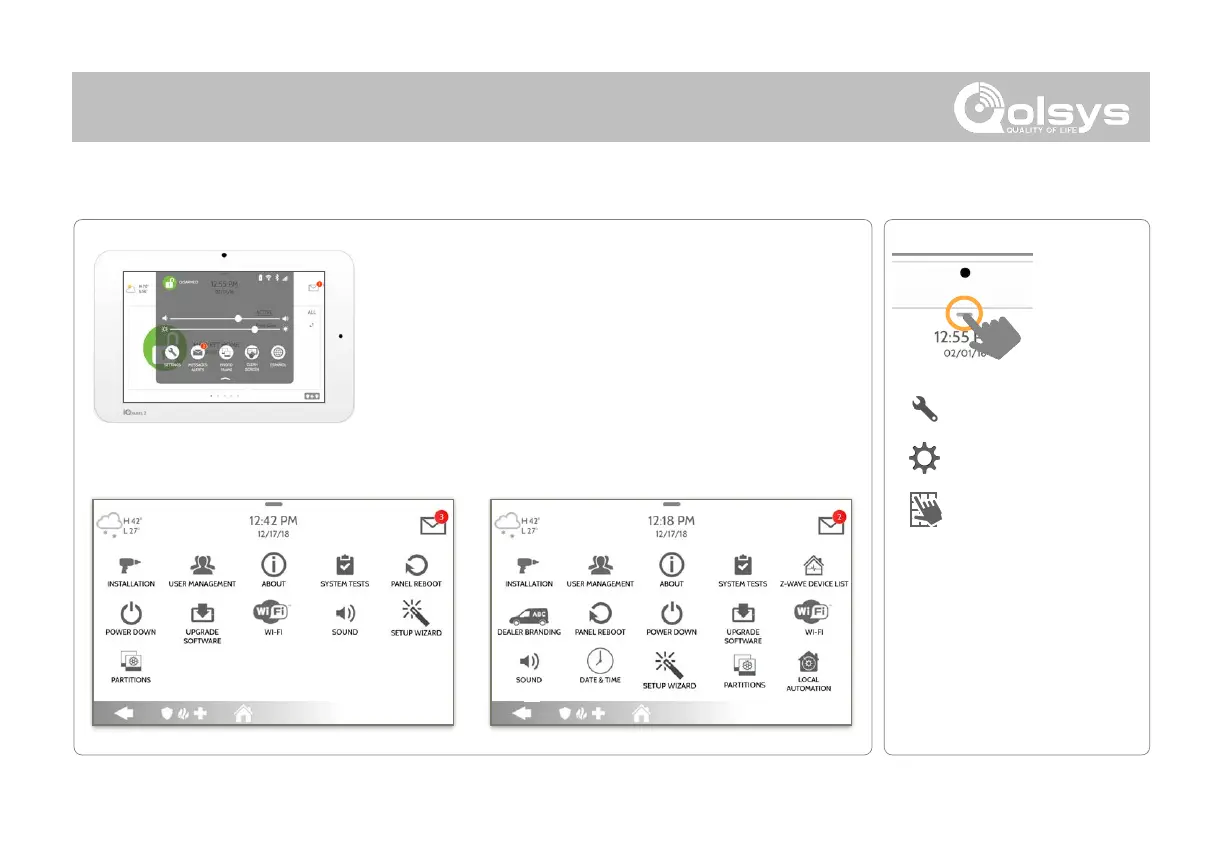
To access the Advanced Settings menu pull down the
Settings tray at the top of the screen, select “Settings” and
then “Advanced Settings”. Enter your dealer, installer or
master code. The code used to enter Advanced Settings
determines the level of access. When using partitions the
code entered at the screen lock determines the access
level for Advanced Settings.
*
The “Partitions” icon will only
appear if Partitions are enabled
under Installer/Dealer Settings



 To Next Page