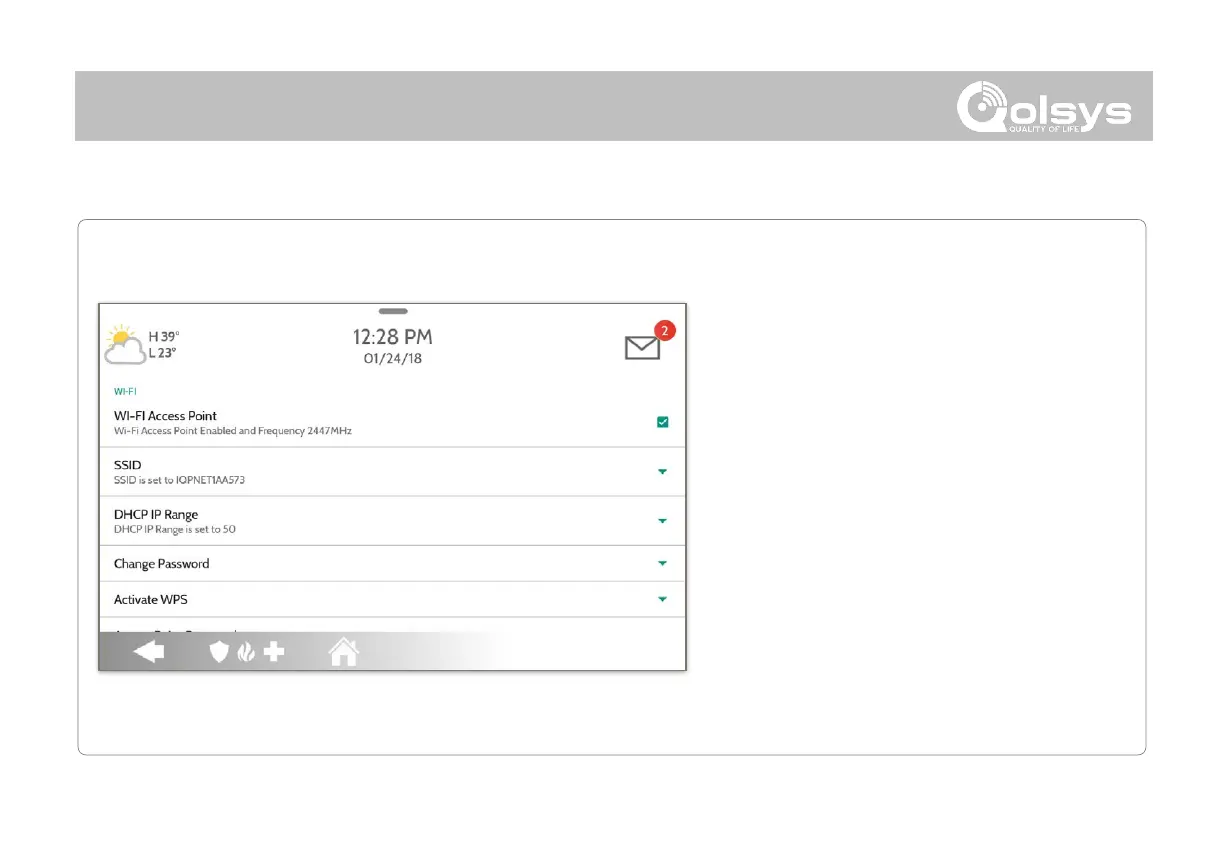
WI-FI Access Point:
Enable or Disable the Panel Access Point
SSID:
Change the SSID Name. This is the name that
other devices will use to connect to.
DHCP IP Range:
Modify the DHCP IP Range for the access point.
Default is 50.
Change Password:
Change the password of the SSID to one of your
choosing.
Activate WPS:
Connect devices to the panel’s built-in access point
using WPS push button.
Access Point Password:
Shows current password in use for the Panel
Access Point



 To Next Page