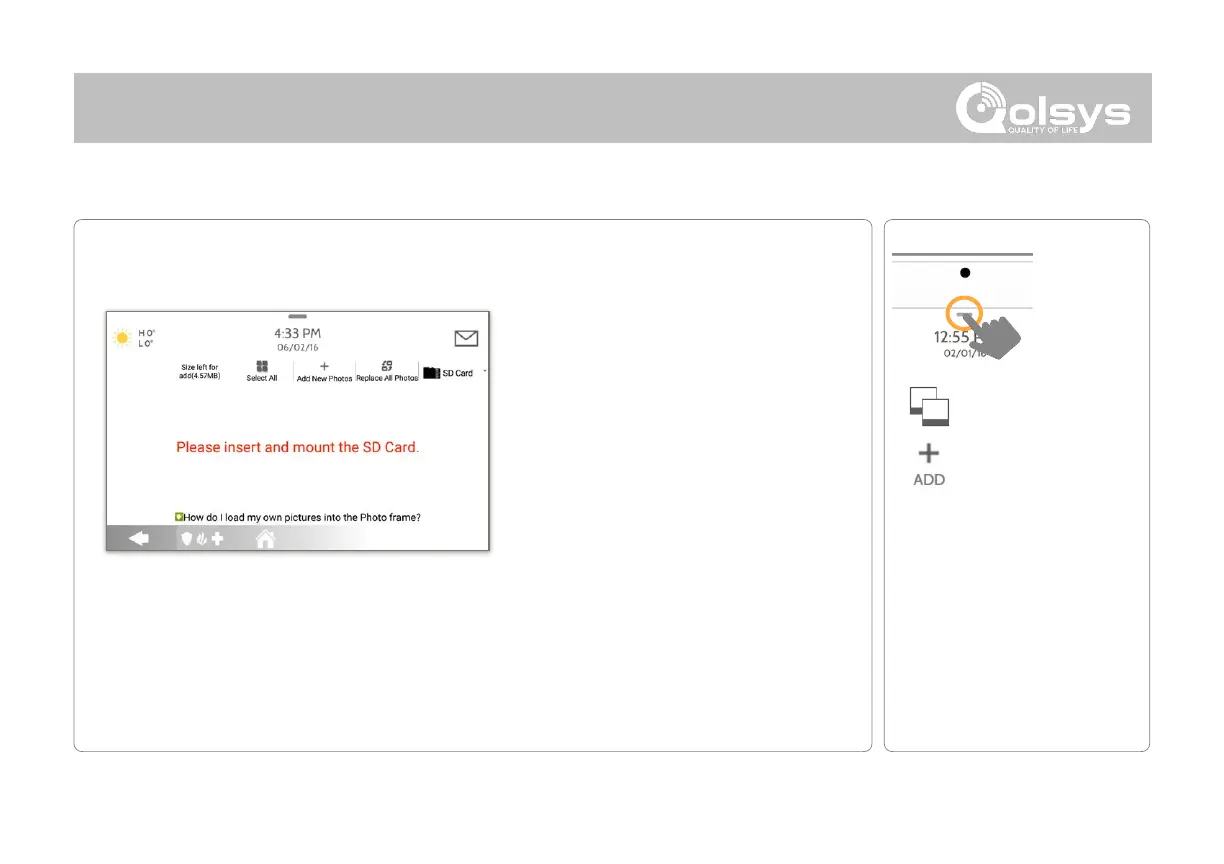
To load new images from an SD card:
1- Load photos* onto an SD Card
2- Insert the SD Card into the panel
3- Open the “Photo Frame” app
4- Press “Add Photos”
5- Choose “Replace All Photos” or
“Add New Photos”
6- Wait for the images to load
7- Once loaded, you can press “Play”
to test.
NOTE: Before removing the SD Card, go to
“Settings” then touch “SD Card” and select
“Unmount”
Card will slide all the way in.
To remove, push gently and card will spring out.
Photo requirements:
-
JPEG
-
1280 x 800 pixels (or less)
-
No larger than 5MB each
-
No more than 20 images
-
Saved in folder entitled “Photos”
QOLSYS CONFIDENTIAL AND PROPRIETARY
PAGE OF 146 173



 To Next Page