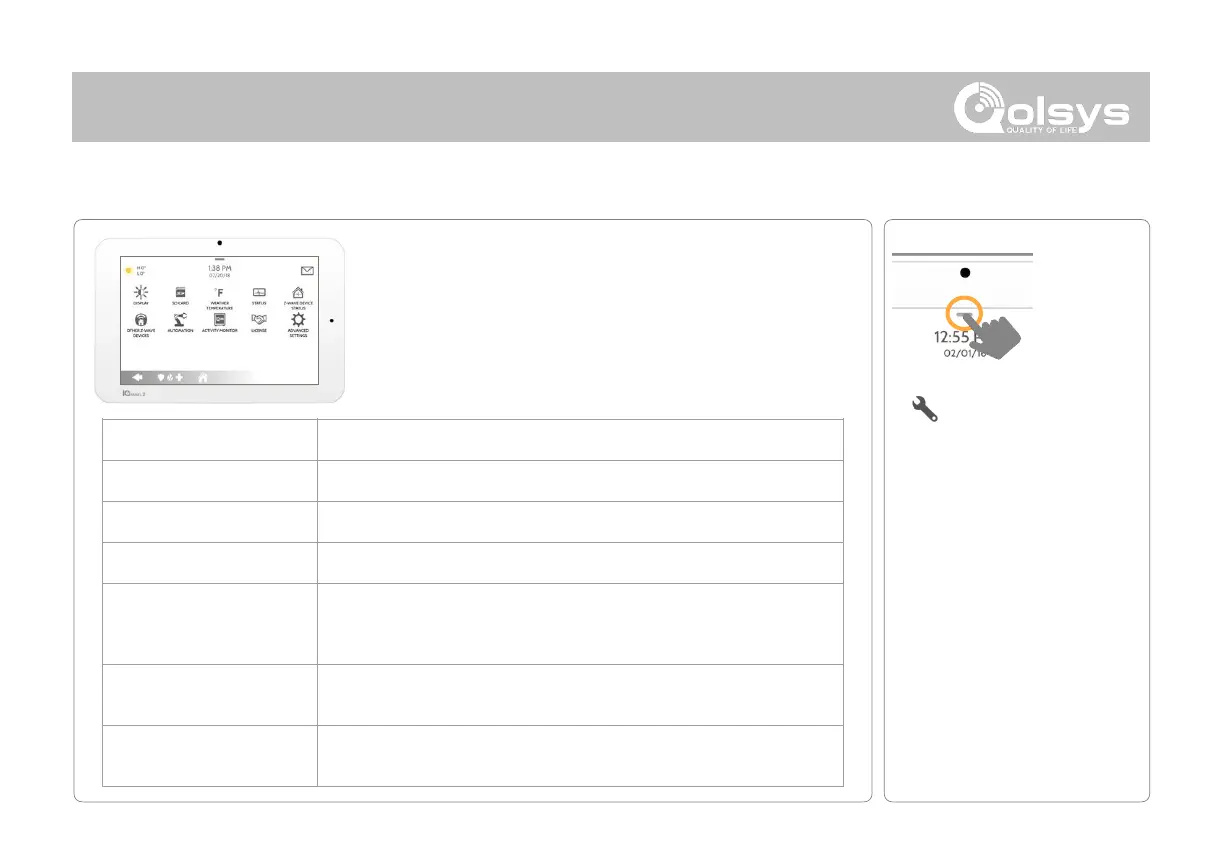
The Settings page allows quick access to various simple
features & settings that do not require the protection of a
Dealer, Installer or Master code to be changed.
Adjust brightness, font size & 12/24 hour time
Mount, unmount and manage SD Cards that are installed in a panel
Toggle between Farenheight and Celcius
View the "Current Status" of security sensors: Zone #, Name, Status
(Open, Close, Active, Idle, Tamper, Failure), Battery and sensor History. Also
view “Alarms” and “History” for security sensors globally
View the "Current Status" of Z-Wave devices: Name, Type, Status (Normal,
Failure), and Battery. Also view “Alerts” and “History” for Z-Wave globally
Shows Z-Wave devices that are learned into the panel but that are not part
of the main user interface (Lights, Locks, Thermostats & Garage Doors)



 To Next Page