QOLSYS CONFIDENTIAL AND PROPRIETARY
PAGE OF 49 173
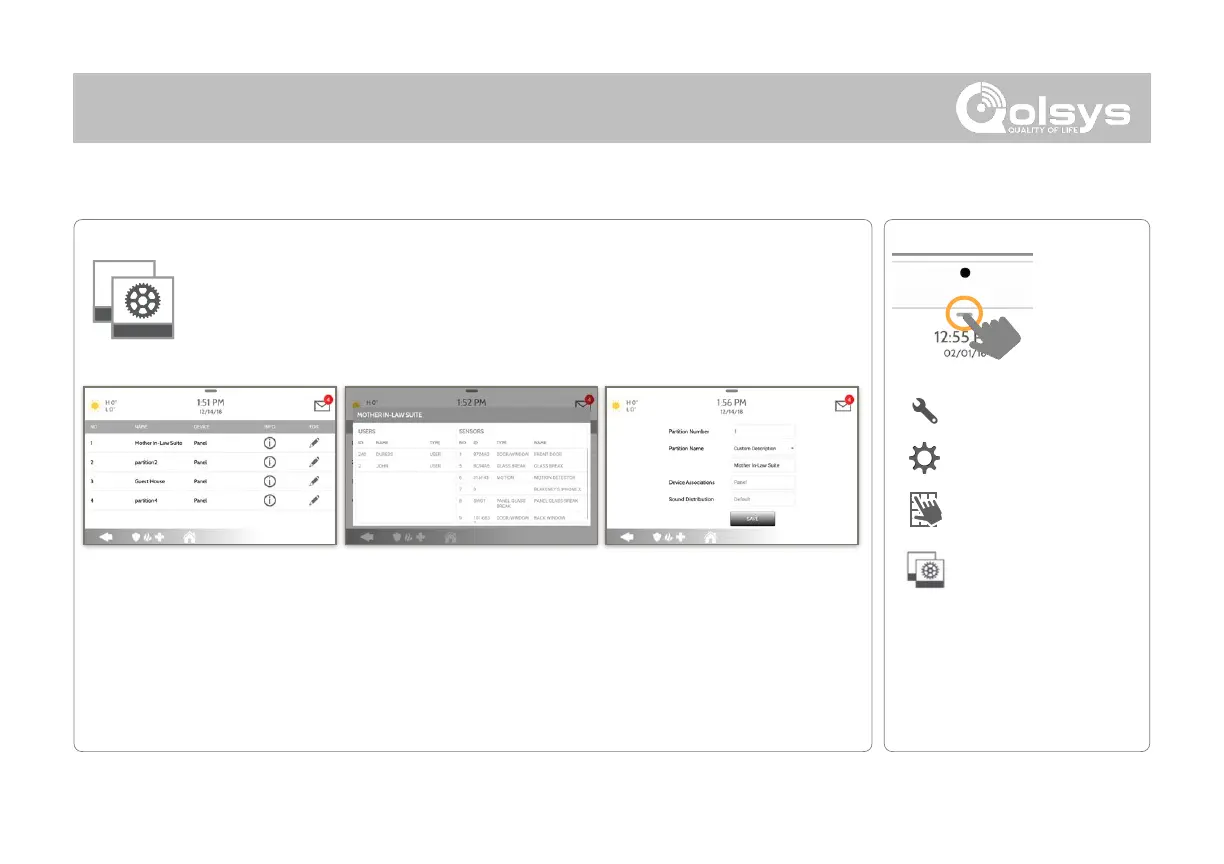
Partitions
Edit the default name of a partition and view a list of users and sensors that
are currently assigned to a given partition. Partitions 1, 2, 3 & 4 only appear
when Partitions are enabled and when at least one sensor is learned into
them.
Info:
View Users and Sensors
associated with each
partition
Edit:
Rename a partition that
suits it’s location or area
being protected
Overview:
View the number of
partitions set up on a
system. There must be at
least one sensor assigned
to a partition before it can
be viewed/edited
*
Feature not evaluated as part of
EN Grade 2
*
The “Partitions” icon will only
appear if Partitions are enabled
under Installer/Dealer Settings



 To Next Page