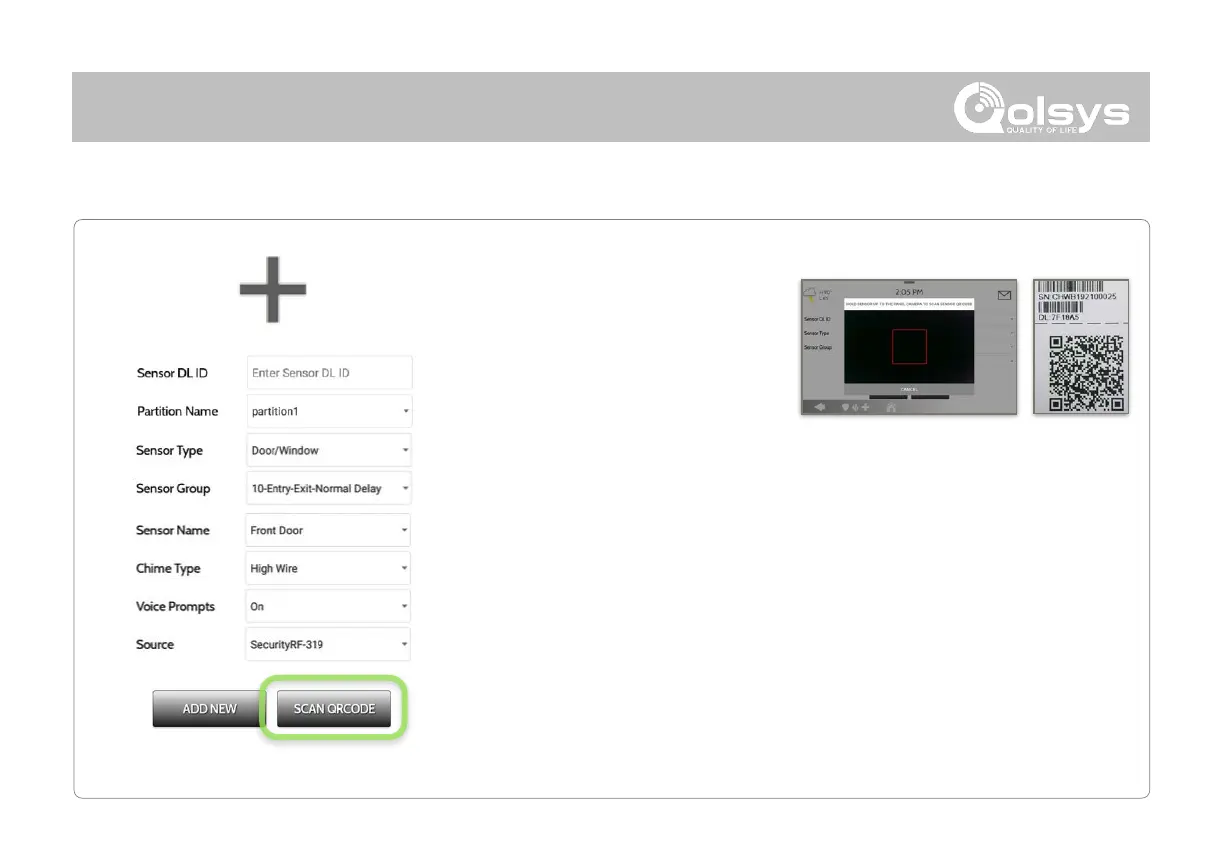
2. Tap the button marked “Scan
QRCode” to open the camera. Hold
the QR code label on the sensor box
up to the camera to automatically
scan the Sensor DL ID
4. Choose Sensor Type from list
9. Click “Add New” to save the information and complete the process.
6. Choose Sensor Name from the list or create a “Custom Name” using the
built in keyboard with Custom Text to Speech.
7. Choose Chime Type from list
5. Indicate Sensor Group from list
8. Indicate whether you want Voice Prompts on or off
3. Use the drop down menu to select which Partition you would like the sensor
to be added to (if enabled)



 To Next Page