EasyManua.ls Logo

QOLSYS Panel 2+ - SENSOR GROUP CONFIGURATION

QOLSYS Panel 2+
173 pages
Print Icon
To Next Page IconTo Next Page
To Previous Page IconTo Previous Page
Loading...
SECURITY SENSORS
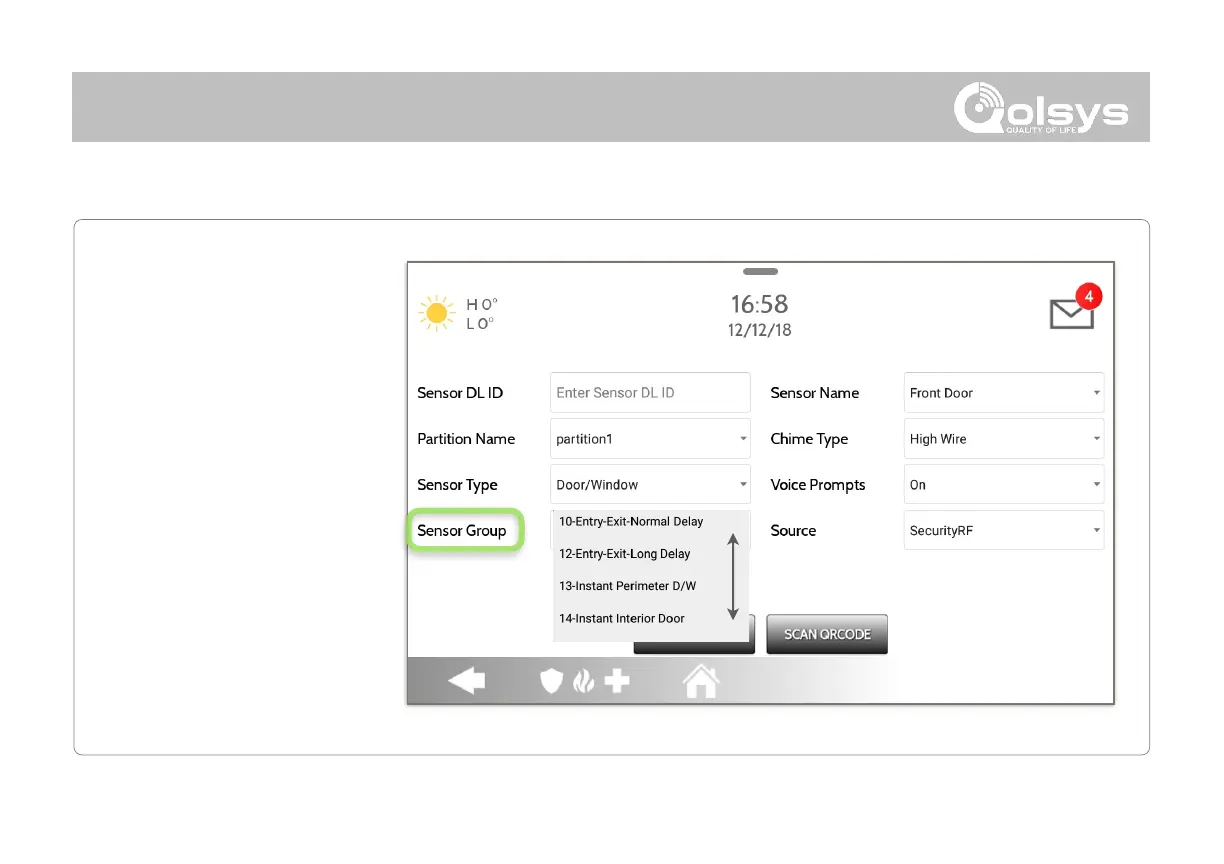
Sensor groups will change the
behavior of the sensor. These
are tied directly to your Sensor
Type, displaying only what’s
relevant.
Touch the “Sensor Group” drop
down to change.
A full list of Sensor Groups and
descriptions can be found under
“Sensor Groups” listed in the
manual below.

QOLSYS CONFIDENTIAL AND PROPRIETARY
PAGE OF 59 173
SENSOR GROUP

Related product manuals