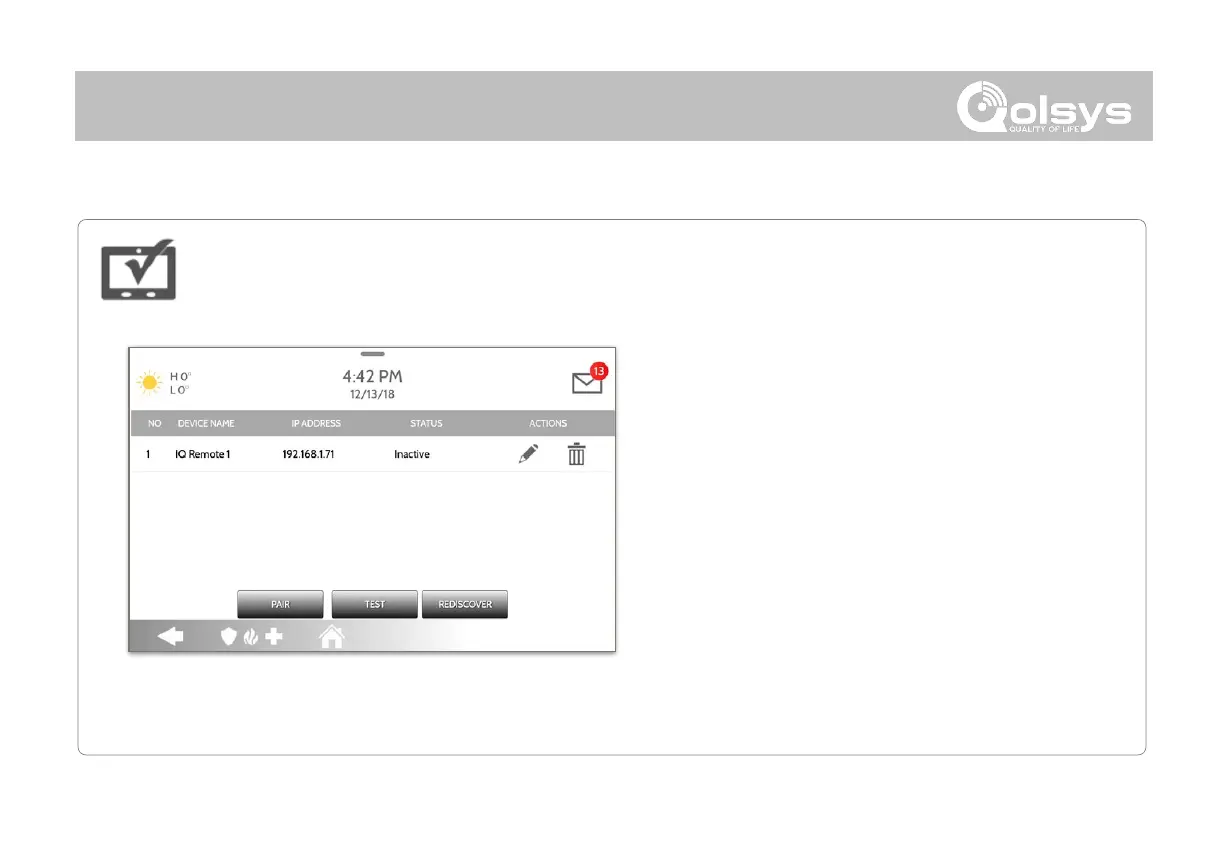
1. Connect the IQ Remote to the panel’s access point
or to the same Wi-Fi network the panel is
connected to. NOTE: QW9102 & QW9103 IQ Remotes
only support 2.4 GHz networks. QW9104 IQ Remotes support
both 2.4 GHz and 5 GHz.
2. Prior to pairing the IQ Remote to the panel you can
Test the connection by select TEST on the panel
and the remote.
3. Select “Pair” on the Panel and then Pair on the IQ
Remote to begin during this process the remote
will also download and update to the current
software version and reboot.
4. The remote device will pair to the panel and will
show that it is active on the list. You can then edit
(device name and sensor group), ping, delete or
IQ Remote Devices
Pair up to 3 IQ Remote Secondary Touchscreens to the panel via the customer's network or the
panel’s built in access point.
NOTE: The IQ Remote will automatically pair as Sensor Type “Keypad” and will
appear on the zone list in the order in which it is paired. Sensor Groups 0, 1 & 2
are available options for this Sensor Type.



 To Next Page