Maximum number of supported Thermostats is 10
Maximum number of supported IQ Smart Sockets is 15
Max number of supported Z-Wave light modules is 80
Maximum number of supported Z-Wave Door Locks is 20
Maximum number of misc Z-Wave devices is 21
Maximum number of Garage Doors is 6
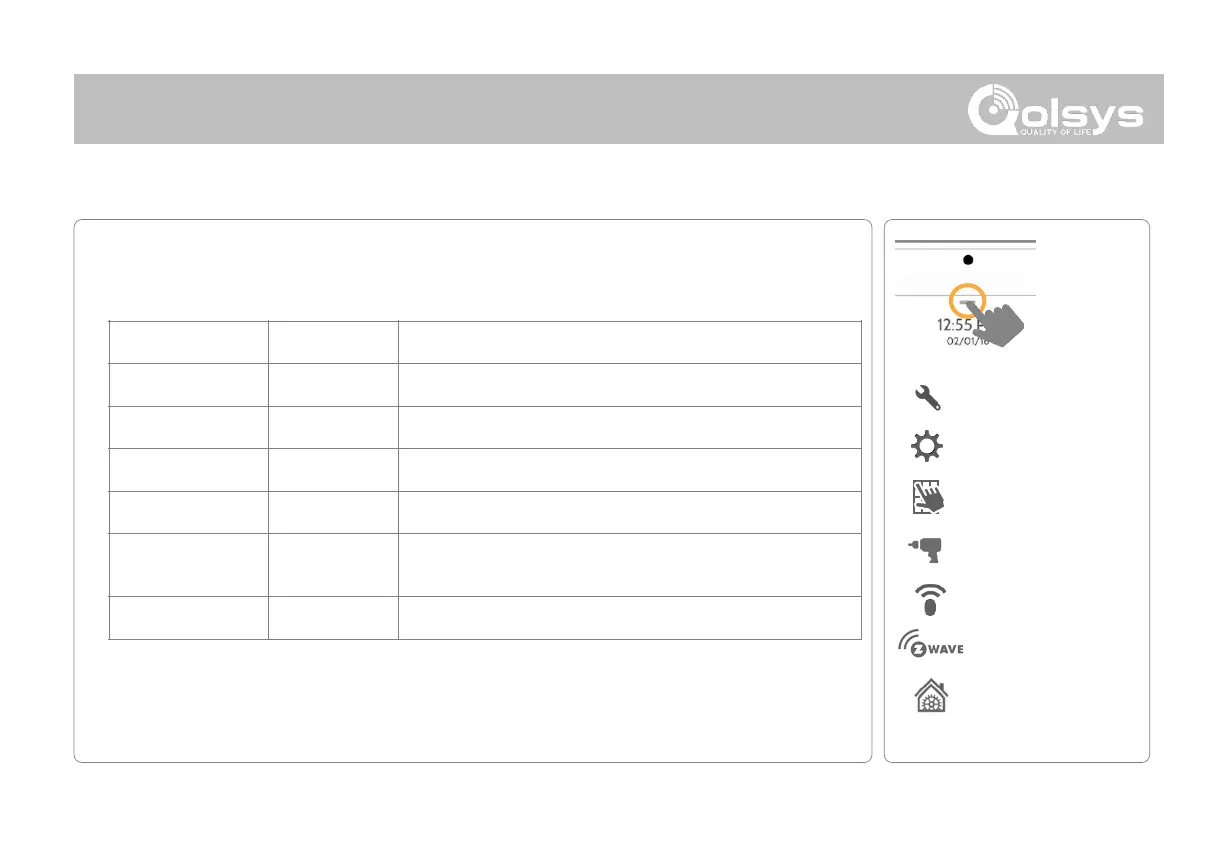
Z-Wave Settings allow an installer to set a maximum number of Z-Wave devices allowed
on the IQ Panel 2 in all categories and to control other Z-Wave settings.
QOLSYS CONFIDENTIAL AND PROPRIETARY
PAGE OF 98 173
* Additional option available
only through the Dealer Code.
NOTE: This feature has not been evaluated for EN Grade 2. This is a supplementary function that will not interfere
with the minimum mandatory operation of the life safety and burglary protection of the alarm system control
unit. Note: Additional Z-Wave devices other than what has been indicated as maximum limits have not been
evaluated.



 To Next Page