Handle for unlocking the feeding plate E (use in combination with C)B
Handle for unlocking the feeding plate E (use in combination with B)C
(Manual) Separation adjustment knobD
Feeding plateE
Squeeze the two blue handles B and C.1.
2. Shift the feeding plate assembly E to the rear position.
3. Loosen the stack of documents and place them in the feeder tray.
BREs with flap down and leading (top side pointing to system).
High Capacity Document Feeder
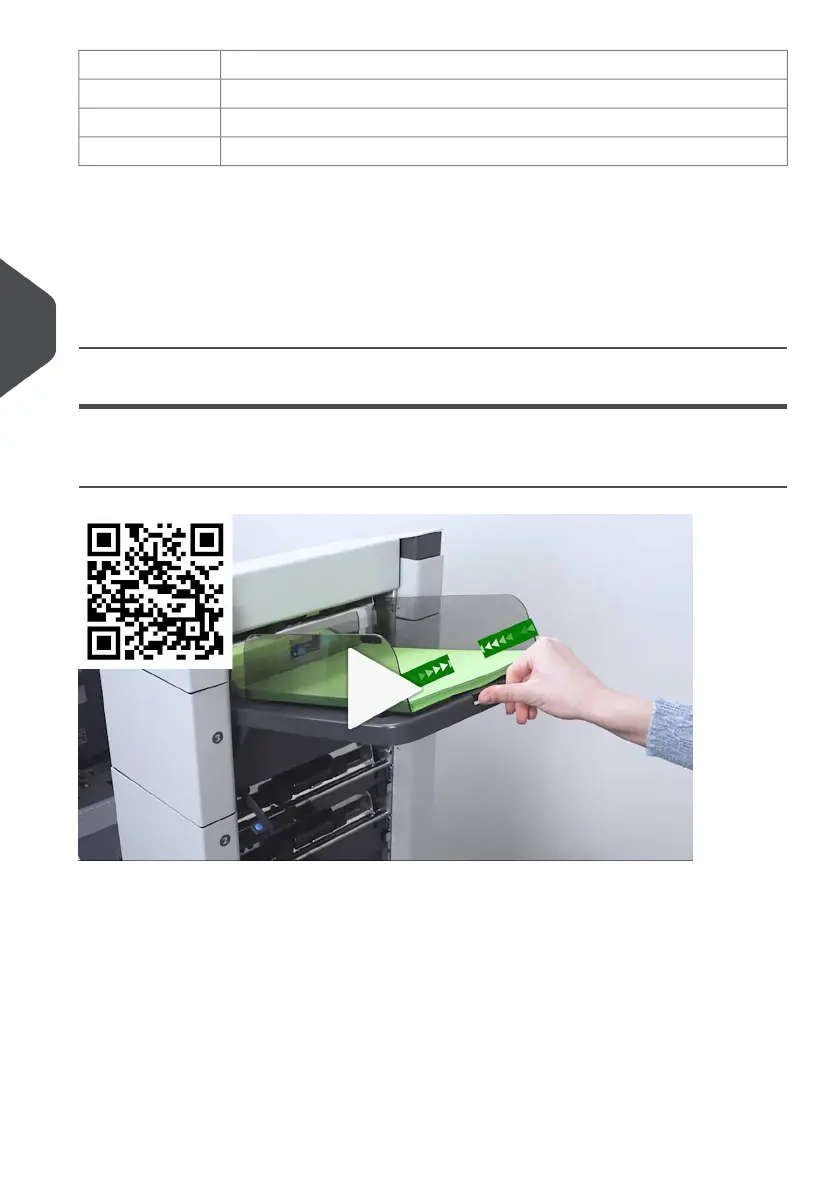
Adjust the Side Guides
70
| Page 70 | Jul-11-2022 07:45 | Loading the System
5
English



 To Next Page