980 User Guide Rev. B29
Page 103 August 5, 2011
5.3.13 Data Island Match Editor
The Data Island Match Editor function enables you to specify the Real Time match filtering with a high degree of
detail.
To set the match criteria for pre-capture filtering or triggering, you check the appropriate box (Data or Trigger) in
the Match tab for each Match definition. Once you check either the Data or Trigger checkbox the Edit activation
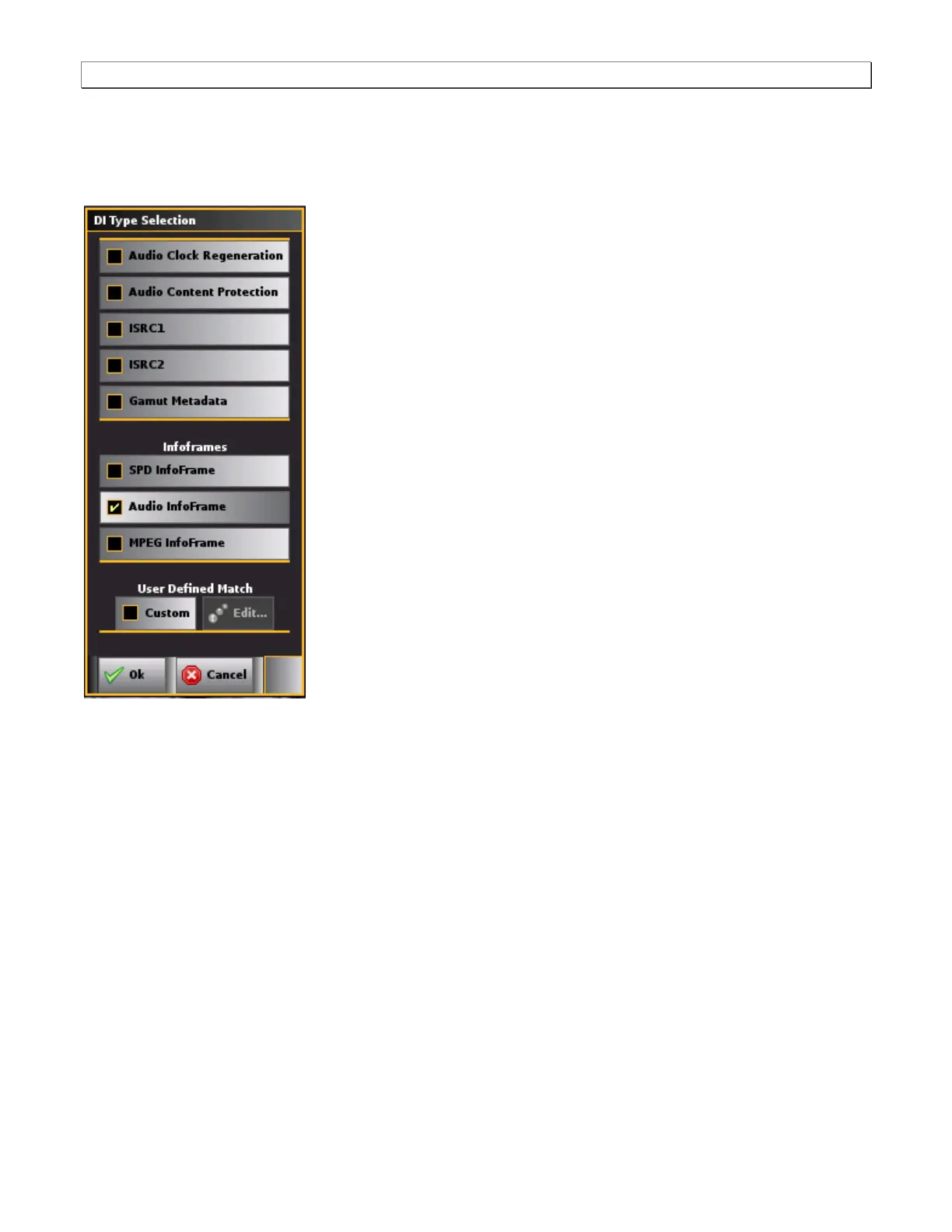
button becomes enabled. Clicking on the Edit activation button will open up the Data Island Match Editor dialog
box (shown below). The Data Island Match Editor dialog box is where you define the advance triggering and/or
pre-capture filtering.
Note: If you are going to set both a custom match trigger and a custom match data you must use different Match
Edit dialog boxes. For example you might use Match 1 for setting a custom trigger and Match 2 for setting a custom
match.
Advanced Triggering using Match Definition
You can trigger on a single condition or multiple conditions in the same data island type using one of the Match
definitions (Match 1, 2 or 3). When you trigger on multiple conditions using the same Match definition in a single
type of data island, the two conditions are treated as a logical AND. This means that only when both conditions are
met, will the trigger activate.
You can trigger on multiple conditions in the different data island types using two of the Match definitions (Match 1,
Match 2). When you trigger on multiple conditions in separate Match definitions, the two conditions are treated as a
logical OR. This means that the trigger will activate when either condition is met.
Advanced Pre-Capture Filtering using Data Match Definition



 To Next Page