980 User Guide Rev. B29
Page 37 August 5, 2011
4 980 Manager (External) GUI – Panel Descriptions
This section describes the 980 Protocol Analyzer panels identified above in more detail.
4.1 980 Navigation Panel
The 980 Navigator panel provides various functions such as connecting to the 980 Protocol Analyzer that may be
on your corporate network, and viewing captures. These functions are available through the two rows of icons at
the top of the panel and/or from the right-click menus when selecting a 980 device and/or when selecting a capture.
You can also view the hardware and software configuration of the 980 or view a list of captures. There are two right
click menus: 1) when selecting a 980 instrument, or 2) when selecting a capture. See the figures and tables below
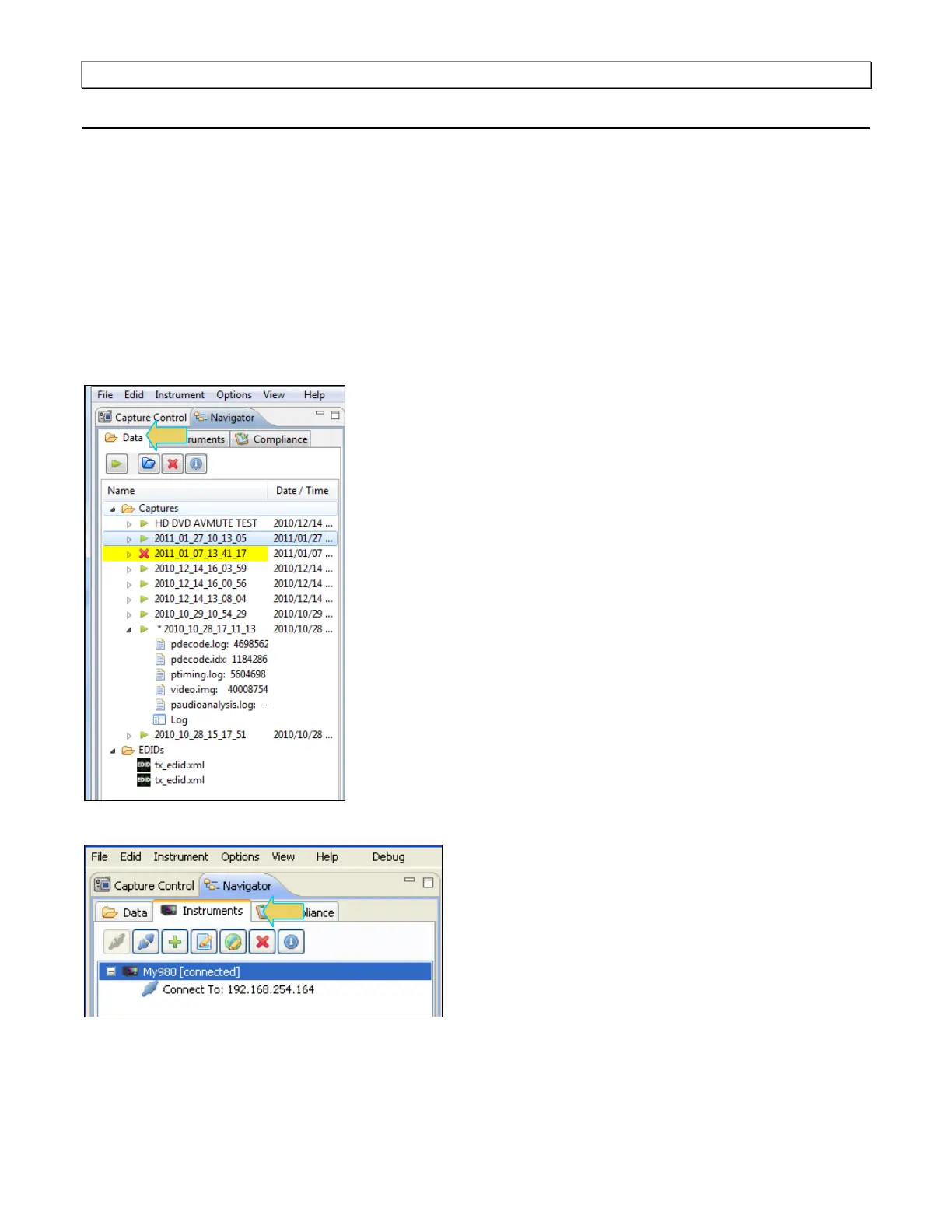
for depictions and descriptions of the icons and right click menus. The first screen shows the icons for the
Navigator Data panel.
The second screen shows the icons for the Navigator Instruments panel.
You can highlight a 980 entry in the 980 Navigator panel and right click to perform various functions. The right
click menu is shown in the following screen.



 To Next Page