980 User Guide Rev. B29
Page 134 August 5, 2011
6.12 Examining Captured Data
The procedures below describe how to view various types of captured data through the Data Decode and Event
Plot panels. This procedure assumes that you have captured the data or have opened up a previously captured
data file.
6.12.1 Viewing data through the Data Decode panel
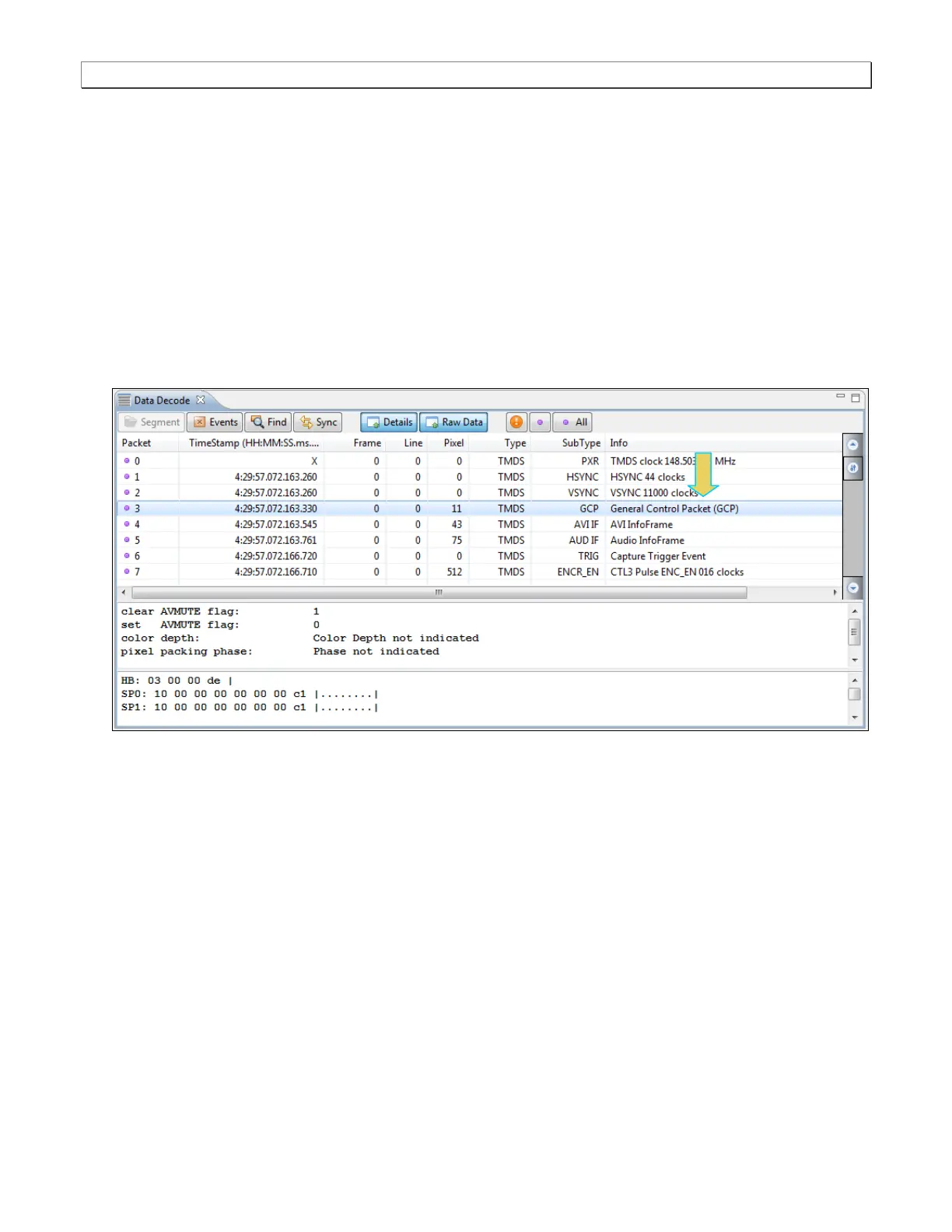
This subsection provides procedures for viewing the data through the Data Decode panel in the 980 GUI Manager.
To view captured data through the Data Decode panel:
1. To view the protocol data transactions on the Data Decode panel, activate the Data Decode tab.
The Data Decode window shows the protocol data in a report.



 To Next Page