980 User Guide Rev. B29
Page 167 August 5, 2011
7 Standard Tests
This chapter describes how to use the 980 special tests. The 980 supports the following special tests:
Video timing analysis – Verifies that the timing parameters from an HDMI source device including all
horizontal and vertical parameters.
Video analysis – Enables you to check the video parameters and pixel values from the HDMI source device.
Audio analysis - Identify audio inconsistencies in metadata related to sampling rate and audio clock recover
that could result in interoperability problems.
AVmute – Verifies that an HDMI source has implemented Avmute properly.
7.1 Running a video timing test
The procedures below describe how to run the video timing test on an HDMI source device through the 980
Manager.
To run the video timing test:
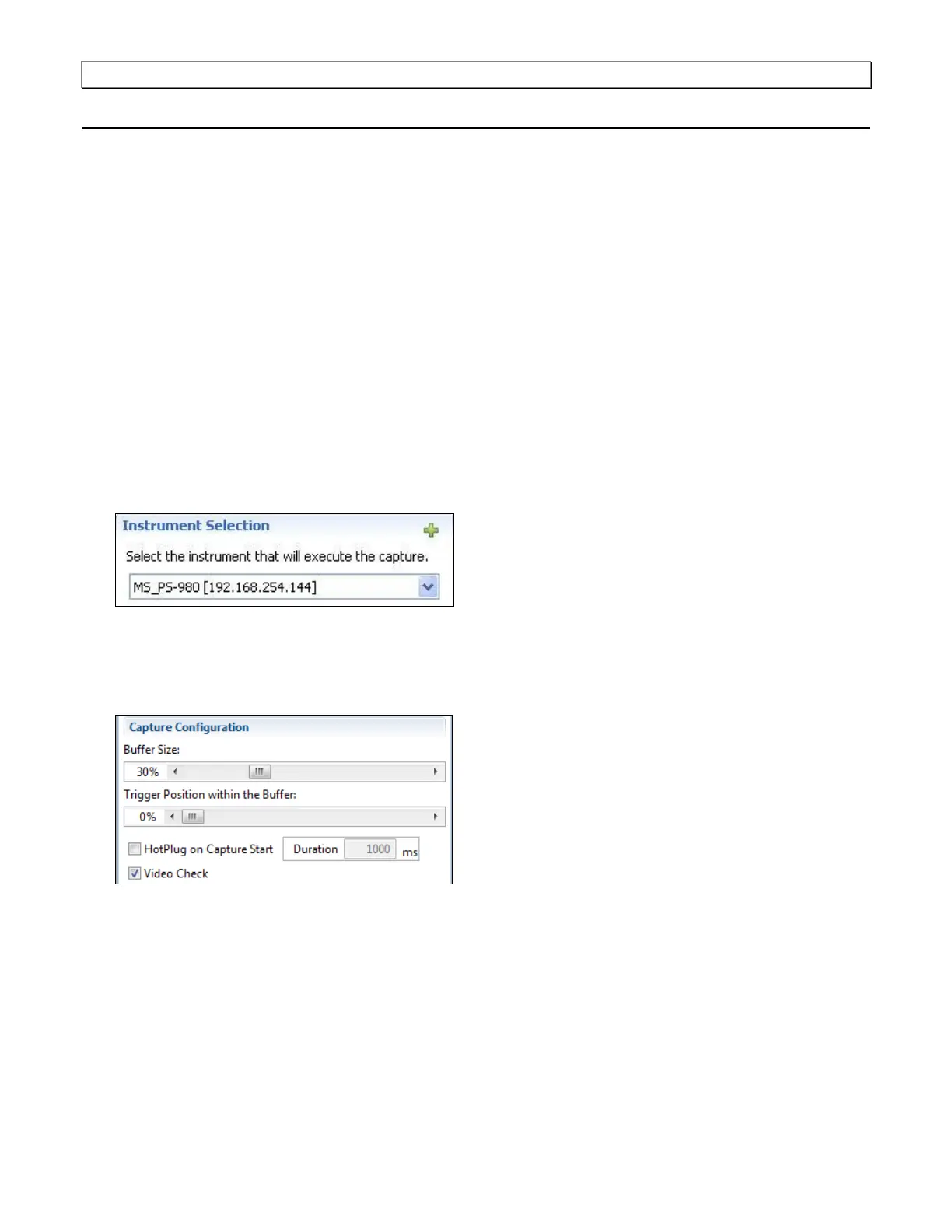
1. Select the 980 that you are using to capture the data from your HDMI source device under test from the
pull-down menu.
2. Set the Capture Buffer Size slidebar to a percent value to meet your requirements. You can capture up to
about 2GB of data which is about 1150 frames at 576p/480p and about 204 frames at 1080p which includes
the video. If you do not want to capture the video and only capture the metadata, you can store well over
100,000 frames of data.
3. Set the Capture Buffer Position slidebar to a percent value to meet your requirements. This slide bar enables
you to set the position of the trigger event within the captured data. This is a slidebar that provides an
indication (on the right) of the location within the captured data, expressed as a percent with 0% indicating that
the trigger event occurs at the beginning of the captured data and 100% indicating that the trigger event occurs
at the end of the captured data.
4. Select the Capture tab under the Options section of the Capture Control panel.



 To Next Page