980 User Guide Rev. B29
Page 166 August 5, 2011
To transfer capture files using a USB drive:
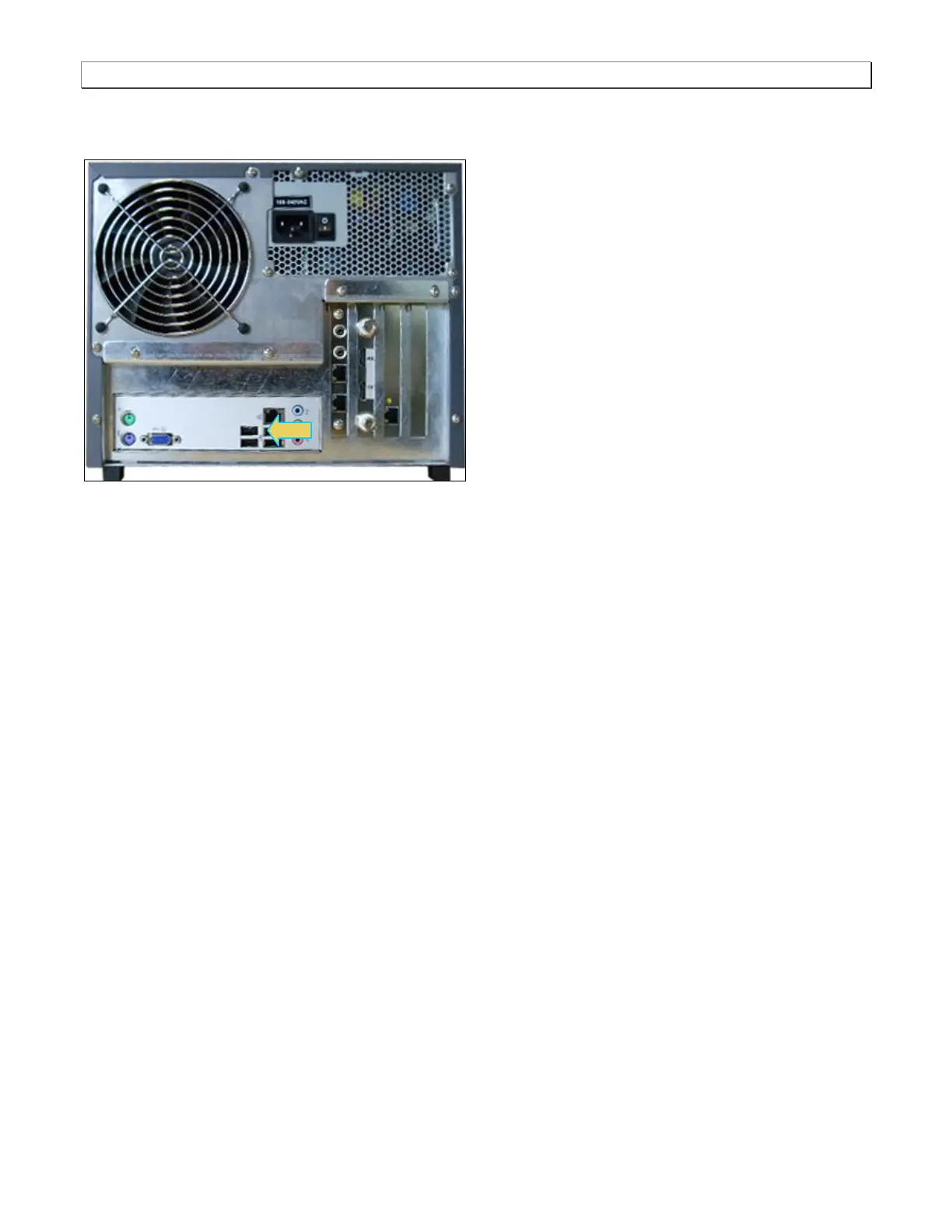
1. Connect a USB thumb drive on the back of the 980.
2. Minimize or close the embedded GUI by touch selecting the Quantumdata 980 Manager icon on the bottom
status panel of the GUI.
3. Touch the workspace icon on the touch screen desktop.
A navigation directory window appears.
4. Browse and locate the capture files in /home/qd/workspace/captures/
5. Touch select and highlight the captures directory
6. Touch select the top level Edit pulldown menu and select Copy.
7. Touch select the lower left button just above the Start button to change the left panel view.
You should see qd, Desktop, USB flash disk, and 2 GB Volume if you touched the correct button on lower left).
8. Touch select the USB flash disk to change the right panel view to show the USB thumb drive's contents.
9. Touch any white space on the right panel to focus it.
10. Touch select Edit at top and then touch Paste to copy the capture directory to your USB drive.
11. You can now place the USB drive in your PC and move the files over to the 980 Manager’s working directories:
quantumdata/980Manager/980mgr/workspace/captures/.



 To Next Page