980 User Guide Rev. B29
Page 121 August 5, 2011
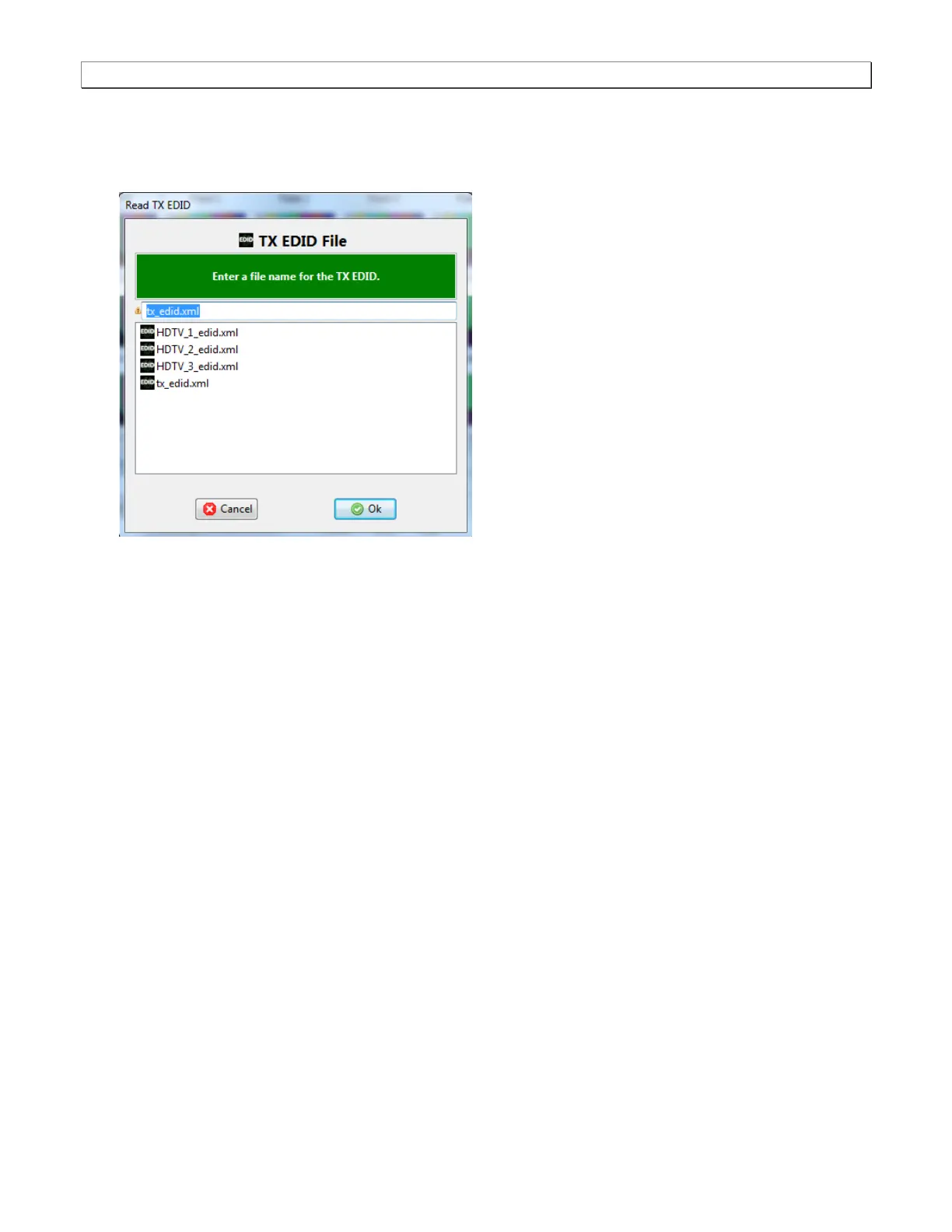
If you wish to use a different EDID from an HDTV that you have available you can quickly provision the 980
with that EDID by connecting the HDTV to the 980’s Tx port and then initiating a Read 980 Tx EDID from the
EDID pull-down menu. When you initiate a read of the EDID on the Tx port, the following dialog box will
appear:
6.7 Viewing Incoming Video (Built-Embedded GUI only)
Prior to a capture you may wish to view the incoming video from the source device under test. This subsection
describes how to use the 980 to view live video. Please note however that you can only view the live video on the
built-in GUI through the Real Time Video panel. You cannot view the incoming live video on the 980 GUI Manager
application.
Note: You can view incoming video bitmaps that are encrypted with HDCP content protection on the external 980
GUI Manager; however, once you power cycle the 980 it will be removed.
To view incoming video on the 980 use the following procedure (examples use HDMI):
1. Ensure that you are sending video from your source device under test.
2. Select the Real Time mode on the built-in front panel by touch selecting the Real Time Mode item on the top
banner.



 To Next Page