980 User Guide Rev. B29
Page 16 August 5, 2011
2.9 Connection Scenarios for external 980 GUI Manager
This subsection describes the options for connecting the external 980 GUI Manager to the 980 Protocol Analyzer.
In order to operate the 980 Protocol Analyzer with the 980 GUI Manager you will need to establish a connection
between the 980 Protocol Analyzer and the PC hosting the 980 GUI Manager. The 980 GUI Manager will be
running on your laptop or host PC. You will either be connecting directly from the 980 GUI Manager to the 980
Protocol Analyzer through an Ethernet cable or you will be connecting through your corporate LAN network.
If you are connecting directly between your host PC and the 980 Protocol Analyzer you will need to ensure that the
IP addresses of the 980 and the network interface card on your host PC are compatible. To be compatible, the IP
addresses must have the same network portions of their IP address but different host portions. You can either
change the IP address of the host PC using standard Windows OS techniques or you can change the IP address
of the 980. The 980 is provisioned with a default IP address (192.168.1.10). The procedures for changing the IP
address of the 980 are provided in the next subsection.
If you are connecting through your corporate LAN, the PC that the external 980 GUI Manager is running on will
typically have an IP address assigned to it through DHCP services. You can either assign an IP address to the 980
directly or allow the network DHCP server to assign one to the 980 that is compatible with your corporate network.
To be compatible, the IP address of the 980 must have the same network portion of the IP address as your network
but a unique host portion. The 980 is provisioned with a default IP address (192.168.1.10). The procedures for
changing the IP address of the 980 are provided in the following subsection. These procedures also describe how
to enable the 980 DHCP client to allow the network to assign an IP address.
2.9.1 Making the physical Ethernet connections for 980 GUI Manager
This section describes how to connect the 980 Protocol Analyzer to your PC hosting the 980 GUI Manager.
This subsection describes the physical connections required to run the HDMI source compliance tests. You can
either run the tests through the embedded 980 GUI Manager (running on the 980) or the external 980 GUI
manager. This procedure assumes that you have assembled the 980 Protocol Analyzer and source device under
test into your work area. There are three connection scenarios depending on whether you are using the embedded
980 GUI Manager or the external 980 GUI Manager and also depending on whether you are connecting your host
PC to the 980 through your corporate LAN or directly.
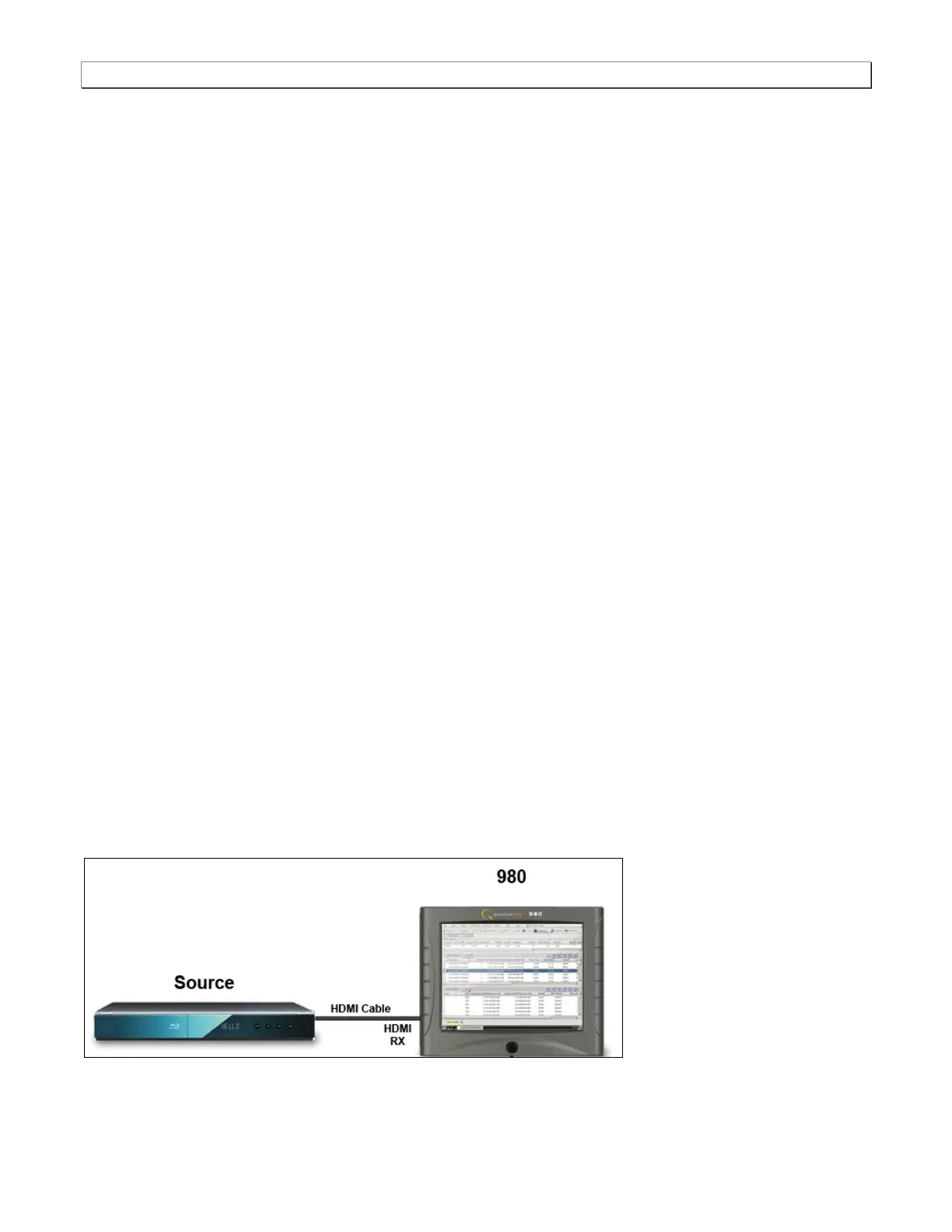
Ethernet connections when using the embedded GUI Manager:
There are no Ethernet connections necessary when using the 980’s embedded GUI manager. The diagram below
depict the test setups.



 To Next Page