980 User Guide Rev. B29
Page 77 August 5, 2011
4.8 EDID Management Panel
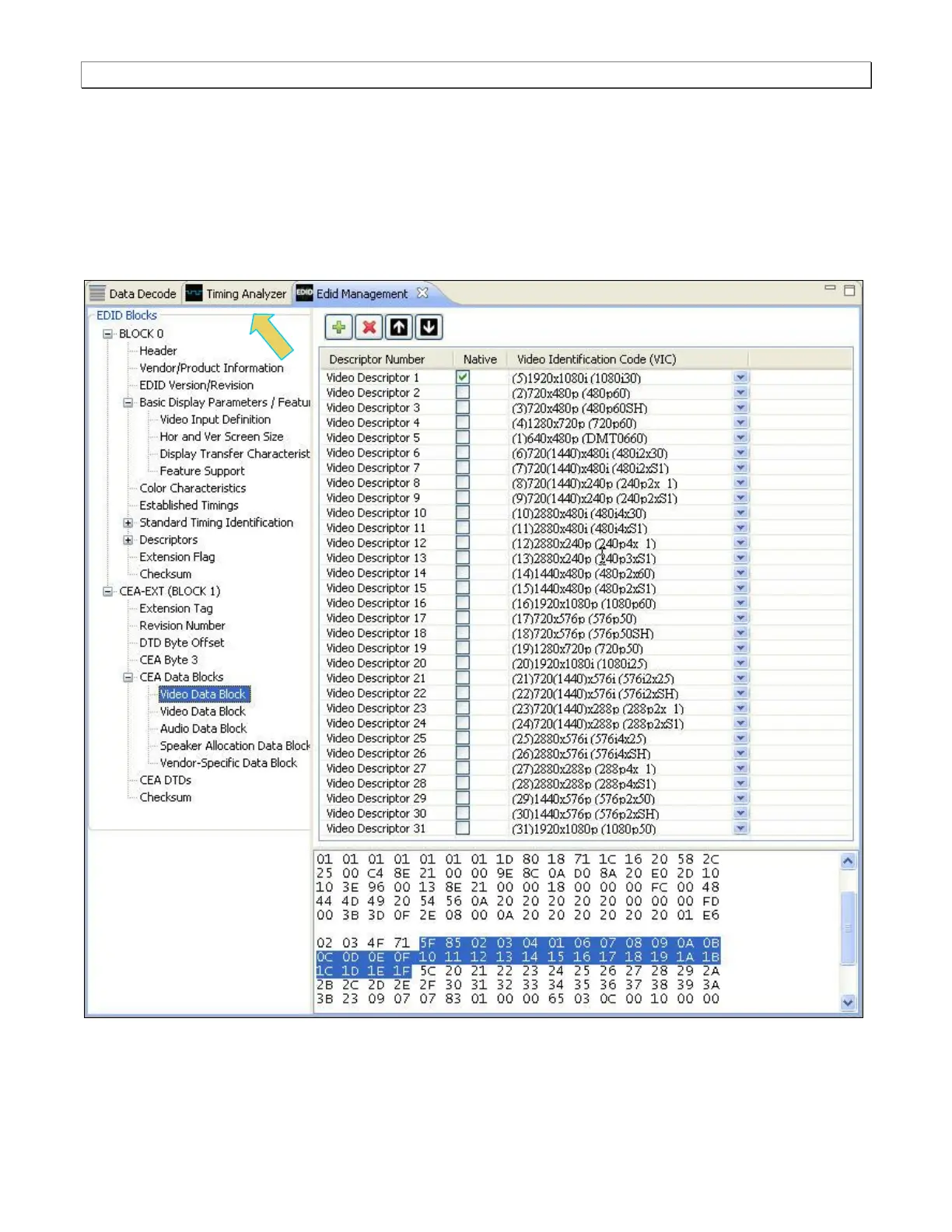
The EDID Management panel enables you to modify existing EDIDs or create new ones through a graphical
interface. You can import .xml-based EDID files from your PC for use on the 980 Rx port. In this way you can
emulate any EDID in the 980 to ensure that your source responds correctly to it.
Note: On some screens (or pages) there is an Apply button and a Cancel button. On these pages you have to
activate the Apply button in order to invoke the changes you have made on that screen.
The primary manner in which you make changes to an existing EDID, to create your own custom EDID is to add
CEA blocks, e.g. Audio Blocks or Video Blocks. You can enable or disable parameters using radio buttons or



 To Next Page