980 User Guide Rev. B29
Page 119 August 5, 2011
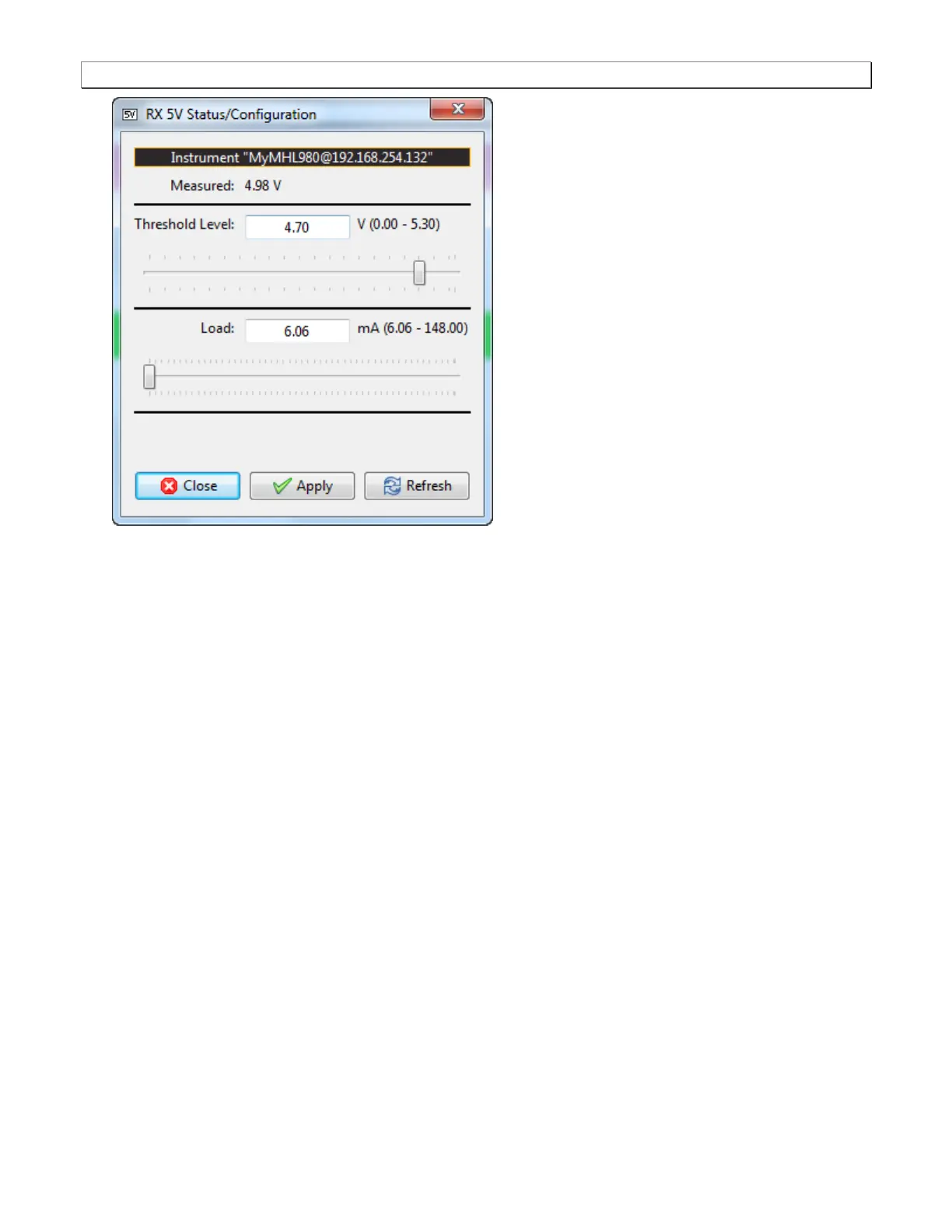
2. Note the current Measured 5V level (4.98 in the example above).
3. Select the Threshold Level using the upper slidebar (0.0 to 5.3V). Be sure to select the Apply button. Then hit
Refresh to view the new value. You may wish to lower the threshold to enable testing of a source whose 5V
level is too low. If you specify a threshold higher than the voltage detected there will be no effect on the ability
to test.
4. Select the current Load using the lower slidebar provided. Increasing the current load will cause the detected
voltage to fall. Be sure to select the Apply button. Then hit Refresh to view the new value.



 To Next Page