980 User Guide Rev. B29
Page 123 August 5, 2011
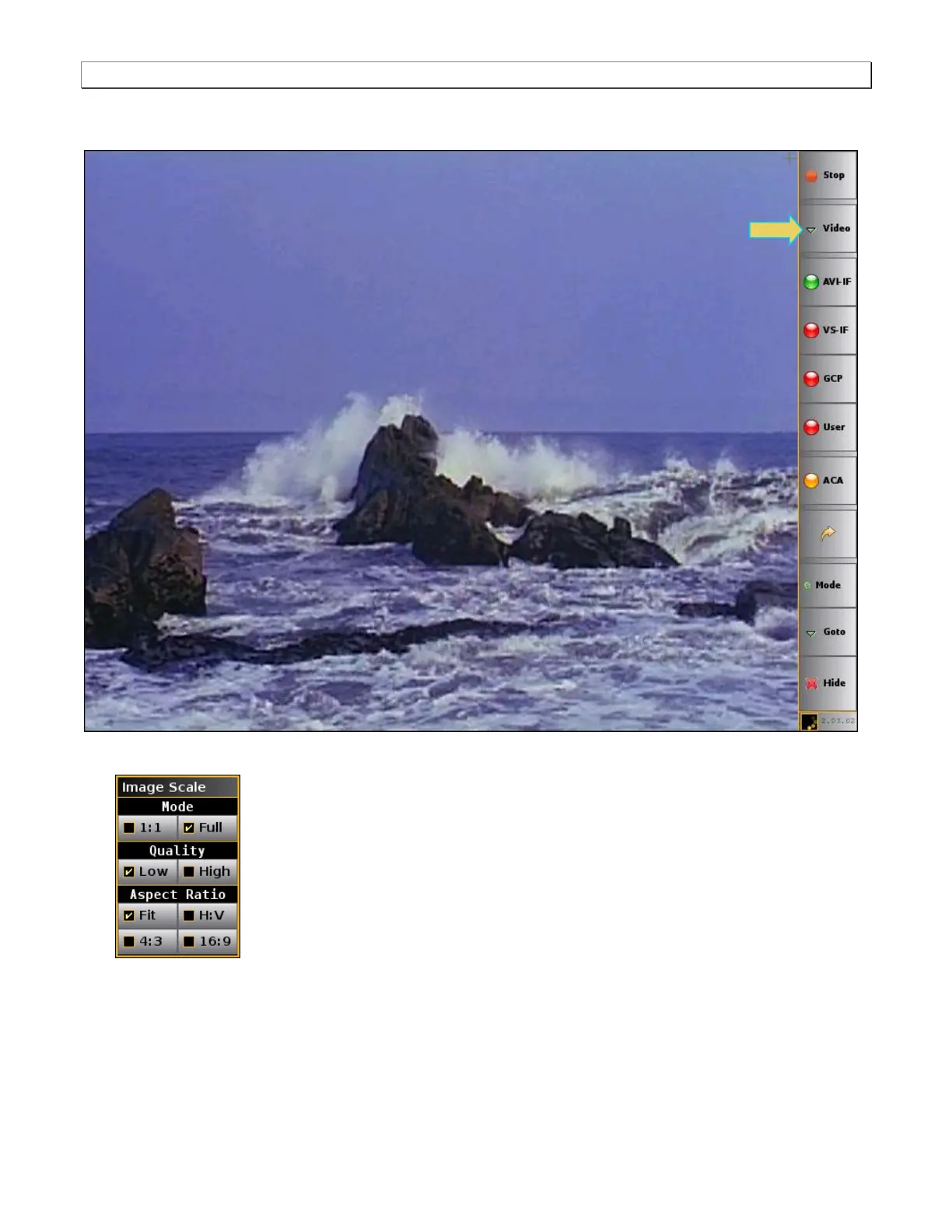
A video image appears in the Real Time panel. An example is shown below:
You can adjust the image viewing area using the Image Scale dialog box.
Mode – The Mode can be either 1:1 or Full. Use the checkbox adjacent to each item to select. The 1:1
selection will show the image in its true size; because the Real Time window on the built-in front panel
display does not support higher resolutions, much of the content will not be viewable in the window when
1:1 is selected. The Full mode enables you to view the entire image. When Full is selected you can also
select which Aspect Ratio setting to use.



 To Next Page