980 User Guide Rev. B29
Page 149 August 5, 2011
BSTATUS – This check box enables you to toggle between the 980 sink emulator responding to a source
HDCP authentication by indicating in its BSTATUS register that it is or is not in HDMI mode.
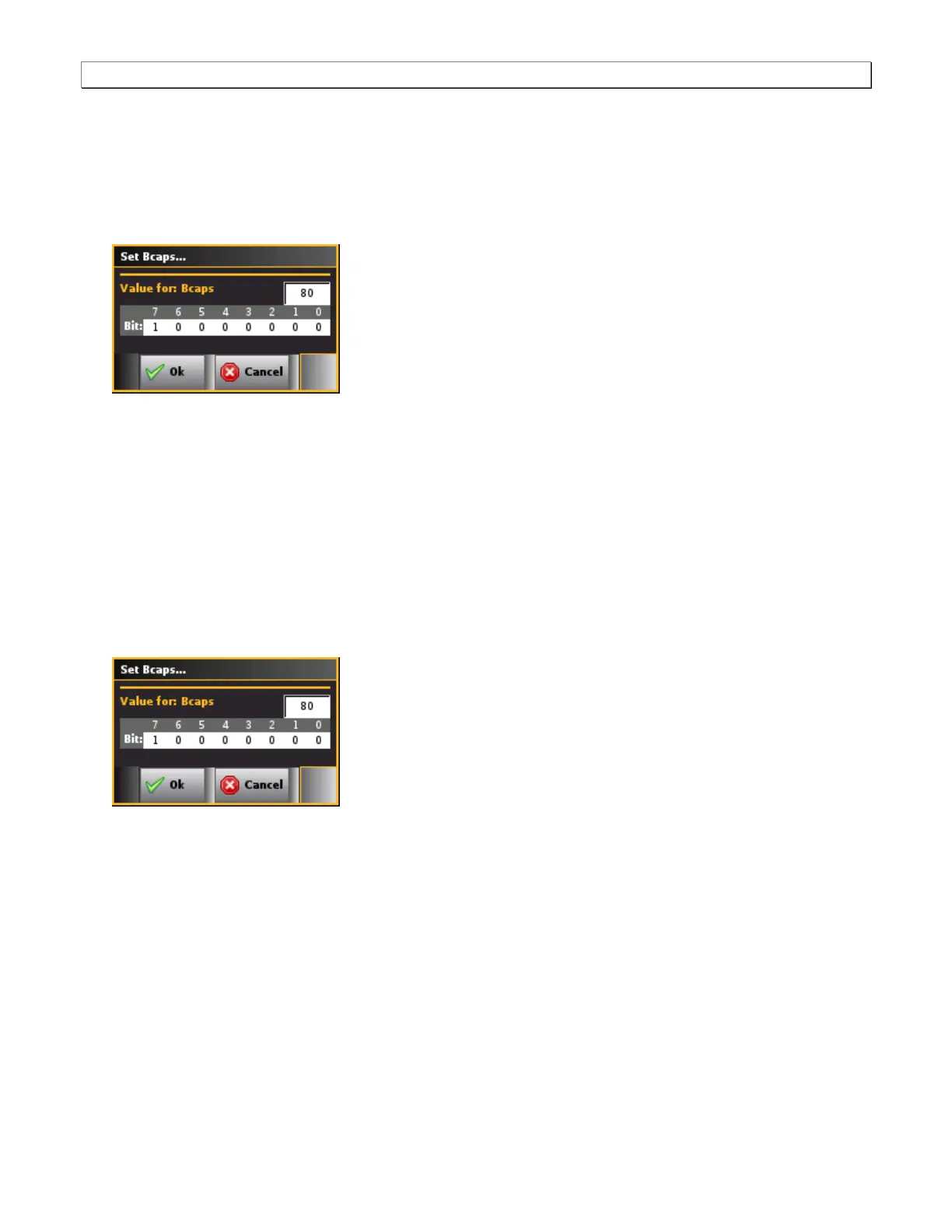
Set BCAPS – This check box opens up a dialog box enabling you to configure the bits of the BCAPS
register. The dialog box is shown below. You can set the bits by clicking on that bit. Clicking on any one bit
will toggle the binary value. The hex value of the BCAPS register is shown in the field above the bit values
(80 in the example below).
A pop out menu will appear enabling you to select the desired mode using the check boxes provided:
Enabled – In the Enabled mode, the 980 sink emulator will respond to HDCP authentication from a source
device under test. When disabled the 980 sink emulator will not respond to an HDCP authentication
request.
BSTATUS – This check box enables you to toggle between the 980 sink emulator responding to a source
HDCP authentication by indicating in its BSTATUS register that it is or is not in HDMI mode.
Set BCAPS – This check box opens up a dialog box enabling you to configure the bits of the BCAPS
register. The dialog box is shown below. You can set the bits by clicking on that bit. Clicking on any one bit
will toggle the binary value. The hex value of the BCAPS register is shown in the field above the bit values
(80 in the example below).
6.13.4 Initiating a Capture
Typically in the Capture mode you will want to specify a manual capture. With the manual capture, you can monitor
the downstream HDMI sink device for particular behavior or symptom to a problem and then initiate a capture
when the particular condition exhibits itself. This ensures that the relevant data—data related to interoperability—is
captured.
Use the procedures below to initiate a new capture.
1. (optional) If you are going to be taking some action on the device under test that will halt video, such as
unseating and reseating the HDMI cable, you will need to check the Video Check box in the Capture
Configuration section of the Capture Control dialog box.
2. Check the Generate Hot Plug on Capture Start button if you want the 980 to issue a hot plug to initiate HDCP
authentication. You also need to specify the duration of hot plug pulse in milliseconds.



 To Next Page