980 User Guide Rev. B29
Page 169 August 5, 2011
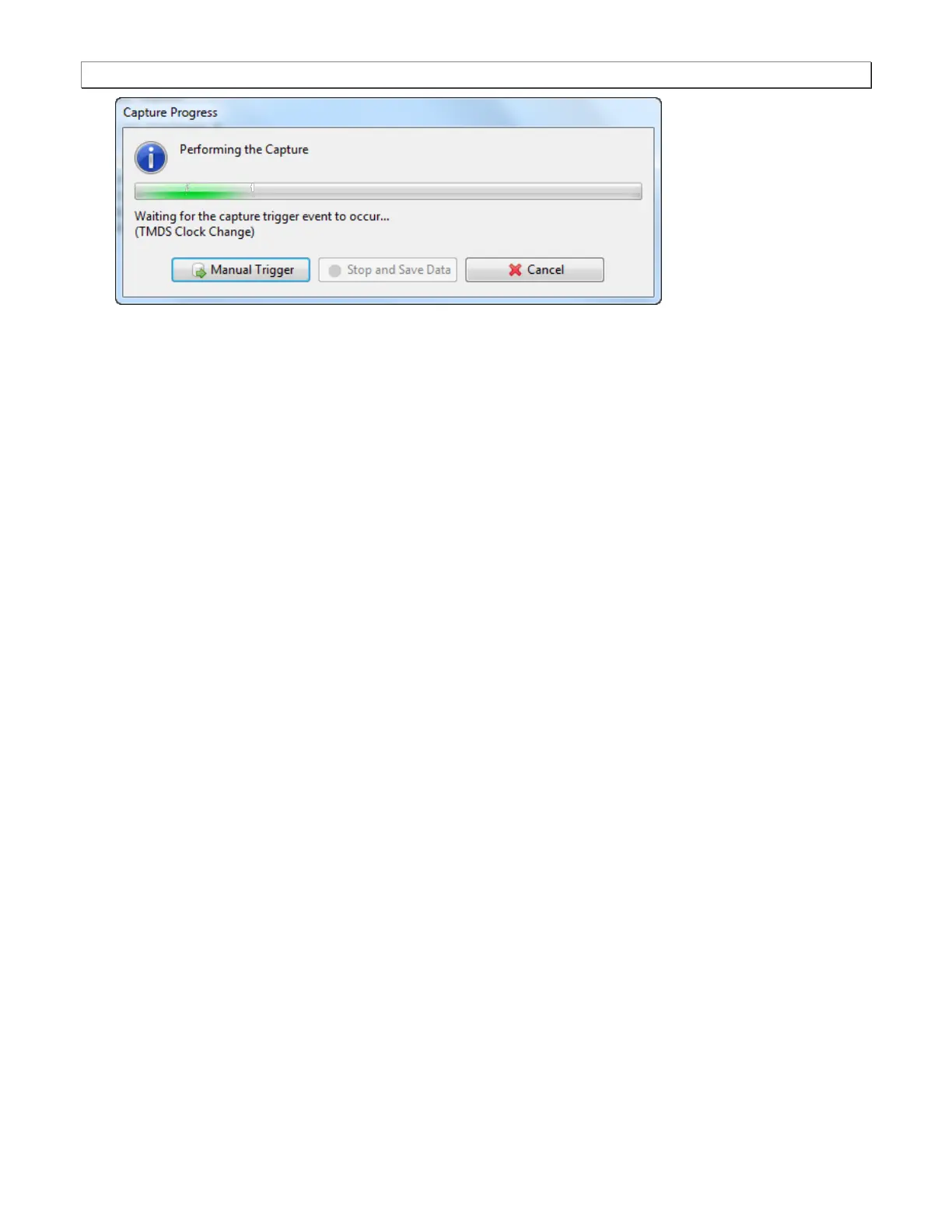
When the 980 Protocol Analyzer is done capturing data you can view the timing parameters in the Timing
Analyzer panel. The Timing Analysis panel has three subpanels: 1) Video Format, 2) Frame Statistics 3)
Line Statistics. The Video Format panel shows a summary of the key parameters and indicates the standard
format timing that the timing parameters detected from the source match. If there is not a precise match
between the timing parameters of a format in the 980 format library and the measured values, the 980 will
select the format nearest to the values measured and indicate any parameters that deviate from that standard
timing.
The Frame Statistics panel shows the frame or vertical parameters. When you highlight a particular frame,
the parameters for each of the lines in that frame are listed in the Line Statistics panel.



 To Next Page