980 User Guide Rev. B29
Page 177 August 5, 2011
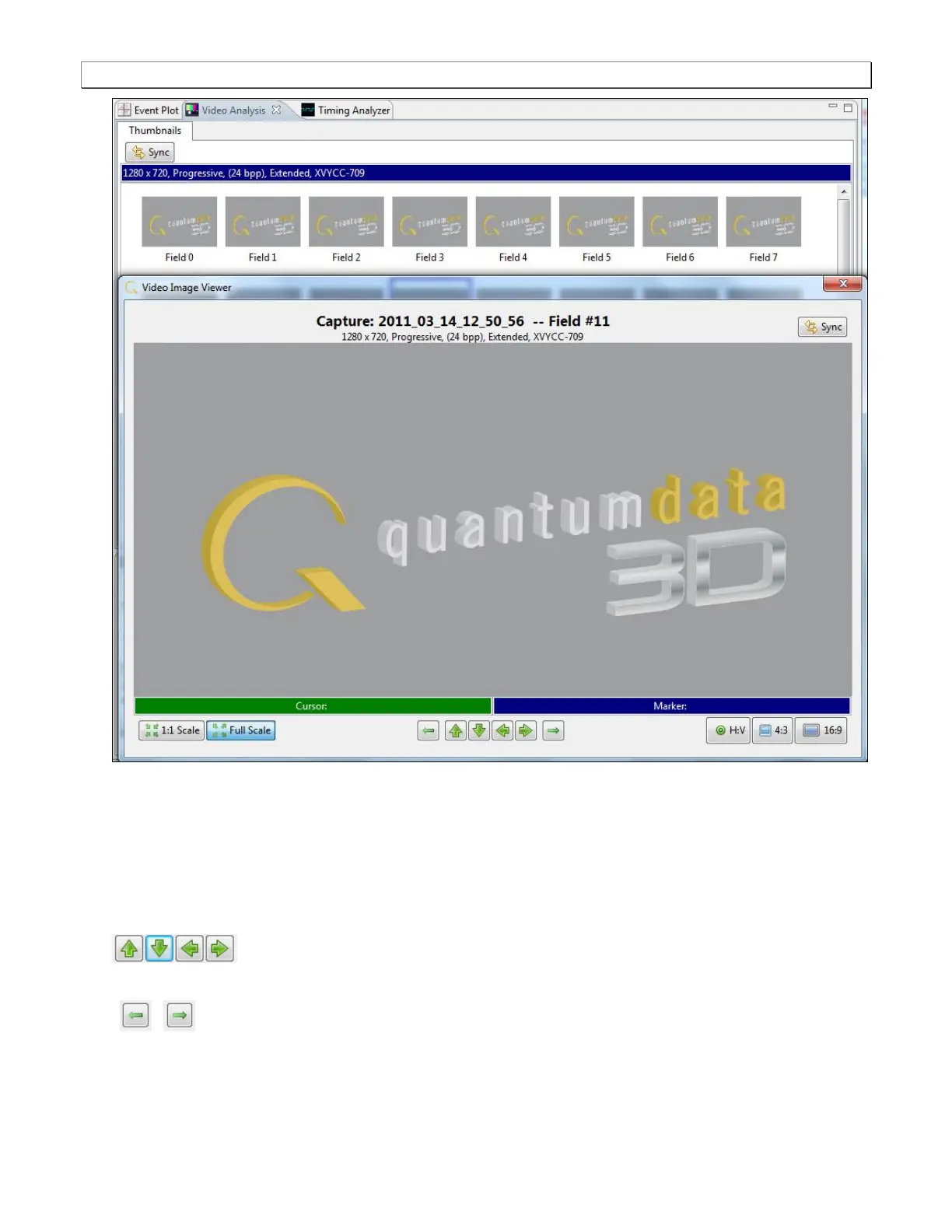
The Video Analysis panel enables you view the video pattern or content for a frame in full size by simply
double clicking on a frame. Once you have activated the full view of a frame in the Video Image Viewer panel
you can view the pixel values for any pixel by moving your mouse over the pattern. In the example below pixel
(x=537, y=184) is selected. Its RGB color values are (R=180, G=16, B=16). If the color space is YCbCr the
Video Image Viewer will show these values and indicate the color space. Deep color values are also shown in
either YCbCr or RGB color space.
You can advance to an adjacent pixel (up/down or left/right) using the thick green arrow buttons
on the bottom of the Video Image Viewer panel.
You can advance to the image of an adjacent frame (earlier or later) using the thin green arrow buttons
/ on the bottom of the Video Image Viewer panel.
These are shown in the screen image below.



 To Next Page