980 User Guide Rev. B29
Page 183 August 5, 2011
Note: You do not need to set the Trigger Selection when running the AVmute test. The Trigger Selection is
set to Pixel Rate change. This setting occurs as part of the AVmute test when you initiate it.
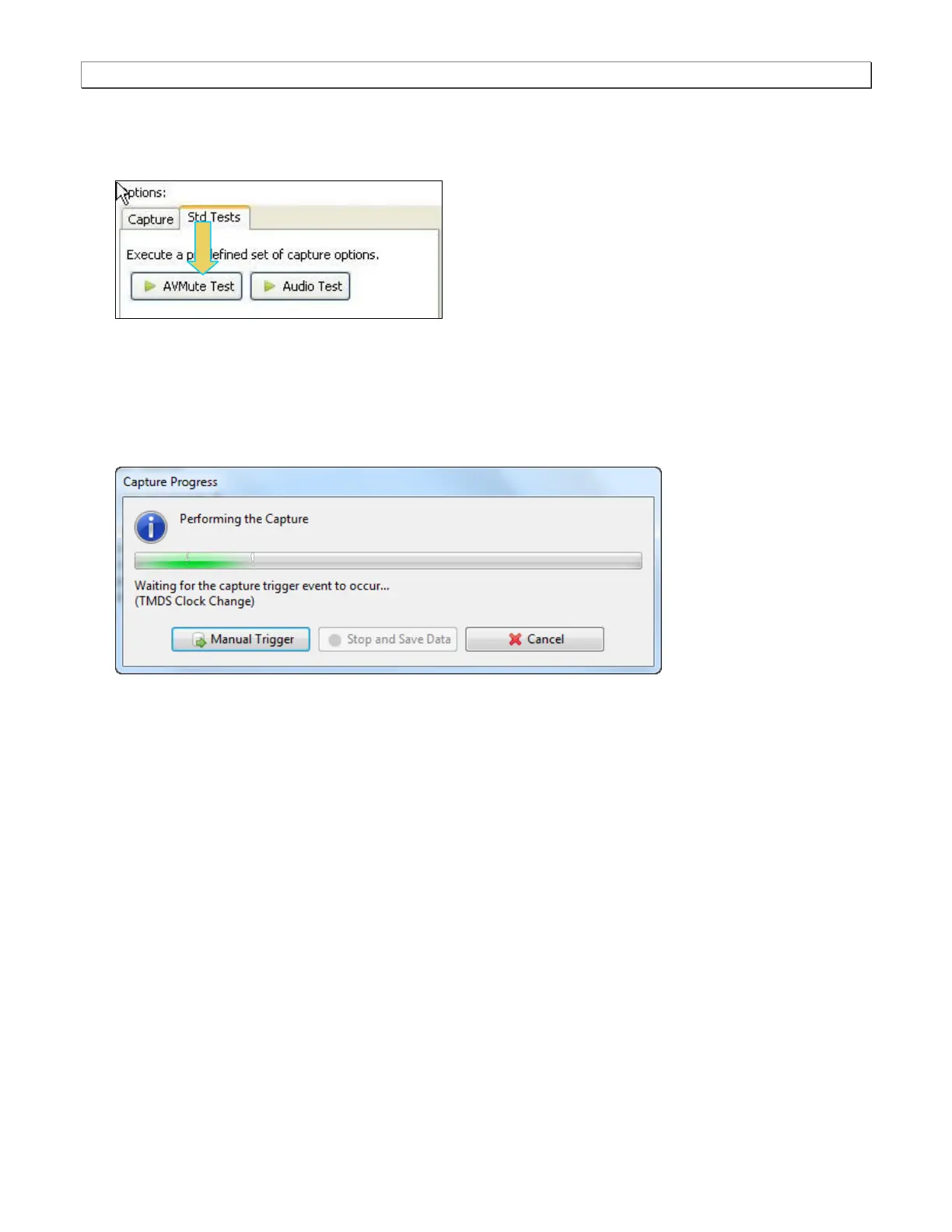
4. Select the Std Tests tab under the Options section of the Capture Control panel (below).
5. Click on the AVmute Test to initiate the AVmute test.
The 980 Protocol Analyzer will capture the data including the timing data. A series of dialog boxes will appear
showing the capturing in progress (one example shown below).
Note: If there is some action that needs to be taken by a user in order to cause the trigger condition occur, the
capture dialog box will indicate that. This is shown in the following screen shot.
The results are shown in the Data Analysis panel in the main window of the 980 Manager. A sample is shown
below.



 To Next Page