980 User Guide Rev. B29
Page 82 August 5, 2011
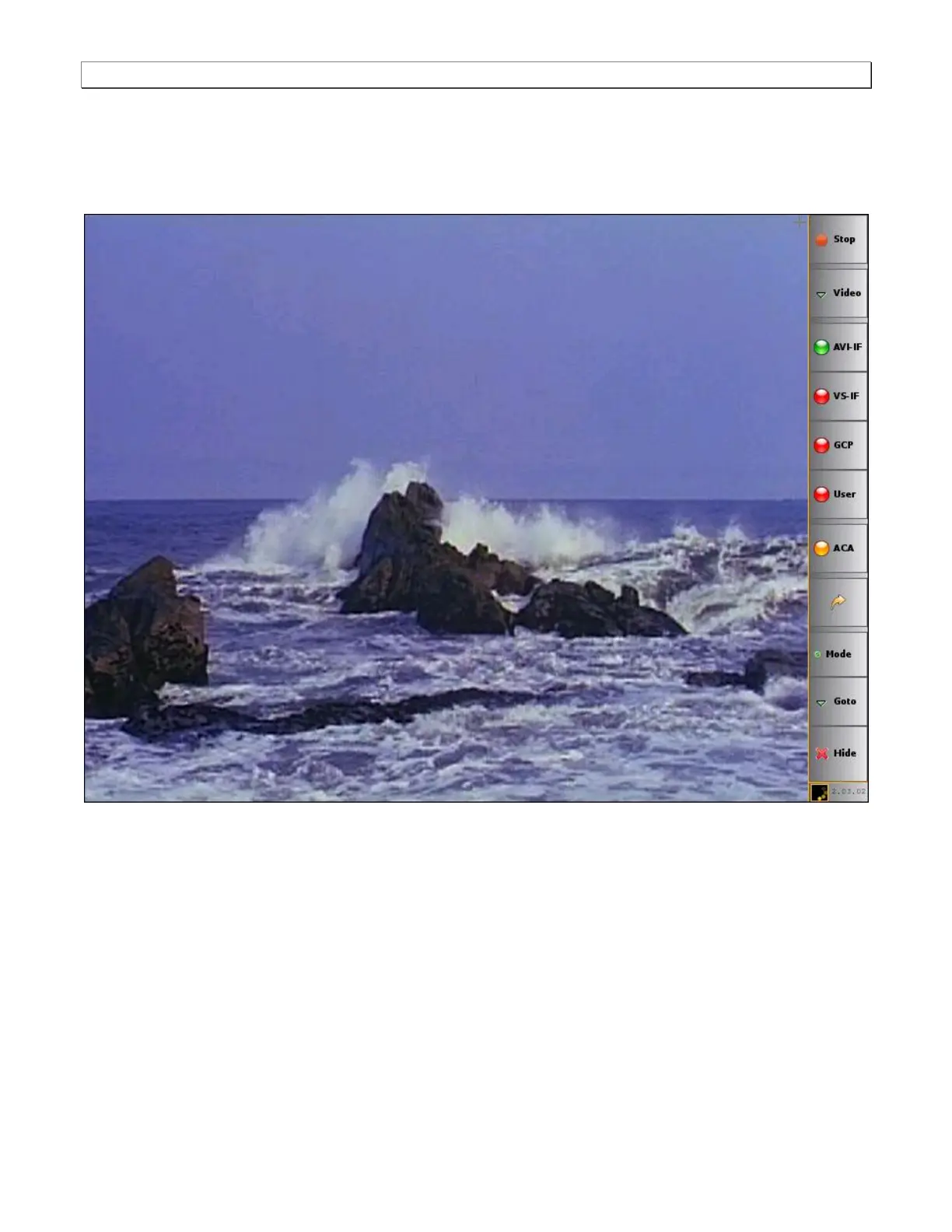
This subsection describes the functions of the main interface of the Real Time mode. The Real Time mode
interface is shown in the two example screens below. The first screen image shows the Real Time mode without
any of the viewing windows open. This screen shows you the Real Time mode with only the main control panel on
the right and the incoming video image and a sample test image. The second screen example shows the Real
Time mode with several data panels open. The table that follows describes the main control panel.



 To Next Page