Configuring your system to send and
receive data
Before you can send and receive data between your thing and the cloud, you need to:
1. Prepare the cloud.
For more information, see Getting Started: preparing the cloud on page6.
2. Install AnyNet IRIS.
For more information, see Installing AnyNet IRIS on page16.
3. Create your thing in AWS IoT Console.
For more information, see Creating a thing in AWS IoT Core on page19.
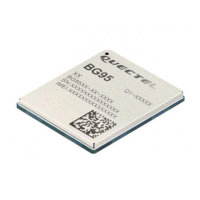
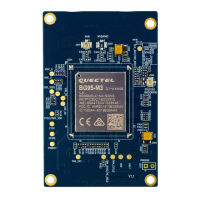
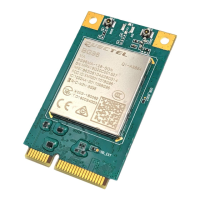
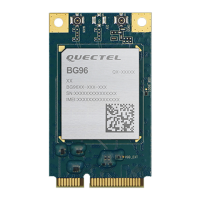
4. Connect the Quectel BG96 module to a cellular network.
For more information, see Establishing the cellular connection on the LTE IoT 2 click on page21.
5. Provision the Quectel BG96 module.
For more information, see Provisioning the Quectel BG96 module on page23.
6. Use a terminal emulator to send commands to the Quectel BG96 module.
For information about setting up the terminal emulator, see Connecting to the LTE IoT 2 click on
page3.
7. Test that you can send data from your thing to the cloud.
For more information, see Sending data from your thing to the cloud on page25.
8. Test that you can send data from the cloud to your thing.
For more information, see Sending data from the cloud to your thing on page28.
9. Your system is now ready. Use AT commands to configure how data is sent and received
between the cloud and the modem.
For more information, see General AT Commands for the Quectel BG96 module on page31.
Eseye-enabled Quectel BG96 module Developer Guide v1.8 4
Configuring your system to send and receive data


 To Next Page