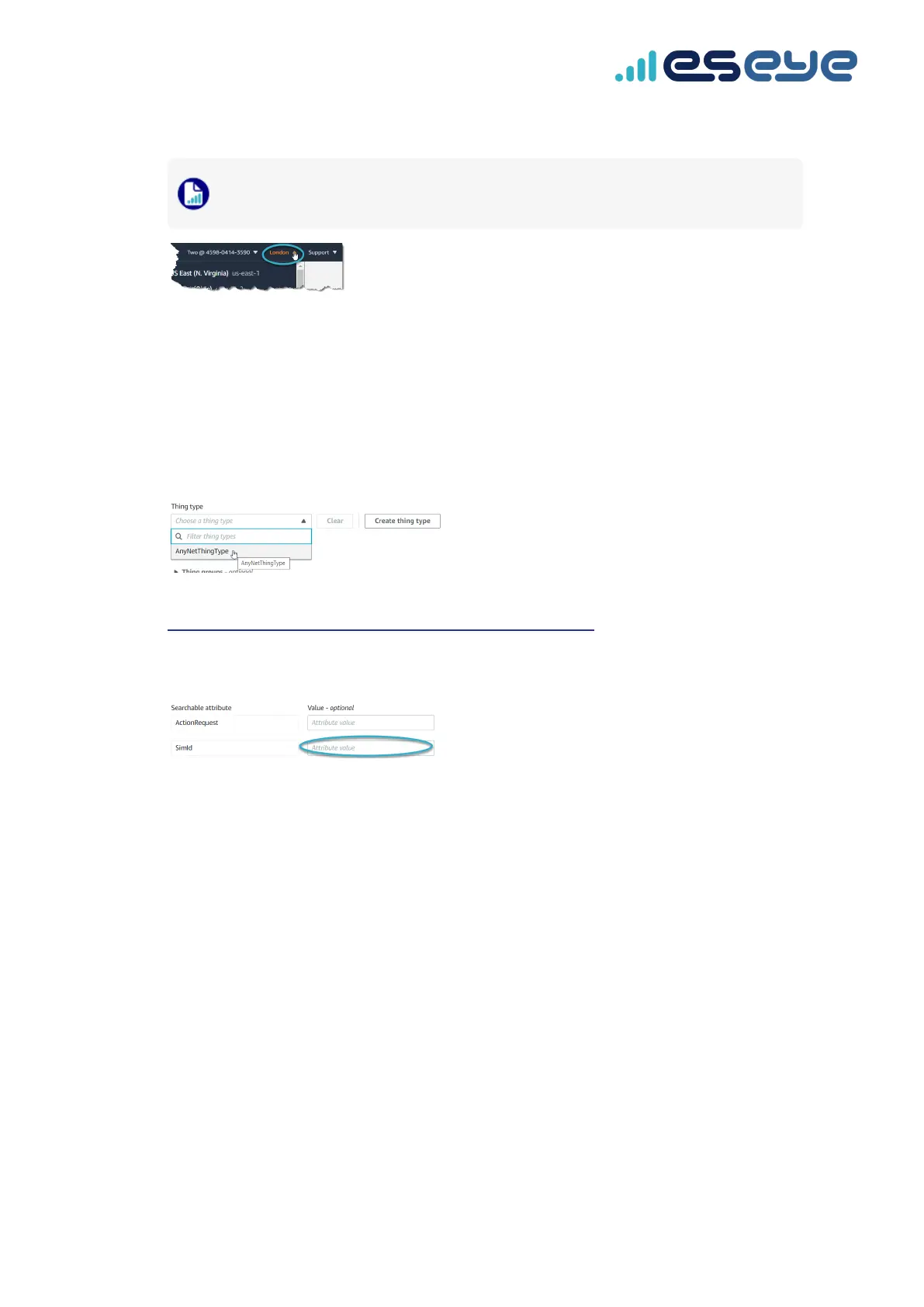
4. In the top right corner, select the correct AWS Region you want to use.
When you create the thing, it will only exist in this Region. Select a Region where you
deployed AnyNet IRIS. For more information, see page 17.
5. In the Things section, select Create things.
The Create things page appears.
6. Select Create single thing, then select Next.
The Specify thing properties page appears.
7. Type a Thing name.
8. In the Thing Type drop-down box, select AnyNetThingType.
For information about the AnyNetThingType, see
https://docs.eseye.com/Content/General/AnyNetThingType.htm.
9. In the Searchable attribute section, leave the ActionRequest Value field blank.
10. In the SimId Value field, type the SIM number (described above).
11. If required, add the thing to a group.
12. In the Device Shadow section, select Unnamed shadow (classic).
13. Select Next.
The Configure device certificate – optional page appears. Eseye manages the certificate process
so you don't have to.
14. Select Skip creating a certificate at this time.
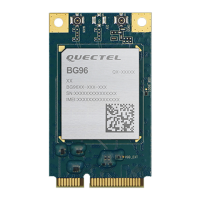
Eseye-enabled Quectel BG96 module Developer Guide v1.8
20
Creating a thing in AWS IoT Core


 To Next Page