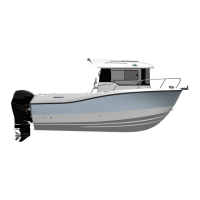
Quicksilver® 805PH — General Informaon
14
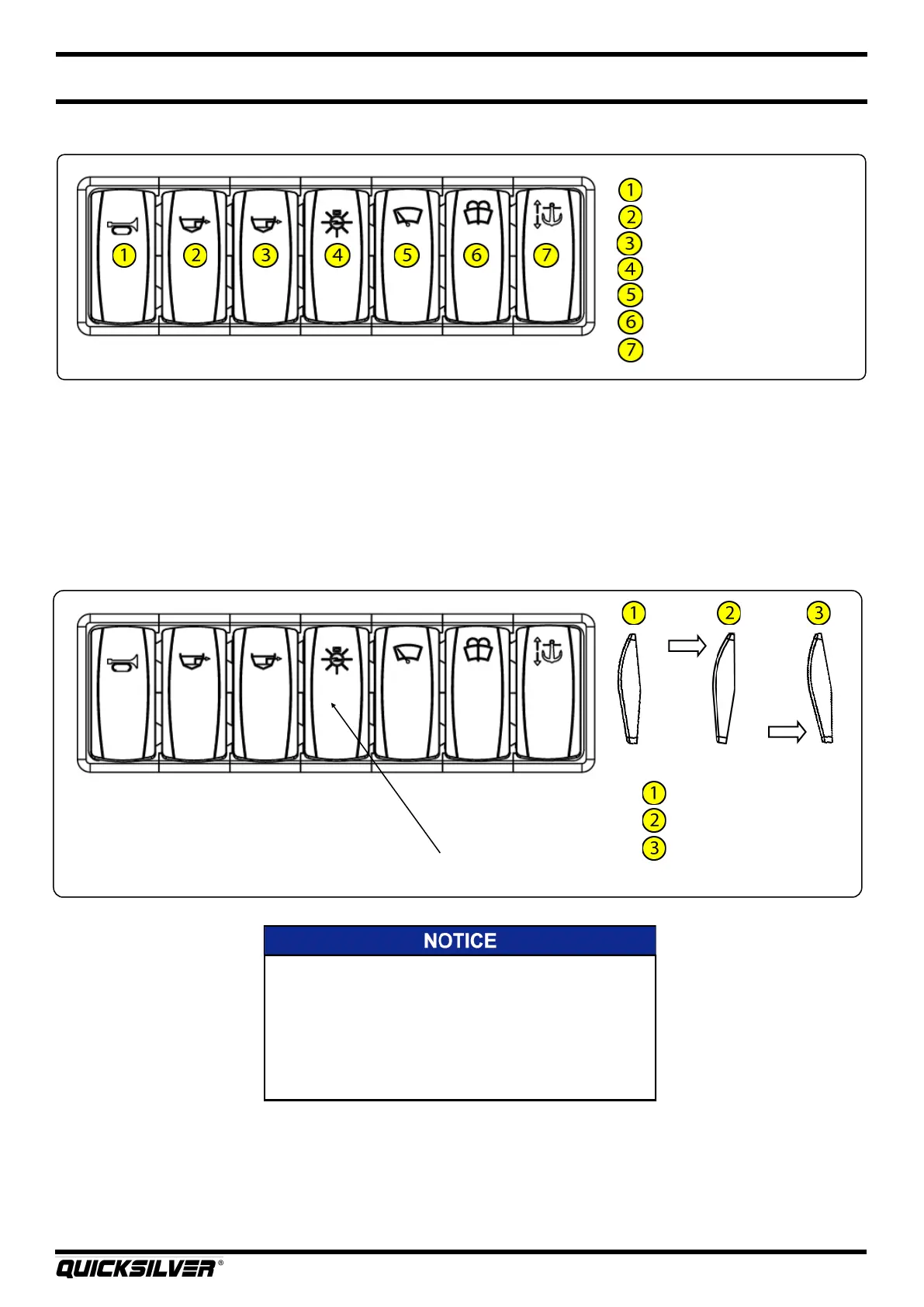
Dash Switch Panel
Horn
Forward bilge pump
A bilge pump
Navigaon lights
Windshield wiper
Windshield washer uid
Windlass
16. Navigaon Lights
Your boat comes equipped with navigaon lighng for use at night or in low visibility condions. Prior
to running at night, make sure that the all around light located on the hardtop is in the upright
posion. A three posion switch, located at the helm switch panel, controls the navigaon lights. To
turn on the Navigaon Lights, push the upper part of the switch forward. This illuminates on the port
(red), starboard (green) and all around light (white) showing other vessels that you are underway. To
turn on the Anchor Light, push the lower part of the switch down. This illuminates the all around light
(white), leng other boaters know that you are anchored at a given locaon.
Navigaon Lights “OFF”
Navigaon Lights “ON”
Anchor Light “ON”
Navigaon light switch
The Internaonal Regulaons for Prevenng Collisions at
Sea (COLREG) and the rules of the road require that a
proper lookout be maintained at all mes and observance
of right of way be respected. Always be certain to have
sucient distance to stop or maneuver if required to avoid
collisions.



 To Next Page