Page 23 of 48
Virena Settings
Before configuring Virena, ensure that the correct ZIP Code has been entered upon initial
startup or in the Other Settings menu. See page 20 for additional information.
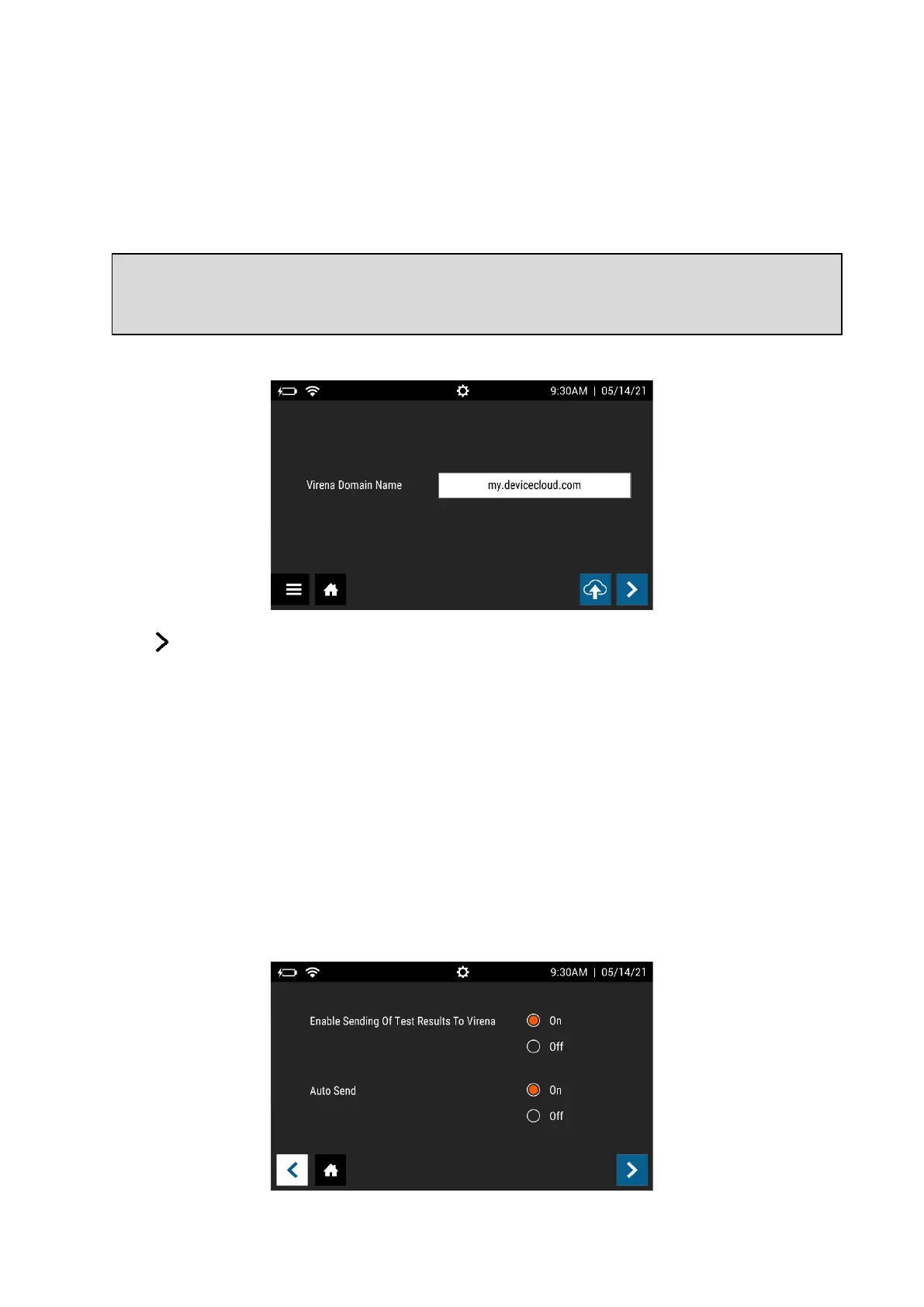
On the first Virena Settings screen, Virena Domain Name is pre-populated, and no
additional user input is needed (Figure 10).
Figure 10
Press to continue to the next screen.
For Enable Sending Of Test Results To Virena, select either On or Off. For Auto Send, select
either On or Off (Figure 11). If Auto Send is set to on, Sofia 2 will send results to Virena
when idle. If Auto Send is set to off, the instrument will never send results unless the User
manually decides to do so via the Send Data screen (page 40). If Enable Sending Of Test
Results To Virena is set to Off, the Auto Send options will no longer be selectable because
no results can be sent to Virena.
Upon activation of Sofia 2’s network capabilities, Sofia 2 will transmit data, de-identified in
accordance with 45 C.F.R. § 164.514(b)(1), from the customer’s Sofia 2 to Quidel’s network
of secured, third-party remote hosted servers.
Figure 11
Note: Virena functionality using a wireless cellular connection is currently only available
within the US. Presently, outside of the US, Virena must be configured using an Ethernet or
WiFi connection.



 To Next Page