Page 18 of 48
Calibration Check
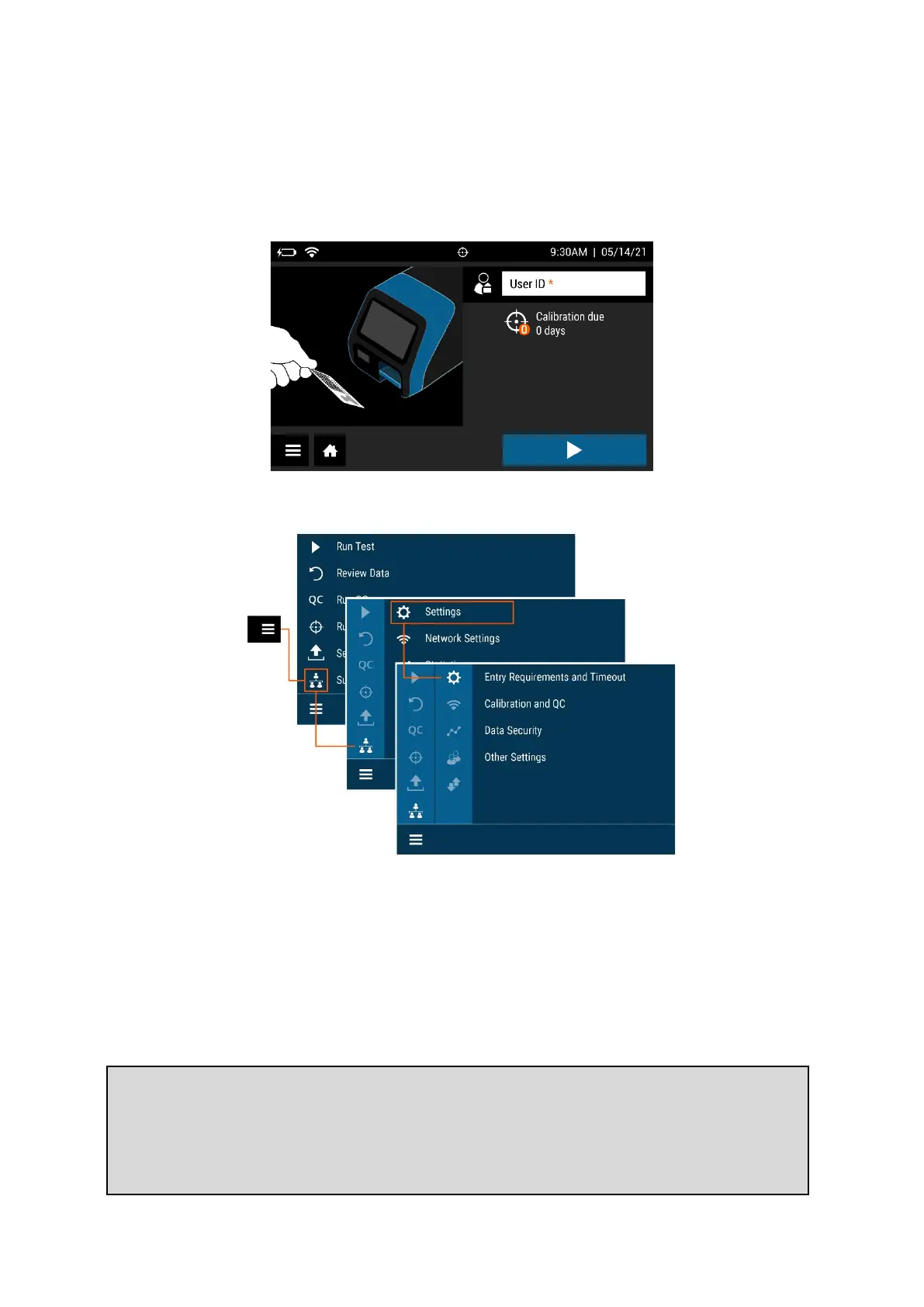
A Calibration Check must also be performed before using Sofia 2 for the first time (Figure 7).
The default Supervisor ID (1234) will be used for the Calibration Check.
Figure 7
Supervisor Menu
Logging in as Supervisor
The Supervisor Menu allows the Supervisor to access additional functionality and security
options depending on the work environment and the location of Sofia 2.
Settings
Entry to the Settings menu is accomplished by logging in as the Supervisor. Sofia 2 comes
from the manufacturer with a default Supervisor login ID which should be changed when
Note: If the factory default ID is deleted and all other Supervisor codes have been
misplaced or forgotten, please call Quidel Technical Support for a 1-day temporary
Supervisor ID code that will allow the User to create a new Supervisor ID code. Contact
Quidel Technical Support for assistance at 800.874.1517 (in the U.S.). See page 3 for
additional contact information.



 To Next Page