Page 24 of 48
Press to continue to the next screen.
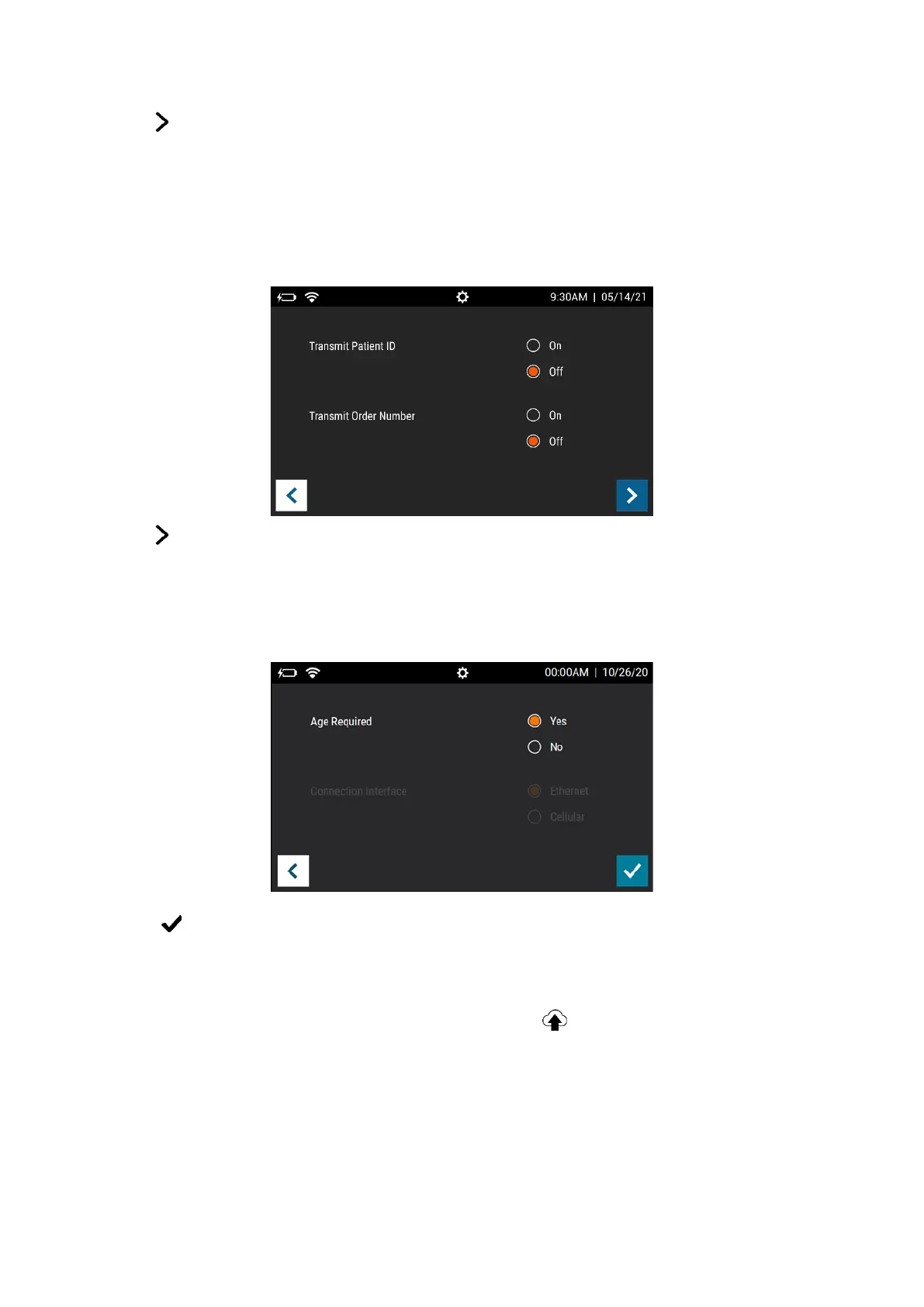
For Transmit Patient ID, select either On or Off. For Transmit Order Number, select either
On or Off (Figure 12). This information is used for study purposes only and this information
will not be transmitted regardless of the selection.
Figure 12
Press to continue to the next screen.
For Age Required, select either Yes or No. If set to Yes, the User will need to enter the
patient’s age prior to running each test (Figure 13).
Figure 13
Select to confirm configuration and return to the Run Test screen.
Test Virena Connection
The final step of Virena configuration is to test the connection. To do this, go to the Send
Data screen (page 40). Select Test Connection and press to begin the connection test
(Figure 14).



 To Next Page