Page 40 of 48
Caution: Store the Calibration Cassette in the provided storage pouch at room
temperature (15°C to 30°C) between uses. Improper storage could damage the
Calibration Cassette, which may lead to a failed Sofia 2 Calibration Check. Do
not touch the read window of the Calibration Cassette as this may impact the
results.
Calibration Results
Sofia 2 displays results as either or indicating that the Calibration Check is completed.
The Calibration results are stored and can be recalled with the Review Calibration Results
function of Sofia 2 from the Review Data menu (page 36).
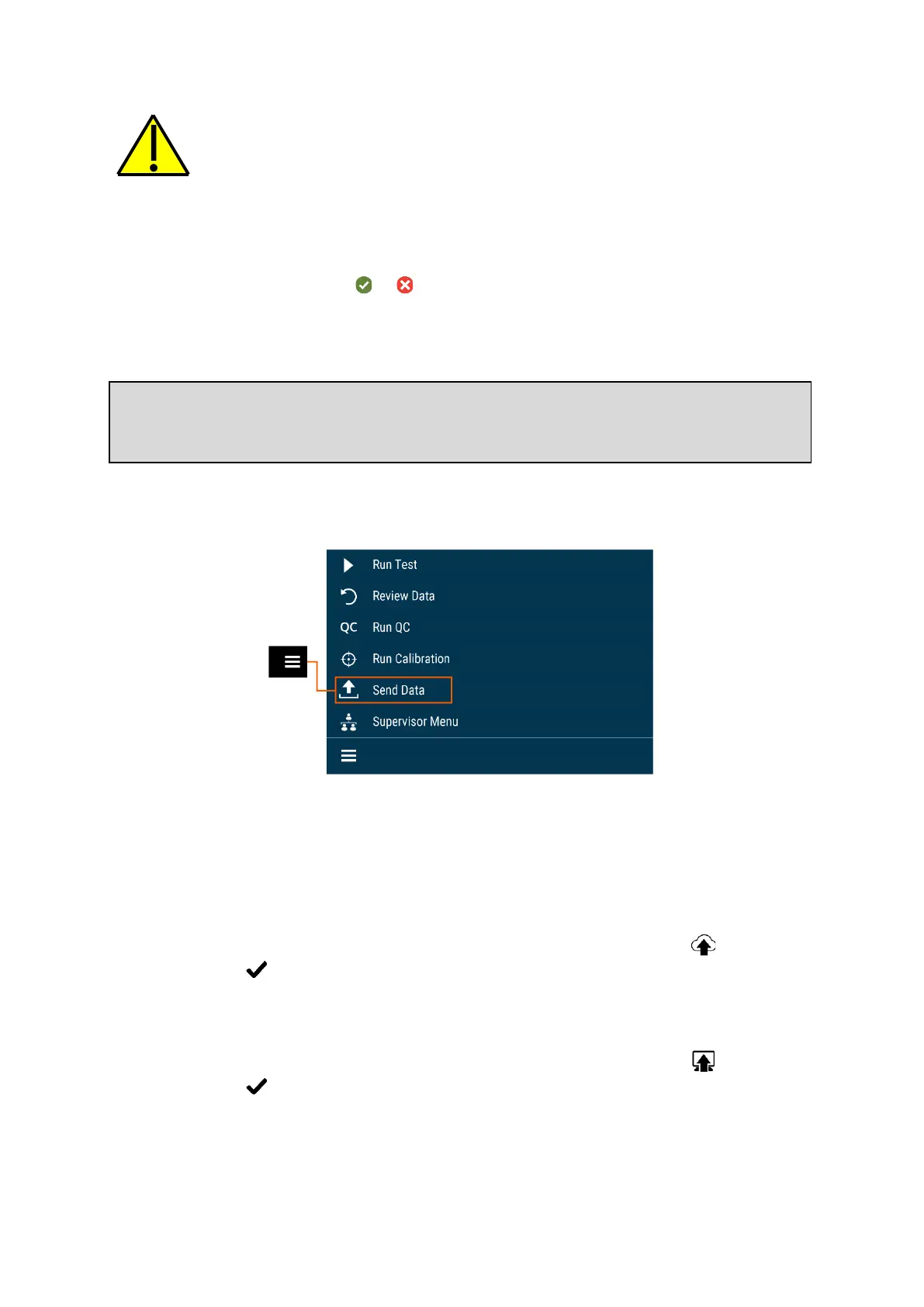
Send Data
For Send Data, the following options will be displayed on the screen:
◼ Last Result
◼ All Results
◼ Test Connection
To manually send data to Virena, select one of the options above then press . If data was
sent successfully, will appear on the screen. If data was not sent successfully, the
message Send To Virena Error will appear. Confirm Virena configuration and re-attempt to
send data. If unsuccessful after a second attempt, contact Technical Support.
To manually send data to the LIS, select one of the options above then press . If data was
sent successfully, will appear on the screen. If data was not sent successfully, the
message Send To LIS Error will appear. Confirm configuration and re-attempt to send data.
If unsuccessful after a second attempt, contact Technical Support.
Note: If Calibration Check does not complete successfully, notify the on-site Supervisor,
or contact Quidel Technical Support for assistance at 800.874.1517 (in the U.S.). See page
3 for additional contact information.



 To Next Page