Page 39 of 48
To run the External Controls, refer to the assay-specific Package Insert for each specific test
for step-by-step instructions.
QC Results
Once the QC run is complete, the system will display either a valid result, , or an invalid
result, .
Select to complete the QC process and return to the Run Test screen.
If the QC controls do not pass, repeat the external control testing process, or contact the
Supervisor or Quidel Technical Support at 800.874.1517 (in the U.S.) for assistance before
testing patient specimens. See page 3 for additional contact information.
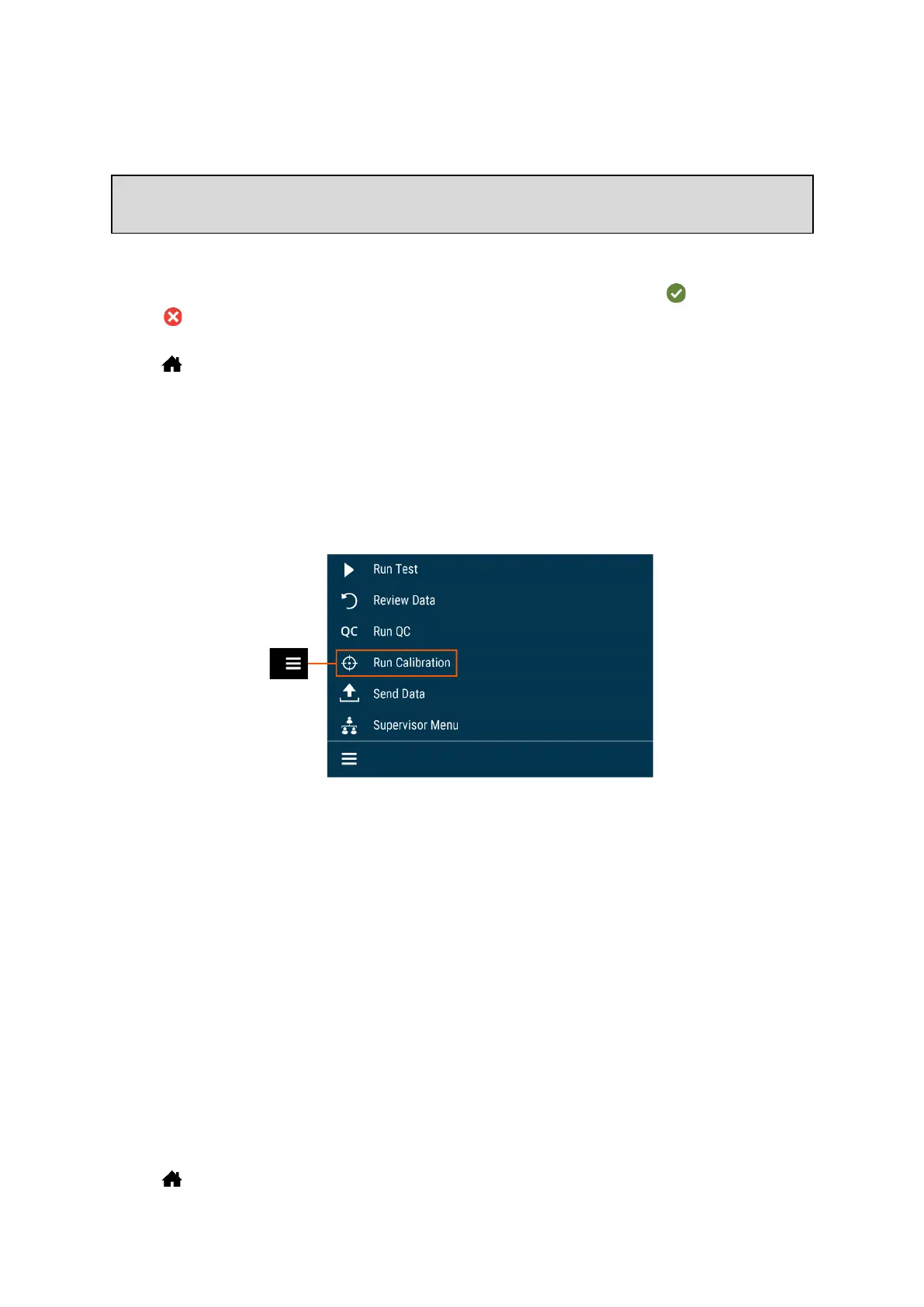
Run Calibration
Calibration Check is a required function that ensures optimal performance by checking the
internal Sofia 2 optics and functions.
IMPORTANT: Calibration Check must be performed within 30 days, prior to testing any
patient sample.
Refer to the assay-specific Package Insert for Calibration Check frequency.
Perform Sofia 2 Calibration Check
Use the specific Calibration Cassette included with Sofia 2 for the Calibration Check. For
replacement Calibration Cassettes, please contact Quidel Technical Support.
Following the prompts, insert the Calibration Cassette into Sofia 2 and gently close the
drawer. Sofia 2 will perform the Calibration Check automatically.
Select to return to the Run Test screen after Calibration is completed.



 To Next Page