Page 36 of 48
Patient Test Results
When the test is complete, the results for both the patient specimen test(s) and the internal
procedural control will be displayed on the Sofia 2 screen and automatically saved on the
device.
If configured, results may also be stored in the cloud using Virena or transmitted to the LIS.
The results may be also be printed on an attached printer by selecting .
Refer to the assay-specific Package Insert for details on how to interpret results for
specific tests.
If the procedural control is , repeat the test with a new patient sample and a new Test
Cassette. To run another patient specimen, select to return to the Run Test screen.
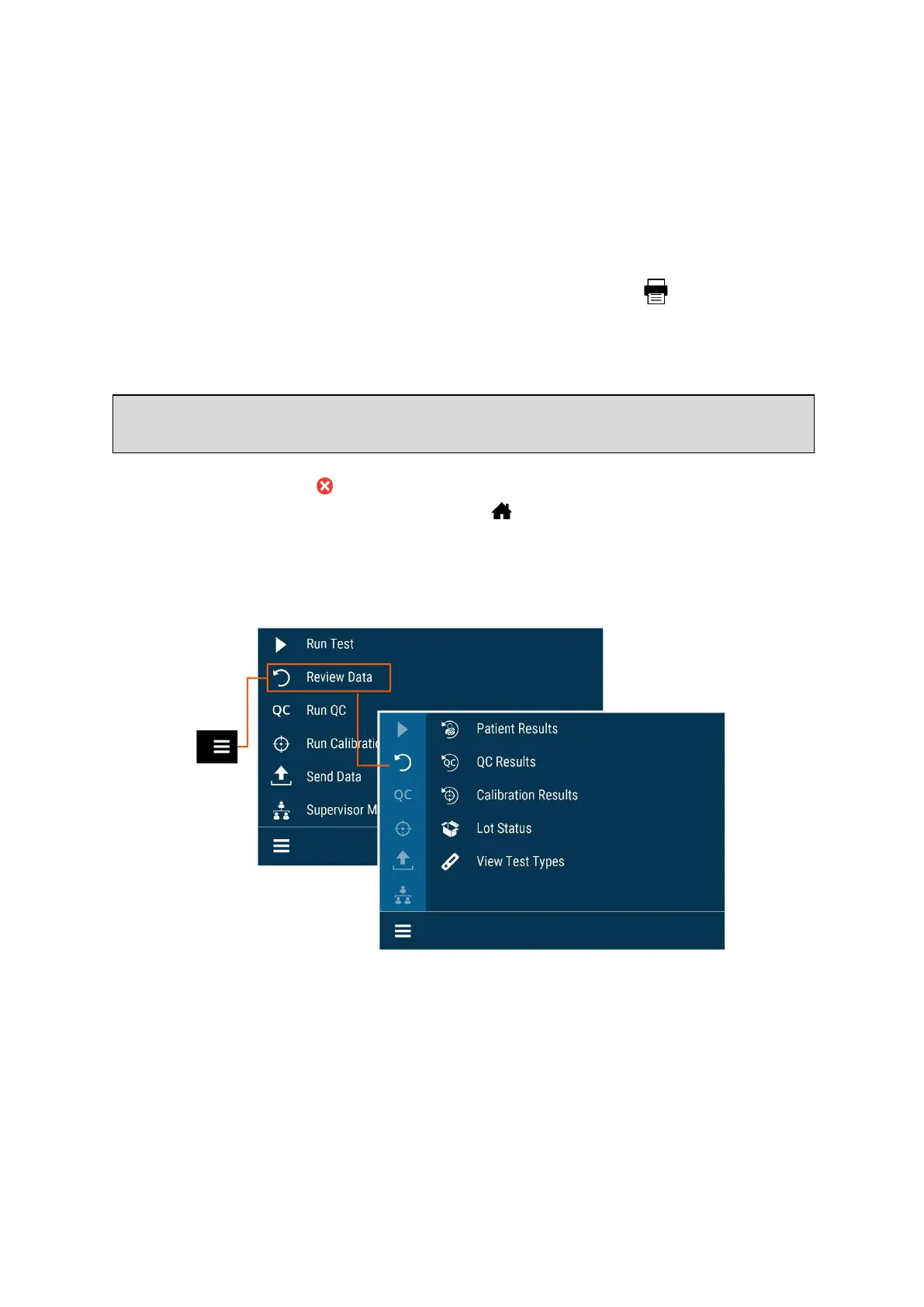
Review Data
Review Patient Results
Patient Results include the records for previously run patient tests.
In any list of Patient Results, you may show the detailed results by selecting the result to
view (Figure 28).
Note: Once results have been generated for an individual Test Cassette, Sofia 2 will no
longer accept that Cassette a second time.



 To Next Page