Page 35 of 48
Test Procedure
In the WALK AWAY development mode, proceed directly to the next steps as soon as the
patient specimen has been processed and added to the Test Cassette. Do not let the Test
Cassette develop outside Sofia 2.
In the READ NOW development mode, remember to first manually time the test
development of the patient specimen Test Cassette outside of Sofia 2 at room temperature
for the required period of time (as defined in the assay-specific Package Insert) before
proceeding to the next step.
To access additional detail on the two development modes from the Run Test screen select
. To return to the Run Test screen from the pop-up, select .
Press
After ID information is entered and development mode is selected, press to advance to
the next screen.
If Virena has been configured, the User will advance to the Patient Information screen
where additional patient information may be entered.
If Age Required has been set to Yes, the User will be asked to enter the patient’s age before
advancing. Refer to the Virena Settings section on page 23 for more information.
Press to advance to the next screen and gently pull open the Sofia 2 drawer.
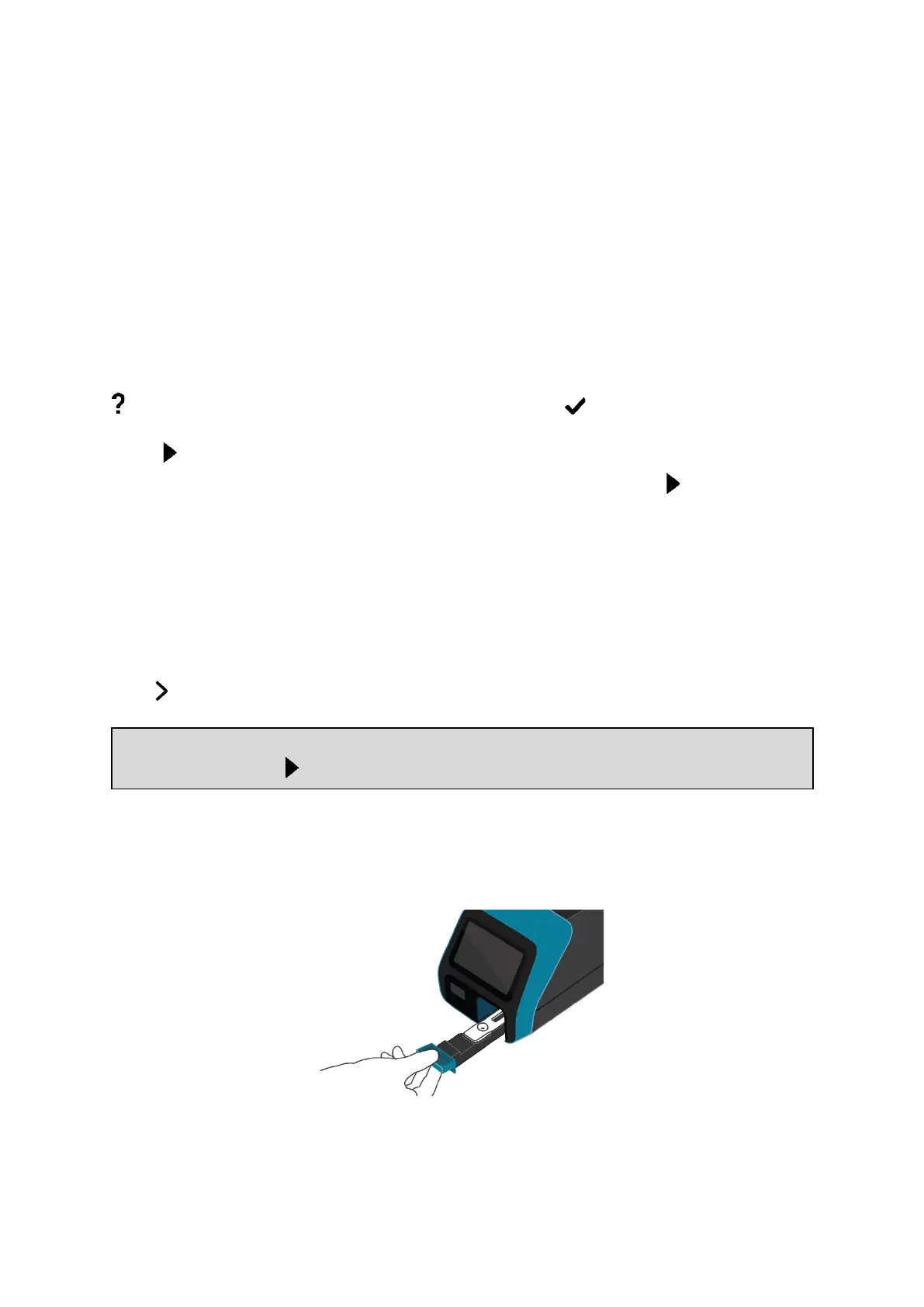
Insert the Test Cassette into the drawer and gently close the drawer (Figure 27).
Figure 27
Upon closing the drawer, Sofia 2 will start automatically and display the progress on the
screen.



 To Next Page