Page 29 of 48
Managing Users
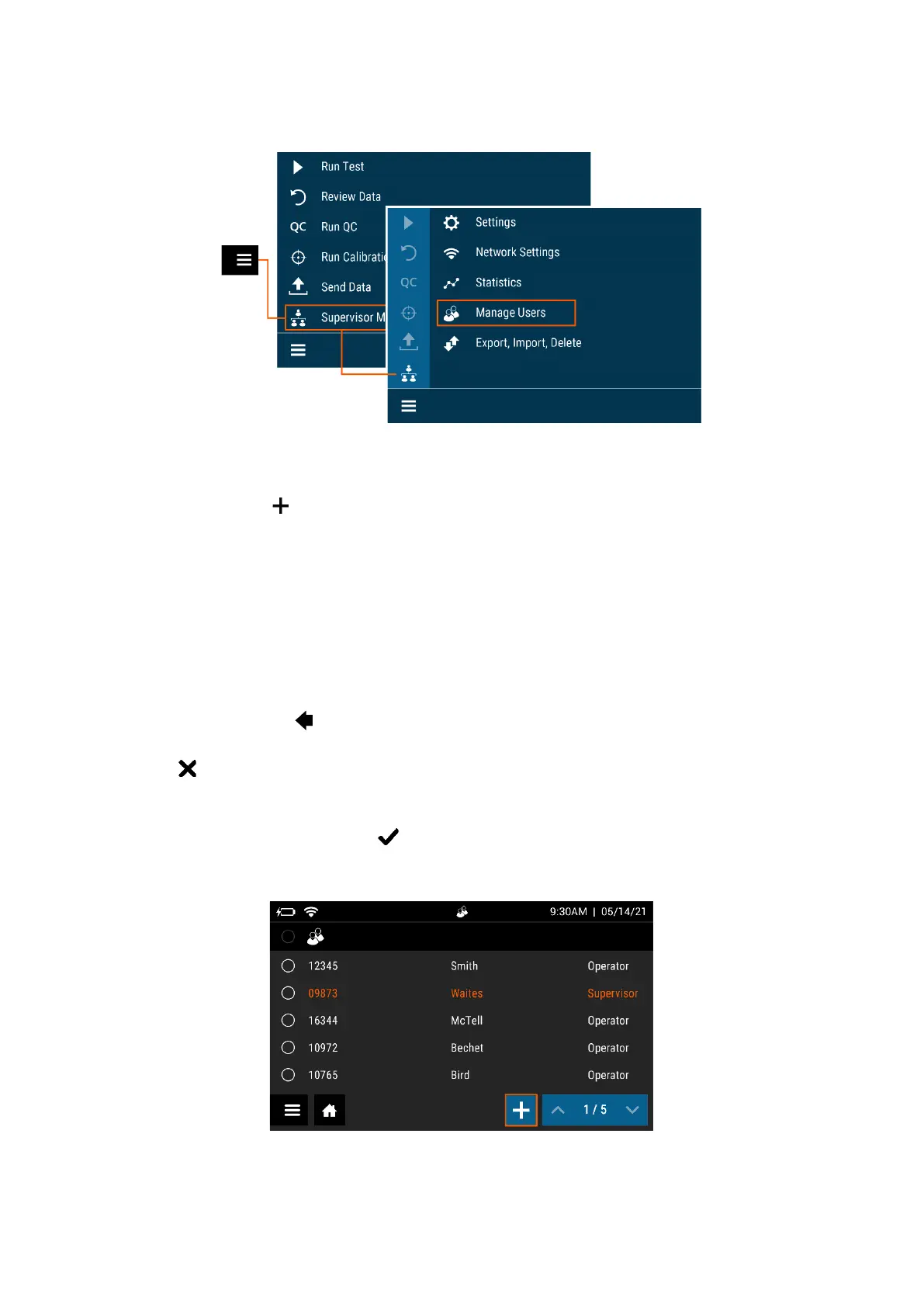
Add User
To add a User, select on the Add User screen (Figure 21).
Use the on-screen keypad or barcode scanner to enter the User ID. User ID must be at least
4 digits.
Choose User Type by selecting Operator or Supervisor.
Enter the Name of the new User using the on-screen keypad.
To delete a letter, press on the keypad.
Pressing at any time cancels all previous changes and returns the Name to the previous
setting.
When the name is complete, press .
Figure 21



 To Next Page