Page 17 of 48
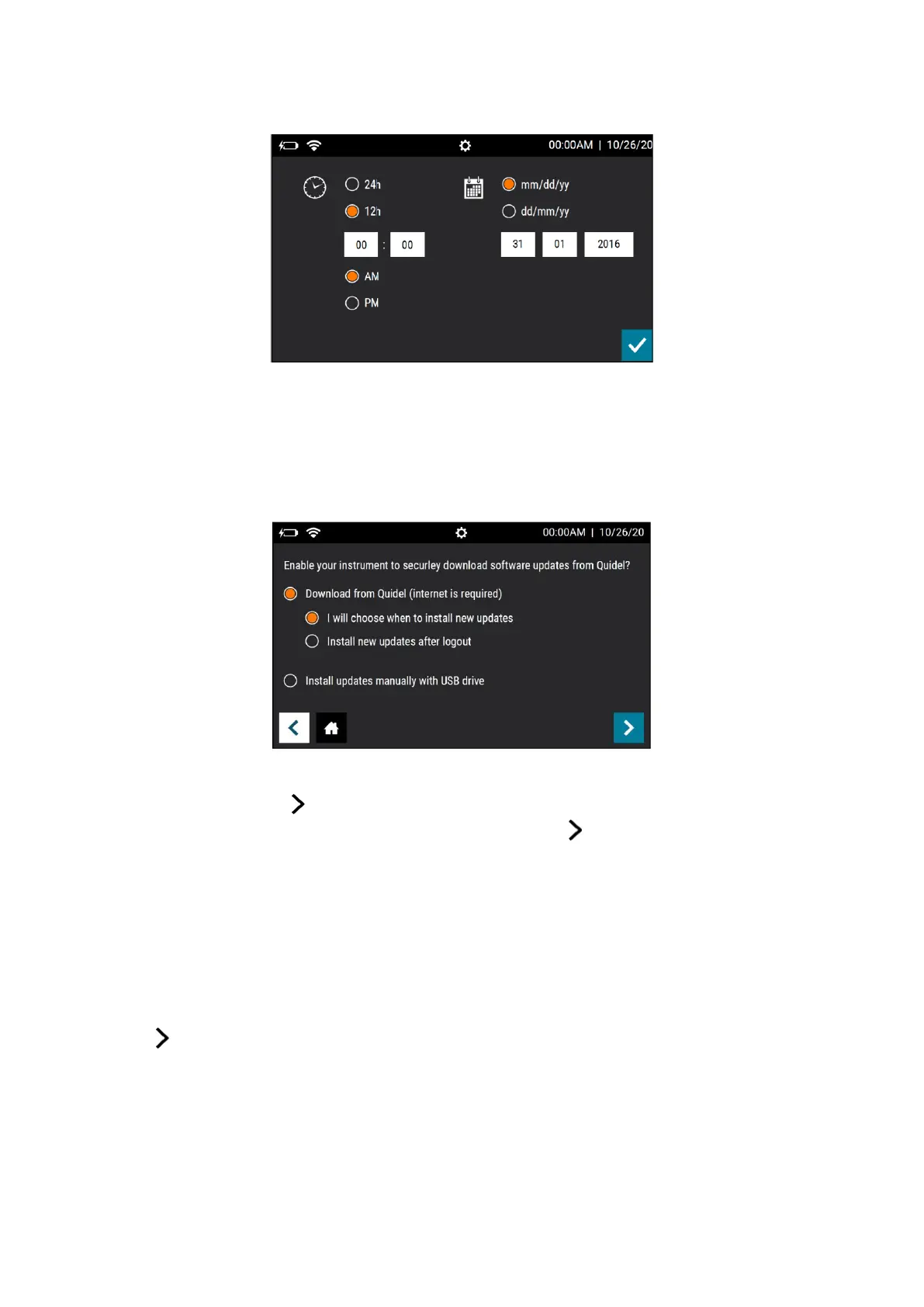
Figure 5
Software Updates:
Sofia 2 will prompt the User to set their software update settings (Figure 6). The “Download
from Quidel” options enable Sofia 2 to automatically download software updates directly
from the cloud via a Wired Ethernet or Wi-Fi connection.
Figure 6
To Connect to Quidel, Users will select their preferred installation method under “Download
from Quidel” and press . If the Sofia 2 is already connected to the internet the User will
receive confirmation of successful registration and will push again to advance to the Run
Test screen.
If the Sofia 2 is not already connected to the internet, Sofia 2 will prompt the User to set up
their network and will take the User to the Network Interface screen to do so (page 21).
Users also have the option to opt-out of connecting their instrument to Quidel and to
continue to download and install updates manually with a USB drive. Those who decide not
to Download from Quidel will select “Install updates manually with a USB drive”, then
press to return to the Run Test screen.
For more information on each option, refer to Connect to Quidel on page 25.



 To Next Page