Page 16 of 48
Sofia 2 will display the Power On Progress screen and complete a Power On Self-Test. Once
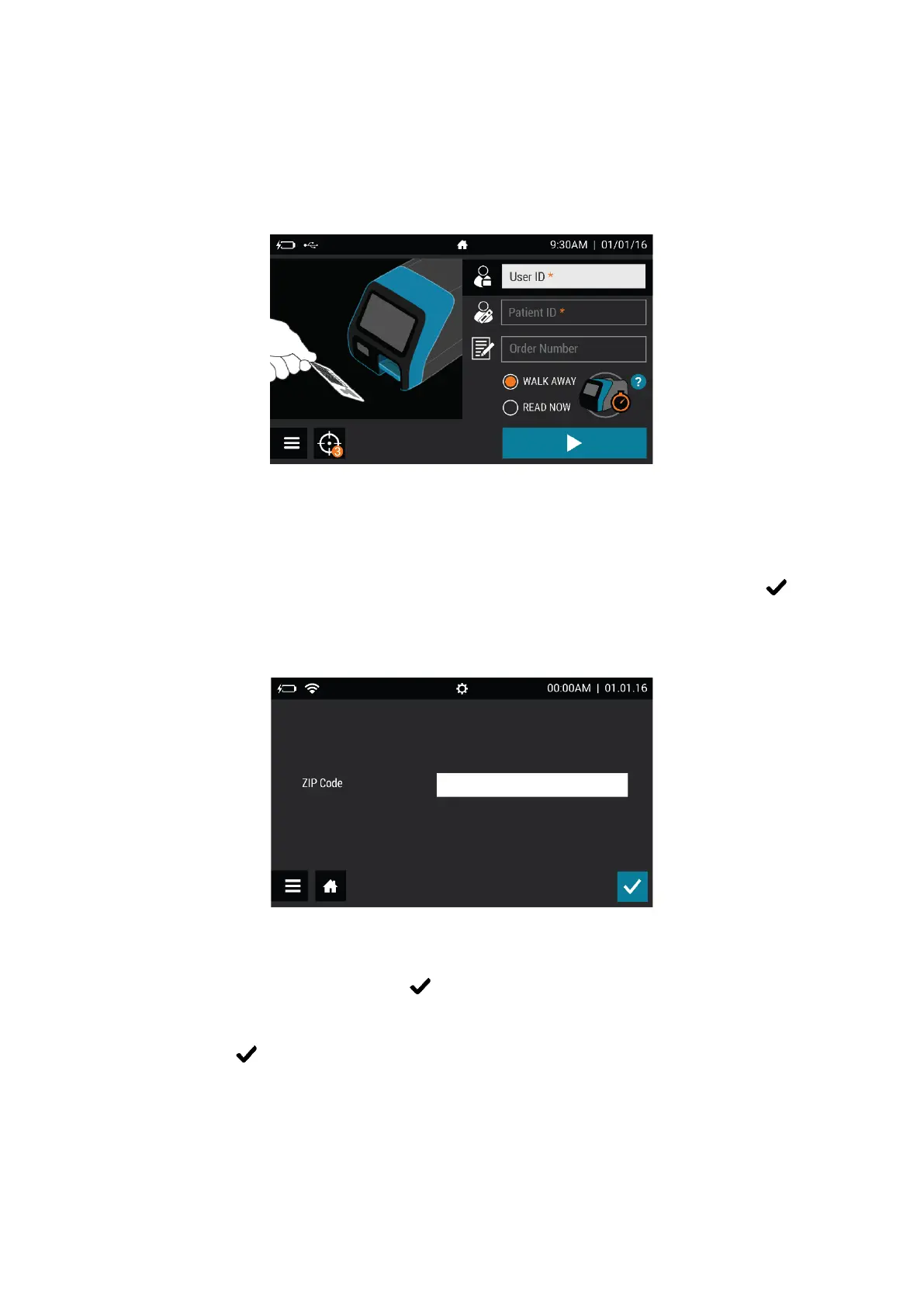
the Power On is complete, Sofia 2 will display the Run Test screen (Figure 3) and it is ready
for use.
Figure 3
After a Firmware update, or when turning on Sofia 2 for the first time, the User may see
several screens upon startup designed to personalize their Sofia 2 settings.
Zip Code:
Sofia 2 will prompt the User to enter the ZIP Code where it is located (Figure 4). Select to
confirm and continue to the next screen.
Figure 4
Time and Date:
After a Firmware update, the User will be prompted to verify that the time and date
displayed are correct. If they are, press to confirm the settings (Figure 5). If changes are
required, please refer to the Set Time and Date section on page 21 of this User Manual for
step-by-step instructions detailing how to update the Time and Date settings. Once
complete, press to confirm the settings.



 To Next Page