Page 111 of 254
If the soundings are visible, in the display then, when ‘GateTrac: Depth’ is enabled, the gates will
automatically jump to the soundings, with the selected tolerance. The user can use the Gate Slope
button to change the tilt of the gates, they will still automatically track the bottom, and the gate
slope will not change from what the user has selected.
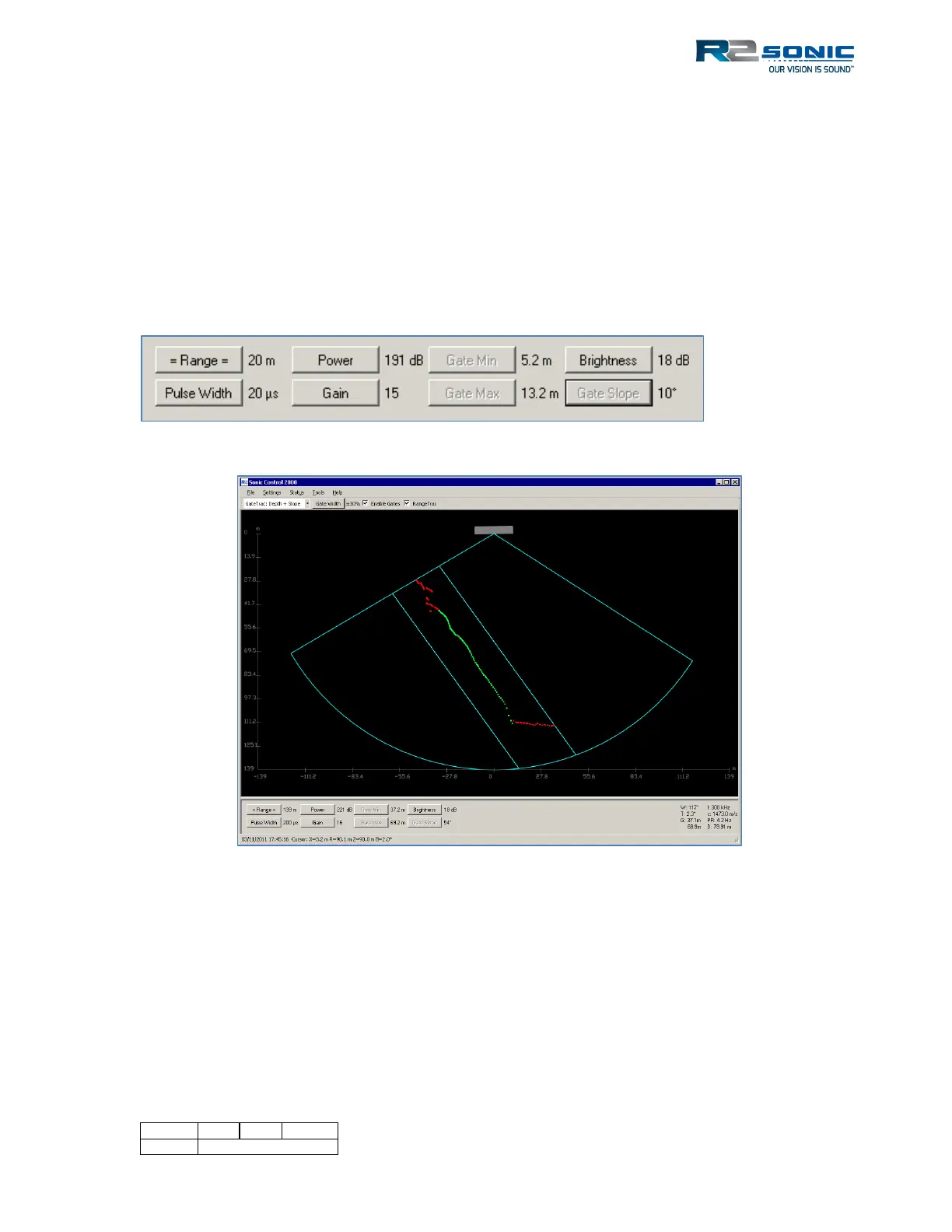
5.16.6.3 GateTrac: Depth + Slope
The Depth and Slope GateTrac will automatically adjust the gates for the depth and the slope of the
bottom. When ‘GateTrac: Depth + Slope’ is enabled, the Gate Min and Max, as well as the Gate
Slope buttons, will be greyed out.
Figure 134: GateTrac: Depth + Slope enabled, manual gate controls are disabled.
Figure 135: GateTrac: Depth + Slope enabled and tracking a steep slope
5.16.6.4 Using Gates
If the minimum or maximum depth gate eliminates good data, the data are lost as it will not be
included in the Sonic MBES output. In the data collection software, there will also be a form of
depth gates. If the data are eliminated there, it is more than likely that the data is flagged and not
really deleted so that it can be recovered.



 To Next Page