Page 64 of 254
Part No. 96000001
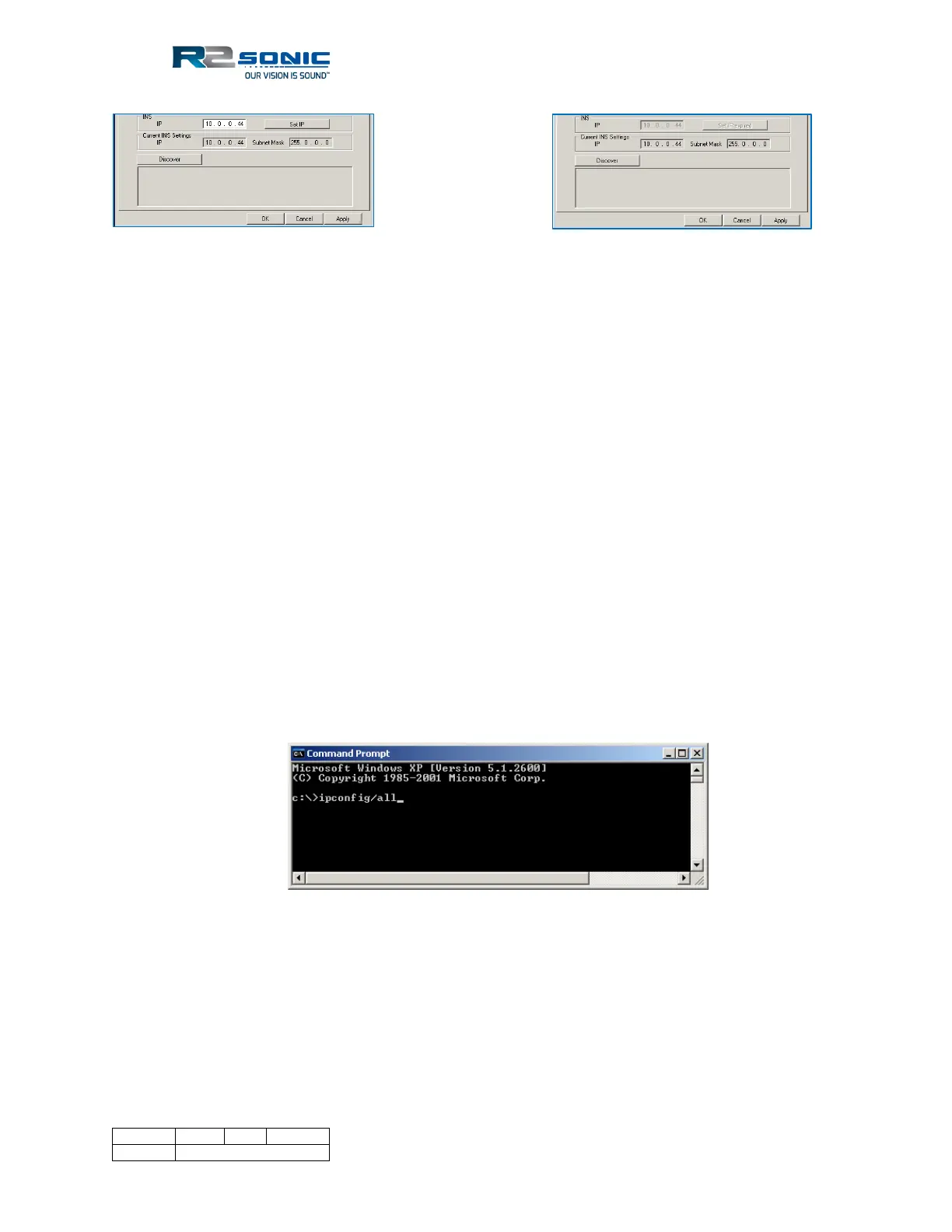
Figure 50: Set INS IP Figure 51: Set IP Time Expired
5.4.2.3 Network Broadcast to more than one computer
It is possible to send the bathymetry, TruePix, and Water Column data to more than one computer
via a broadcast. The Subnet Mask will dictate the correct IP address to be used to broadcast. Using
the default Subnet Mask of 255.0.0.0, the Bathy, TruePix and Water Column IP would be
10.255.255.255. If the user sets a Subnet Mask of 255.255.0.0, the output IP would be
10.0.255.255.
5.4.3 Configuring Network Communication
• The network settings allow freedom in selecting IP numbers for various pieces of
equipment.
• The most important settings to get right are the Subnet Mask (upper left corner of the
Network settings dialogue) and the GUI IP number. If these numbers are wrong, the Sonic
Control program will not be able to configure the sonar head and SIM. The GUI IP number
and subnet mask, entered in the Network Settings dialogue, is the IP address and subnet
mask assigned to the computer that is running the Sonic Control program.
• To verify computer network setup, run ipconfig/all from the command line or command
prompt.
Figure 52: Command prompt-ipconfig/all
• The Sonic Control program is required to send networking configuration to the sonar head
and SIM whenever the sonar head and/or SIM are powered up.
• If the GUI IP number and subnet mask are set correctly, the Discover button will list the
R2Sonic devices attached to the network. If the GUI IP number and/or subnet mask is set
wrong, Discover will not work, and the sonar head and SIM will not configure.



 To Next Page