Page 96 of 254
Part No. 96000001
5.10.3 TruePix™ Monitor
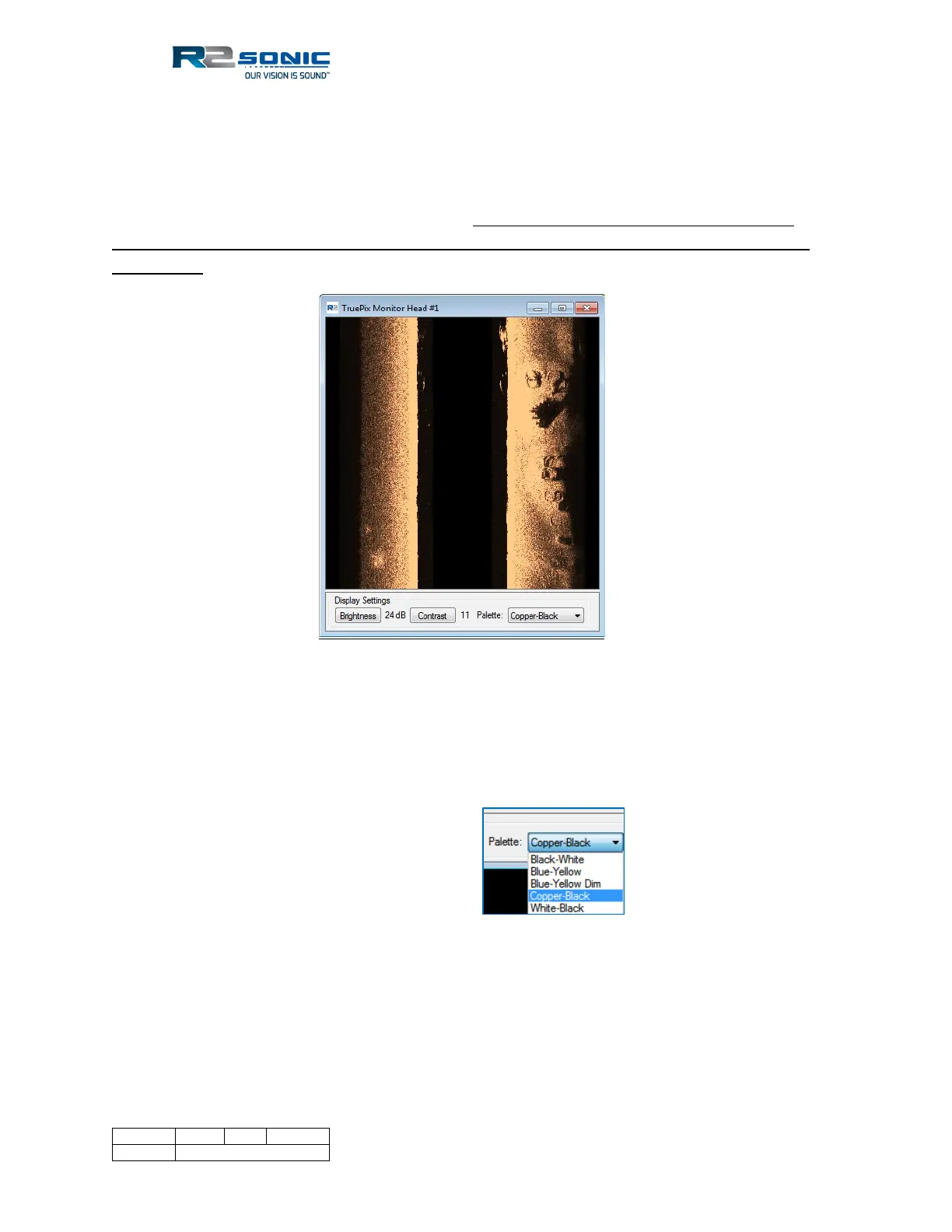
The TruePix monitor has been added to Sonic Control to provide users with a means to visualise the
real-time imagery. It is important to note that with the addition of the TruePix monitor the manner
in which TruePix are transmitted, from the head, has changed. TruePix data will only flow to the
data collection software when Sonic Control is open. If Sonic Control is closed, the bathymetry (as
well as Snippet and water column) data will still flow to the data collection software, but the TruePix
data will not.
Figure 102: TruePix Monitor
There are multiple palettes available and can be changed and, when change, will take immediate
effect on the displayed data. The Brightness and Contrast can be toggle up and down using the
mouse buttons after first clicking on either Brightness or Contrast.
Figure 103: TruePix
monitor palette



 To Next Page